
Digital Hygiene and Strong Passwords
Good online safety starts with knowing how to protect your personal information. One of the easiest and most important steps is creating strong, unique passwords for your online accounts. Building good digital hygiene habits can make your everyday online activities safer.
From email and social media to gaming accounts and school platforms, many parts of daily life now require a login. A weak password can make it easier for someone to access an account without permission. Learning good password security habits can help protect your privacy, personal information, and digital identity.
Why Strong Passwords Matter in Today’s Digital World
Almost every online service depends on some form of login protection. Your accounts may contain private messages, photos, school information, saved payment details, or other personal data. A weak password can put that information at greater risk.
Strong passwords are therefore an important part of online safety and digital privacy. They make unauthorized access more difficult and give your accounts an important first layer of protection.
Good digital hygiene also means using safe habits consistently, such as creating unique passwords, enabling extra security features, and keeping your devices updated.
How passwords protect your personal data
Think of a password as a digital key. It helps a website or app check whether you are allowed to access an account.
A strong password makes it much harder for someone to guess your login details. This can help protect private messages, photos, files, and other information stored in your account.
However, a password is only one part of account security. Using unique passwords, enabling two-factor authentication, and keeping your devices updated can provide additional protection.
Risks of weak passwords in daily life
Weak passwords are often based on information that is easy to guess, such as names, birthdays, favorite teams, or simple number patterns.
If someone gains access to an account, they may be able to view private information, change account settings, or lock the real owner out. Reusing the same password can make the problem even bigger because one exposed password may put several accounts at risk.
That is why creating strong and unique passwords is an important everyday security habit and a basic part of good digital hygiene.
What Makes a Password Weak or Strong?
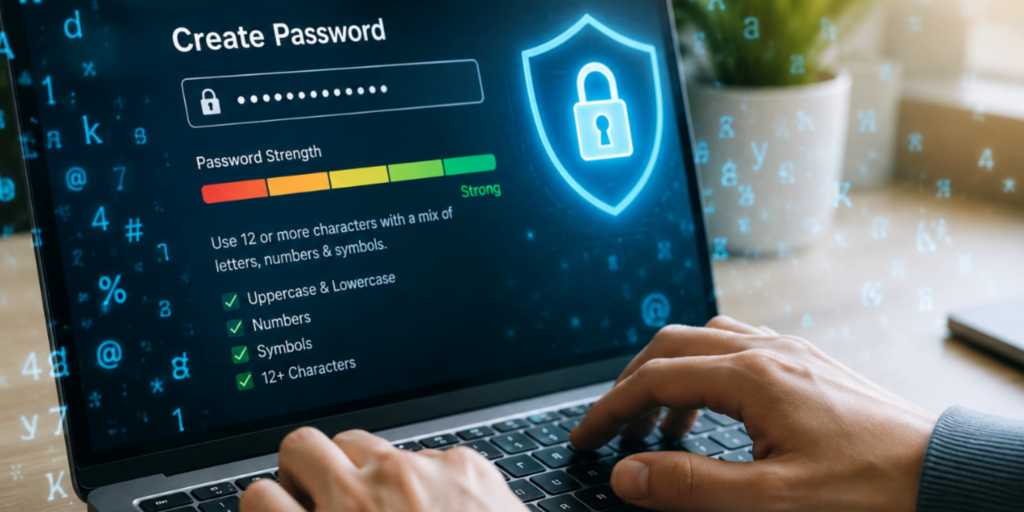
Not all passwords provide the same level of protection. A password can look complicated but still be predictable if it follows a common pattern.
Understanding what makes a password strong helps you make better choices when creating accounts.
Common weak password mistakes
Some common password mistakes include:
- Using your name or birthday
- Using simple words such as “password”
- Using predictable number patterns
- Adding only one number or symbol to an obvious word
- Reusing the same password on multiple websites
- Using information that people can easily find about you online
These passwords may be easy to remember, but they can also be easier for attackers to guess.
Features of a strong password
A strong password should be:
- Long: More characters generally make guessing harder.
- Unique: Use a different password for each important account.
- Random: Avoid predictable words, patterns, and personal information.
- Difficult to guess: Don’t use information that someone could learn from your social media.
A password does not need to look complicated just for the sake of being complicated. Length, uniqueness, and unpredictability are more important than simply adding lots of symbols.
How Hackers Crack Passwords
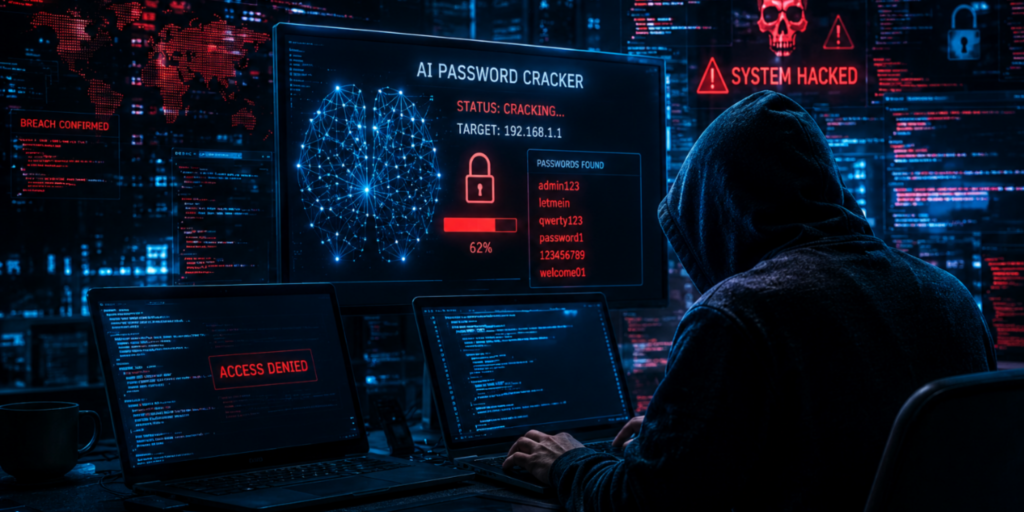
Attackers can use automated software to test large numbers of possible passwords. They may try common passwords, combinations of words and numbers, or information connected to previously exposed accounts.
This is one reason simple passwords and reused passwords can be dangerous. The easier a password is to predict, the more likely it is to appear among the combinations an attacker tries.
Understanding these risks can help you make smarter decisions about account security.
Password cracking tools explained simply
Password-cracking software can test many possible combinations much faster than a person could manually.
Attackers may also use information from previous data breaches or common password patterns. If a password follows an obvious pattern, automated tools may have a better chance of finding it.
The good news is that a long, unique, unpredictable password makes guessing much more difficult.
Why reused passwords are dangerous
Using one password for several accounts may seem convenient, but it creates a chain of risk.
Imagine that the password for one website becomes exposed in a data breach. If you use that same password somewhere else, an attacker may try it on your other accounts.
Using a unique password for every account helps contain the damage. If one password is exposed, your other accounts can still have different login credentials.
Easy Method to Create Strong Passwords
Creating a strong password does not have to be complicated. One practical approach is to use a passphrase, which combines several unrelated words into something memorable but difficult for others to predict.
For important accounts, you can also use a password manager to generate long, random passwords.
Passphrase method for beginners
A passphrase uses multiple words together instead of relying on one short word.
For example, instead of using a short word followed by an obvious number, choose several unrelated words and create a phrase that is difficult for other people to predict.
Avoid using famous quotes, song lines, or information that is publicly connected to you. The goal is to make the passphrase unique and unpredictable, not simply meaningful.
Adding numbers and symbols safely
Numbers and symbols can be useful, but simply adding “123” or “!” to the end of a common word does not automatically make a password strong.
If you create your own passphrase, focus first on length and unpredictability. If you add numbers or symbols, avoid obvious patterns.
For important accounts, a password manager can create random passwords so you do not have to invent complicated combinations yourself.
Smart Ways to Remember Passwords
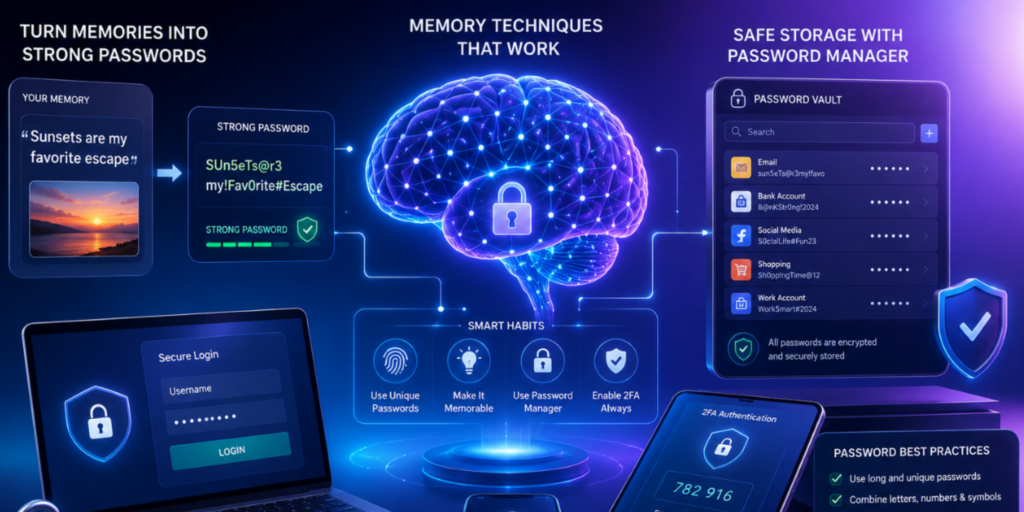
Having a different password for every account can make remembering them difficult. This is one reason people sometimes return to the unsafe habit of using the same password everywhere.
Instead of trying to memorize dozens of complicated passwords, use a safer system. Developing these habits is an important part of maintaining good digital hygiene.
Memory techniques that actually work
For passwords that you need to remember yourself, a memorable passphrase can be easier than a short collection of random characters.
Choose words that are not obvious connections to your personal information. Avoid using your name, birthday, school name, or anything someone could easily discover about you.
For other accounts, a password manager can remember your unique passwords for you.
Why memory alone is not enough
Memory can work for a small number of passwords, but managing many unique passwords becomes difficult.
Trying to remember everything may encourage you to reuse passwords or choose simpler ones. A password manager can solve this problem by securely storing your login information and generating unique passwords when needed.
This allows you to use stronger passwords without having to memorize every single one.
Why You Should Never Reuse Passwords
Using the same password on multiple websites increases your risk because one exposed password can affect several accounts.
For example, if your password is leaked from one website and you use it on your email account too, your email could become another target.
Risks of reused passwords
The biggest problem is that attackers may try leaked login information on other websites.
This can turn one compromised account into multiple compromised accounts. Your email, social media, gaming, and other accounts may all be connected to the same password.
Using a separate password for each account helps reduce this risk.
Safe habits for account protection
Make these habits part of your everyday online routine:
- Use a unique password for every important account.
- Use a password manager for accounts you do not want to memorize.
- Turn on two-factor authentication whenever it is available.
- Avoid sharing passwords with friends or other people.
- Change a password if you believe it has been exposed.
- Be careful when entering passwords after clicking links in unexpected messages.
You should also learn how to browse the internet safely to avoid suspicious websites and protect your personal information.
These simple habits can make your accounts much harder to compromise and strengthen your overall digital hygiene. Following basic internet safety rules can also help you protect your accounts and personal information online.
Two-Factor Authentication (2FA) and MFA Explained
Passwords are important, but they should not be your only layer of protection.
Two-factor authentication (2FA) adds another verification step when you sign in. Multifactor authentication (MFA) uses two or more authentication factors to help confirm that the person logging in is really you.
You can learn more about cybersecurity and account protection from CISA’s official cybersecurity guidance.
What is 2FA in simple terms?
With 2FA, signing in usually requires your password plus another verification step.
Depending on the service, the second step might involve an authentication app, a security key, or another approved verification method.
This means that knowing your password alone may not be enough to access the account.
How MFA improves account security
MFA can combine different types of authentication, such as:
- Something you know, such as a password
- Something you have, such as a security device
- Something you are, such as a biometric verification method
Using more than one layer can make unauthorized access more difficult, even if one login factor is compromised.
Password Managers and Why They Help
Password managers are tools designed to securely store and organize your login information.
Instead of memorizing a different complicated password for every website, you can use a password manager to store them and help generate strong, unique passwords.
What password managers do
A password manager can:
- Store your passwords securely
- Generate strong random passwords
- Fill login details when appropriate
- Help you avoid password reuse
- Reduce the number of passwords you need to memorize
Many password managers protect stored information using encryption. You still need to protect your main account or master password carefully.
Benefits of encrypted vaults
A password manager may store your login information inside an encrypted vault. Encryption helps turn readable information into protected data that cannot easily be understood without the correct access.
A password manager can therefore make strong password habits much easier to maintain and support better digital hygiene, especially when you have many online accounts.
Passkeys: The Future of Secure Login
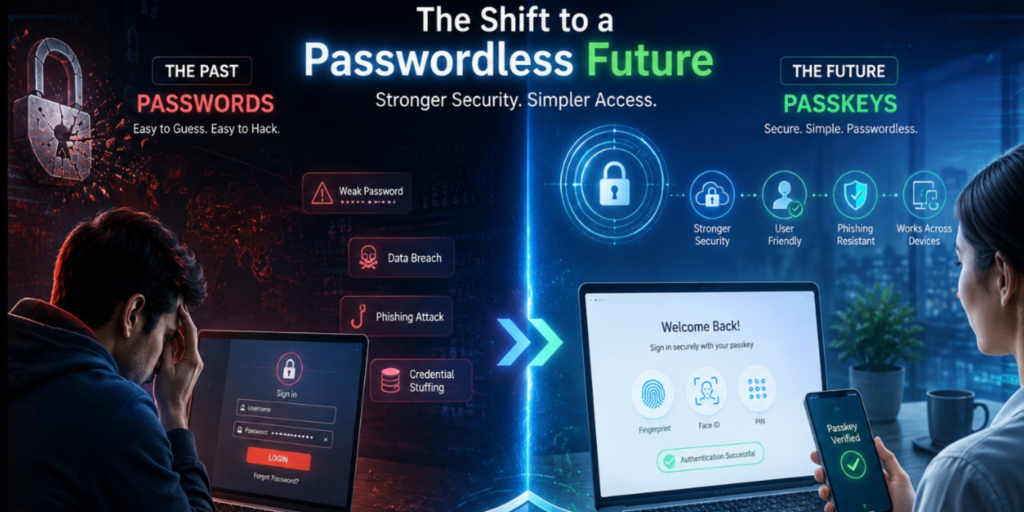
Passkeys are a newer way to sign in without relying on traditional passwords.
Instead of typing a password, you can use a device-based credential that is protected by your device’s security features. Passkeys are designed to reduce problems such as password reuse, guessing, and many types of phishing.
What passkeys are
A passkey is a digital credential that can be stored securely on a compatible device or password manager.
When you sign in, your device may ask you to verify yourself using a PIN, fingerprint, face recognition, or another supported method.
You do not need to remember a traditional password for that sign-in.
Why passkeys can be safer than passwords
Traditional passwords can be guessed, reused, stolen, or entered into fake websites. Passkeys are designed differently and use cryptographic technology to authenticate you.
They are also designed to resist many common phishing techniques because there is no traditional password for you to type into a fake login page.
As passkey support continues to grow, they are becoming an important option for secure and convenient account access.
Frequently Asked Questions (FAQ)
How long should a strong password be?
Longer passwords are generally harder to guess than short ones. Instead of focusing only on adding symbols, prioritize length, uniqueness, and randomness.
For especially important accounts, using a password manager to generate a long random password is a strong option.
Are password managers safe to use?
Password managers are generally considered a useful security tool when you choose a reputable service and protect your account properly.
They can help you create unique passwords, store them securely, and avoid reusing the same password across different websites.
What is the safest way to remember passwords?
You do not need to memorize every password.
For passwords you must remember, a strong passphrase can be useful. For other accounts, a reputable password manager can securely store unique passwords for you.
Is two-factor authentication necessary for everyone?
2FA is strongly recommended whenever an account supports it, especially for important accounts such as email and other services containing personal information.
It adds another security layer, so an attacker who obtains your password may still have difficulty accessing the account.
What makes a password secure?
A secure password is long, unique, random, and difficult to predict. Avoid using the same password for multiple accounts. For stronger protection, combine unique passwords with 2FA or MFA and other good security habits.
Conclusion: Staying Safe Online
Staying safe online does not require complicated steps. Start with the basics: use strong and unique passwords, avoid reusing them, and enable two-factor authentication whenever possible.
A password manager can make managing multiple accounts easier, while passkeys offer another modern option for secure sign-ins.
The goal is not to become a cybersecurity expert overnight. Build good habits one step at a time, protect your login information, and stay alert when something online seems suspicious. Good digital hygiene also includes understanding cyberbullying awareness and knowing how to respond to unsafe online behavior.
These habits are part of good digital hygiene and can make a big difference in protecting your accounts, privacy, and digital life.