
What Is a Computer? A Simple Guide to How Computers Work
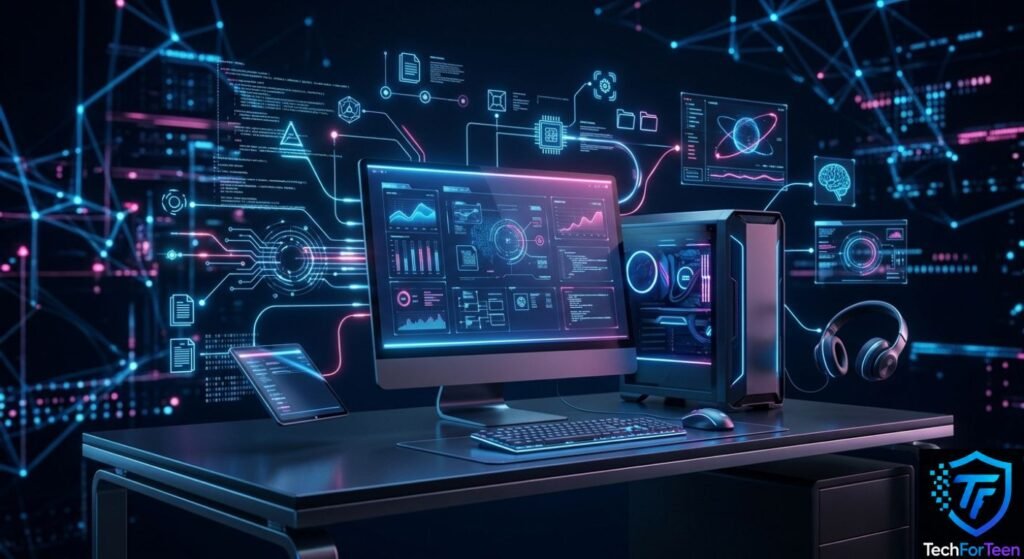
A computer is a machine that processes information according to instructions. It takes input, processes that information, and then produces output. It can also store information so it can be used later.
For example, imagine you type a sentence using a keyboard. The keyboard sends your input to the computer. The computer processes the information and displays the sentence on the monitor.
This basic process can be described in four simple steps:
- Input – You give information or instructions to the computer.
- Processing – The computer works with that information.
- Output – The computer shows or provides the result.
- Storage – The computer saves information for future use.
This process happens extremely quickly, allowing computers to complete many tasks in a short amount of time.
How Does a Computer Work?
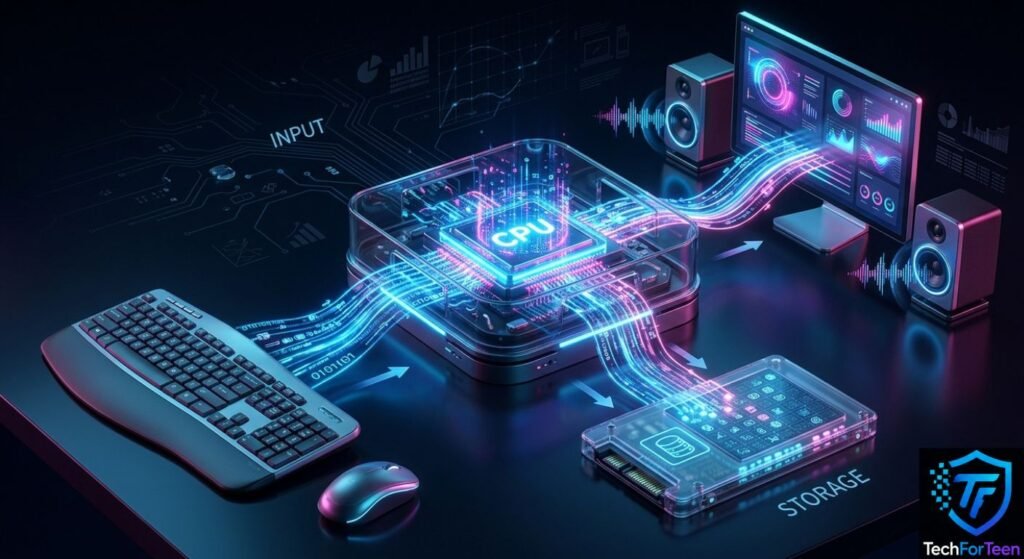
A computer works by combining hardware and software. Hardware includes the physical components you can see and touch, while software consists of the programs and instructions that tell the hardware what to do.
For example, when you open a web browser, the software gives instructions to the computer. The processor handles those instructions, RAM temporarily holds the information being used, and the monitor displays the browser on the screen.
Different components have different jobs, but they work together as a system.
A simple example is typing a message:
- You press a key on the keyboard.
- The computer receives the input.
- The CPU processes the instruction.
- RAM temporarily holds the information while the program is running.
- The monitor displays the characters on the screen.
- The computer can save the document to its storage if you choose to keep it.
This teamwork allows the computer to respond to your actions.
Main Parts of a Computer
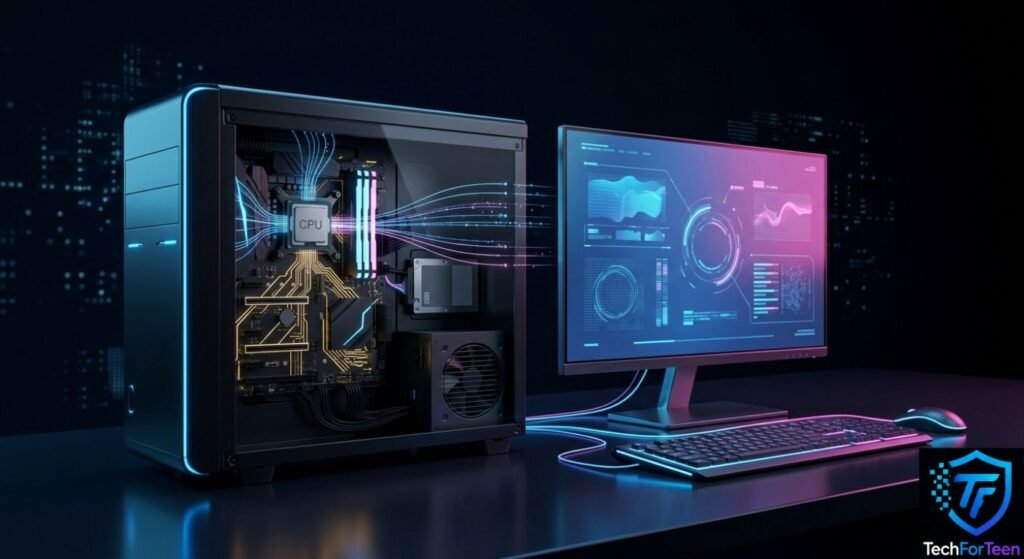
A computer contains several hardware components. Each component has a specific job, and together they allow the computer to function properly.
Some of the most important parts include the CPU, RAM, storage, motherboard, power supply, monitor, keyboard, and mouse.
Central Processing Unit (CPU)
The Central Processing Unit, commonly called the CPU, is one of the most important components inside a computer.
The CPU processes instructions and performs calculations needed to run programs. When you open an application, browse a website, or play a game, the CPU helps process the instructions required for those tasks.
People sometimes call the entire computer box the “CPU,” but this is not technically correct. The CPU is a component located inside the computer system.
A more powerful CPU can generally handle demanding tasks more efficiently, although overall computer performance also depends on other components.
RAM (Random Access Memory)
RAM, or Random Access Memory, is the computer’s temporary working memory.
When you open an application, the information it needs is loaded into RAM so the computer can access it quickly. RAM is different from permanent storage because its contents are temporary.
For example, if you have a web browser, document editor, and other programs open at the same time, they use RAM while they are running.
Having enough RAM helps a computer handle multiple tasks smoothly.
Storage
Computer storage is used to keep files and information for the long term.
Storage can contain documents, photographs, videos, applications, games, and other files. Two common types of internal storage are hard disk drives (HDDs) and solid-state drives (SSDs).
HDDs store information on spinning magnetic disks, while SSDs use electronic memory and have no moving disks. SSDs are generally much faster, which is why they are widely used in modern computers.
Unlike RAM, storage keeps your files even after the computer is turned off.
Motherboard
The motherboard is the main circuit board inside a computer.
It connects important components such as the CPU, RAM, storage devices, and other hardware. It allows these components to communicate with one another.
The motherboard also provides connections for various external devices and accessories.
Without a motherboard, the individual components inside a computer would not be able to work together as a complete system.
Power Supply
The power supply provides electricity to the computer’s internal components.
Desktop computers use a power supply unit to convert electricity from an outlet into the appropriate electrical power needed by the computer’s hardware.
Without a reliable power supply, the computer cannot operate.
Input Devices and Output Devices of a Computer
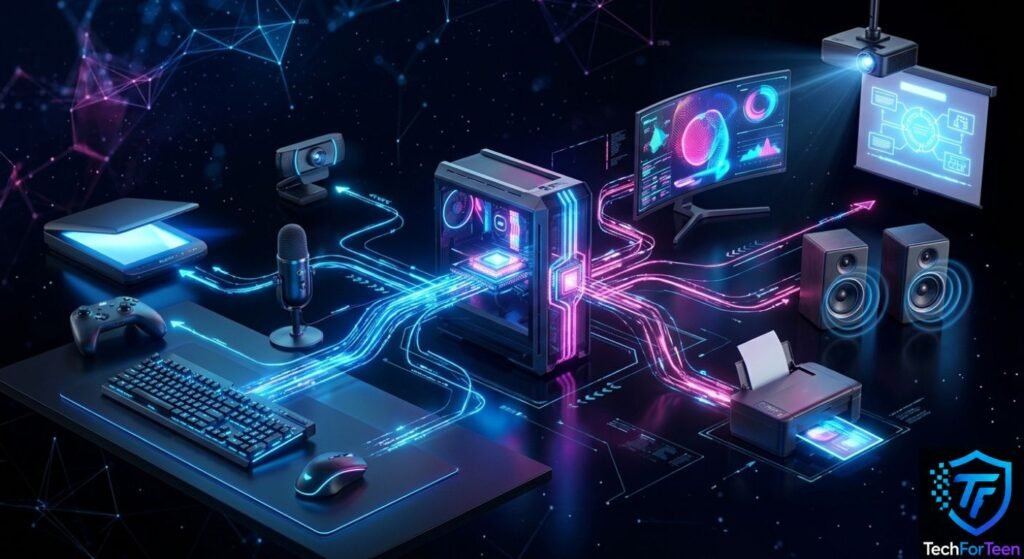
They can display information visually, produce sound, or create physical copies.
Input devices allow users to send information and instructions to a computer.
They are especially important because they provide a way for people to interact with software and control what the computer does.
Output devices present the information processed by a computer to the user. They can display information visually, produce sound, or create physical copies.
Keyboard
A keyboard is one of the most common input devices.
It allows users to enter letters, numbers, symbols, and commands. Students use keyboards to write assignments, search the internet, complete projects, and communicate online.
The QWERTY keyboard layout is the most commonly used keyboard layout in many parts of the world.
Mouse
A mouse allows users to control the pointer or cursor on the screen.
You can use a mouse to click buttons, select files, open programs, drag items, and scroll through pages.
A typical mouse includes left and right buttons and a scroll wheel.
Microphone
A microphone allows a computer to receive sound.
Microphones are useful for online classes, video calls, voice recordings, gaming communication, and other activities that require audio input.
Many laptops already have built-in microphones.
Webcam
A webcam is a small camera used to capture video.
Webcams are commonly used for online classes, video calls, meetings, interviews, and other activities that require video communication.
Many laptops include built-in webcams.
Scanner
A scanner converts physical documents, photographs, and drawings into digital files.
For example, you can scan a printed document and save a digital copy on your computer.
Scanners are often used in schools, offices, libraries, and other workplaces.
Game Controllers
Game controllers and joysticks are input devices commonly used for gaming.
They allow players to control characters, vehicles, menus, and other elements inside games. Controllers can be especially useful for racing, sports, and simulation games.
Monitor
A monitor is the main display used with a desktop computer.
It shows text, images, videos, websites, applications, and games. Without a display, it would be difficult for most users to see what the computer is doing.
Modern monitors can use technologies such as LCD and LED displays and are available in different sizes and resolutions.
Speakers
Speakers allow a computer to produce sound.
They can be used for music, videos, online lessons, games, video calls, and other activities involving audio.
Some computers have built-in speakers, while others can be connected to external speakers.
Printer
A printer produces physical copies of digital documents and images.
Students may use printers for assignments, worksheets, projects, and study materials. Offices also use them for reports, forms, and other documents.
Some modern printers can also scan and copy documents.
Projector
A projector displays computer content on a larger surface, such as a wall or presentation screen.
Projectors are commonly used in classrooms, offices, meetings, and presentations because they allow groups of people to view the same information.
What Is Computer Hardware?
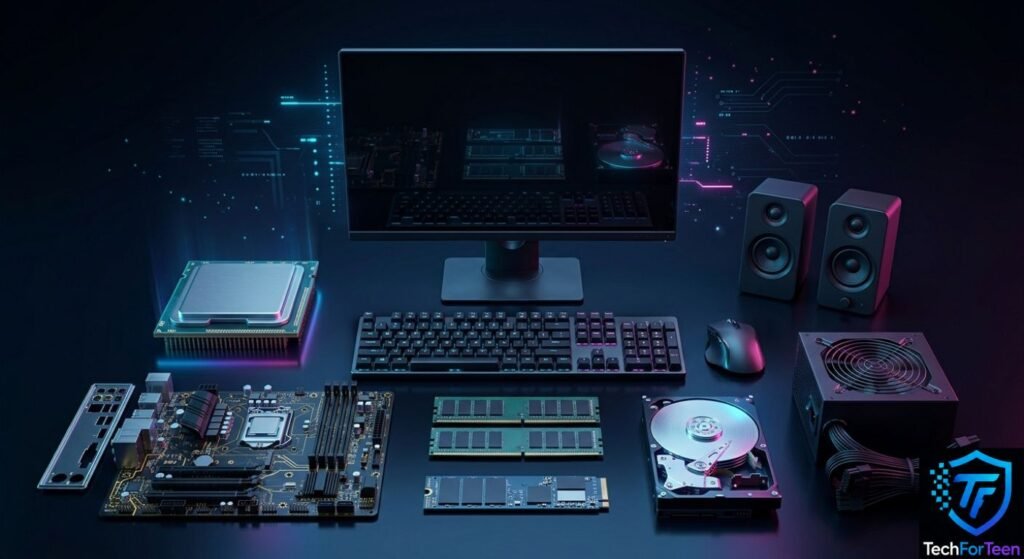
Hardware refers to the physical parts of a computer that you can see and touch.
Examples include:
- CPU
- RAM
- Storage drive
- Motherboard
- Keyboard
- Mouse
- Monitor
- Speakers
- Printer
Each hardware component performs a particular function, and the components work together to operate the computer.
What Is Computer Software?
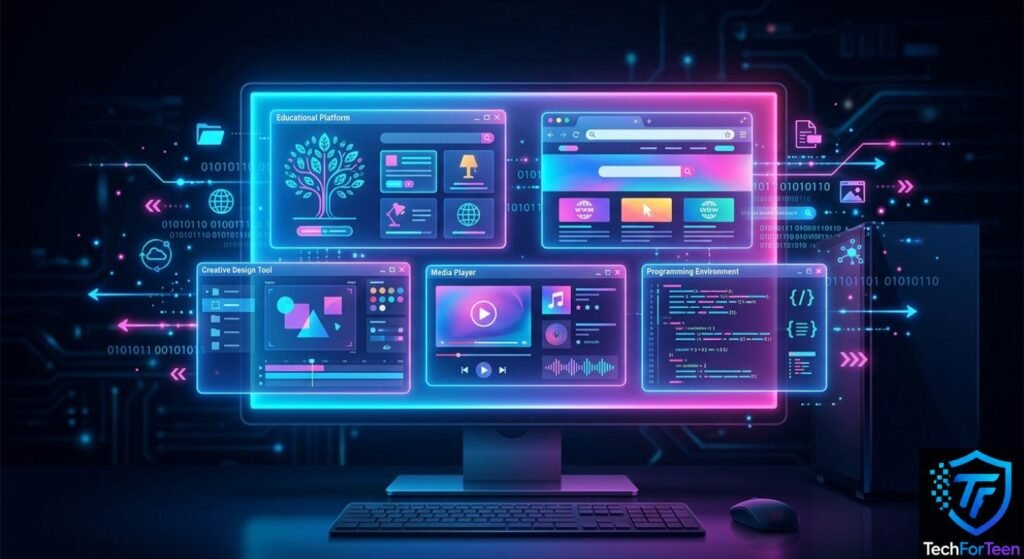
Software is made up of programs and instructions that tell a computer what to do.
Unlike hardware, software cannot be physically touched.
Examples of software include:
- Operating systems
- Web browsers
- Word processors
- Video players
- Educational applications
- Games
- Photo-editing programs
For example, a keyboard is hardware, while the program you use to type a document is software.
A computer needs both hardware and software to perform useful tasks.
How Do Computer Parts Work Together?
A computer works like a team. Each component has its own job, but the components must communicate with one another to complete tasks.
Suppose you want to watch a video online.
First, you use an input device such as a keyboard or mouse to open a website. The computer connects to the internet and receives the video data.
The CPU processes instructions while RAM temporarily holds information needed by the programs. The storage device keeps files and applications when they need to be saved. Finally, the monitor displays the video and the speakers produce its sound.
All of this happens very quickly.
This teamwork between different hardware components and software is what allows a computer to perform complicated tasks with just a few clicks.
Types of Computers
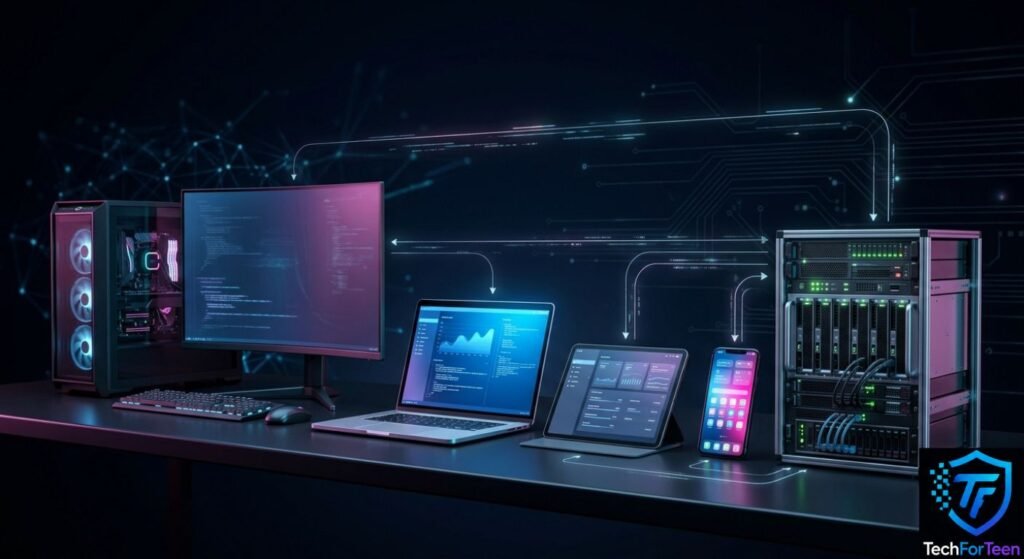
Computers come in many shapes and sizes. Different types are designed for different purposes.
Desktop Computers
A desktop computer is designed to stay in one location, usually on a desk.
Desktop computers are often used at home, in schools, and in offices. They can provide strong performance and can usually be upgraded more easily than many portable devices.
Laptops
A laptop is a portable computer with a built-in screen, keyboard, touchpad, battery, and other components.
Laptops are useful for students and people who need to work in different locations.
You can use a laptop for studying, browsing the internet, creating documents, watching videos, programming, and many other activities.
Tablets
A tablet is a portable computer controlled mainly through a touchscreen.
Tablets are commonly used for reading, watching videos, browsing websites, learning, drawing, and using mobile applications.
Smartphones
Although smartphones are smaller than traditional computers, they are powerful computing devices.
They can run applications, access the internet, store files, take photographs, play games, and perform many other computing tasks.
Servers
A server is a computer system designed to provide services or resources to other computers and devices.
Servers can store websites, manage files, provide applications, and handle information for networks.
They are commonly used by businesses, schools, websites, and other organizations.
What Are Computers Used For?
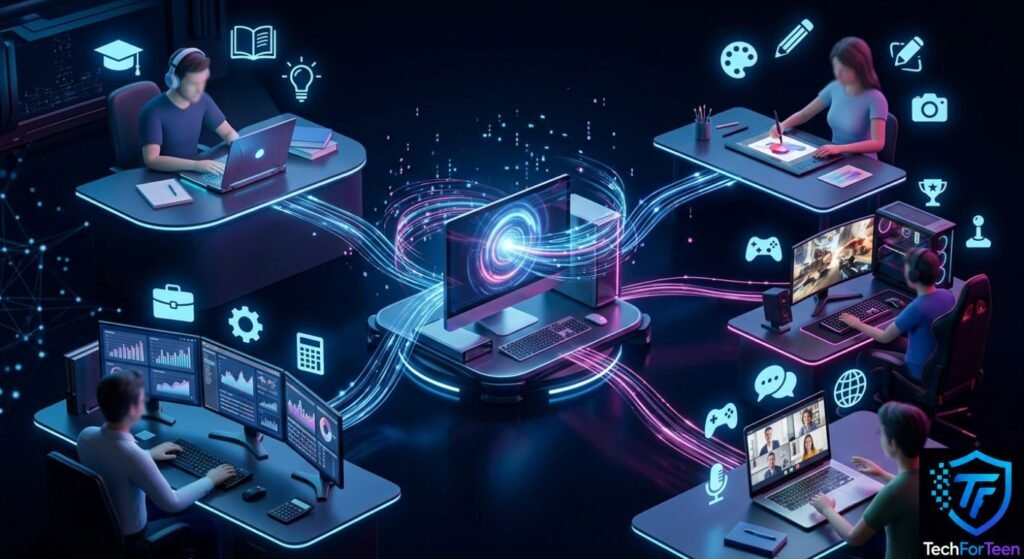
Computers are used for countless tasks in modern life.
Education
Students use computers to research topics, write assignments, attend online classes, create presentations, learn new skills, and use educational software.
Computers also give students access to digital books, videos, tutorials, and other learning resources.
Communication
Computers make it possible to communicate with people around the world.
Email, messaging applications, video calls, and other communication tools allow people to share information quickly.
Entertainment
Computers can be used to watch movies, listen to music, play games, edit videos, and explore other forms of digital entertainment.
Work
Businesses use computers for writing documents, managing information, creating presentations, communicating with customers, analyzing data, and many other tasks.
Many jobs today require at least some basic computer skills.
Creativity
Computers provide tools for creating digital artwork, editing photographs, producing videos, composing music, designing websites, and developing games.
This makes computers useful not only for consuming information but also for creating it.
Can a Computer Work Without the Internet?
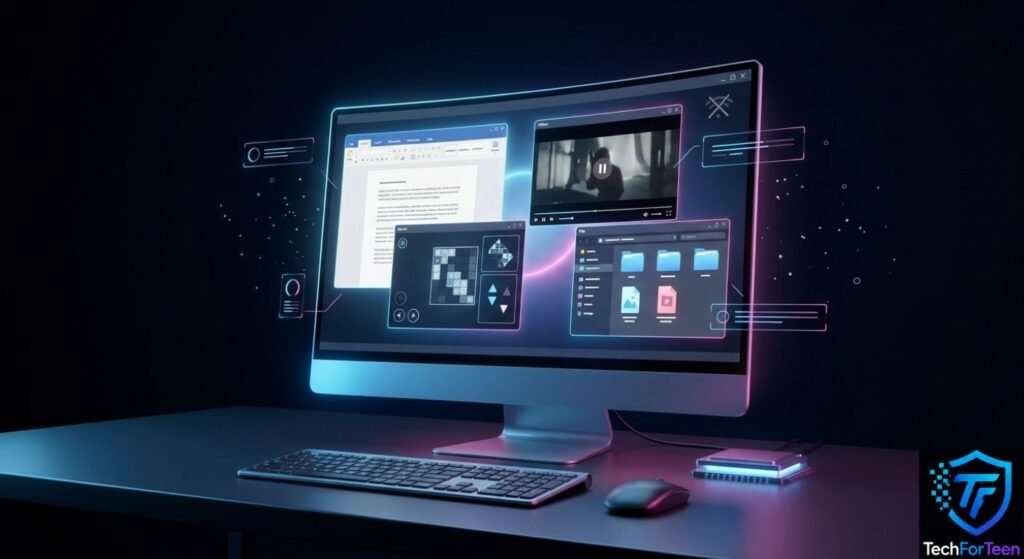
Yes, many computers can perform numerous tasks without an internet connection.
For example, you can use an offline computer to:
- Write and edit documents
- Play offline games
- Watch downloaded videos
- View saved photographs
- Organize files
- Use offline applications
- Create drawings or presentations
However, activities such as browsing websites, online gaming, sending emails, and using many cloud-based services require an internet connection.
The internet and a computer are therefore different things. A computer can exist and perform many tasks without being connected to the internet.
Why Is It Important to Learn About Computers?
Learning basic computer skills is useful because computers are an important part of modern education, work, communication, and entertainment.
For students, understanding computers can make everyday tasks easier. It can help them create school projects, find information, use educational applications, and communicate online.
Computer knowledge can also provide a foundation for learning more advanced subjects such as programming, graphic design, video editing, cybersecurity, and other areas of technology.
The earlier students understand basic computer concepts, the easier it can become to explore more advanced digital skills later.
Frequently Asked Questions About Computers
What is a computer in simple words?
A computer is an electronic device that receives information, processes it according to instructions, stores data, and produces useful results.
What are the four basic functions of a computer?
The four basic functions are input, processing, output, and storage. A computer receives information, processes it, produces a result, and can save information for later use.
What is the most important part of a computer?
There is not one single component that makes a computer work by itself. The CPU is responsible for processing instructions, but other components such as RAM, storage, the motherboard, and power supply are also essential to the system.
What is the difference between hardware and software?
Hardware is the physical part of a computer that you can touch, such as a keyboard, monitor, or CPU. Software consists of programs and instructions that tell the computer what to do.
Is a laptop a computer?
Yes. A laptop is a type of computer designed to be portable. It contains components such as a processor, memory, storage, display, keyboard, and battery.
Can a computer work without the internet?
Yes. A computer can perform many tasks without an internet connection, including writing documents, using offline programs, playing offline games, and managing saved files.
Why do computers need RAM?
RAM temporarily stores information that programs are actively using. It allows the computer to quickly access the data needed while applications are running.
Conclusion
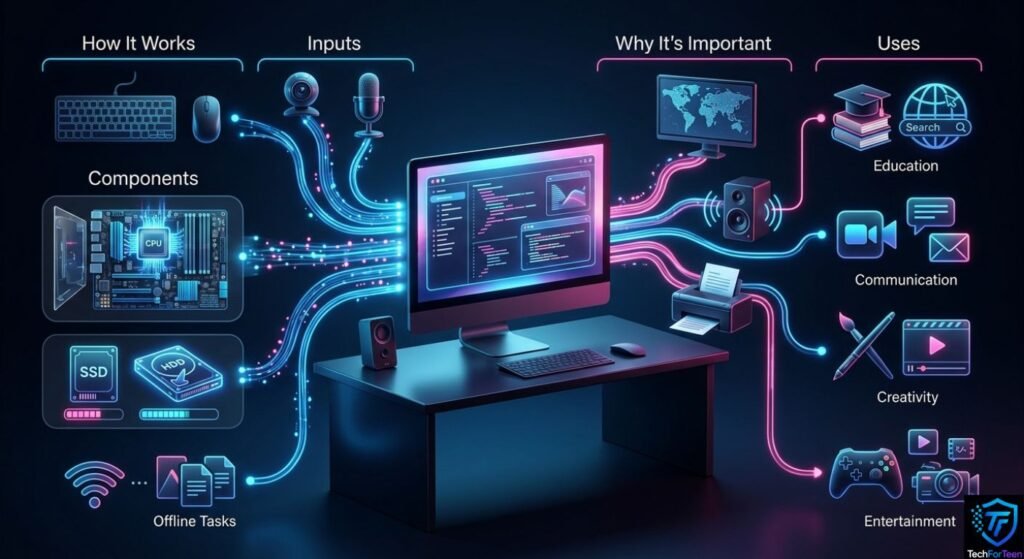
So, what is a computer? A computer is an electronic device that processes information, follows instructions, stores data, and produces useful results.
From the CPU and RAM inside the system to the keyboard, mouse, monitor, and other external devices, every component has a role to play. Hardware provides the physical equipment, while software provides the instructions that make the computer useful.
Computers are now used for education, communication, work, entertainment, creativity, and many other activities. Understanding how they work gives students and beginners a strong foundation for using technology confidently.
You don’t need to understand every technical detail to get started. By learning the basic parts of a computer and understanding how they work together, you can build the skills needed to explore the digital world and learn more advanced computer technology in the future.