
Computer Basics for Kids
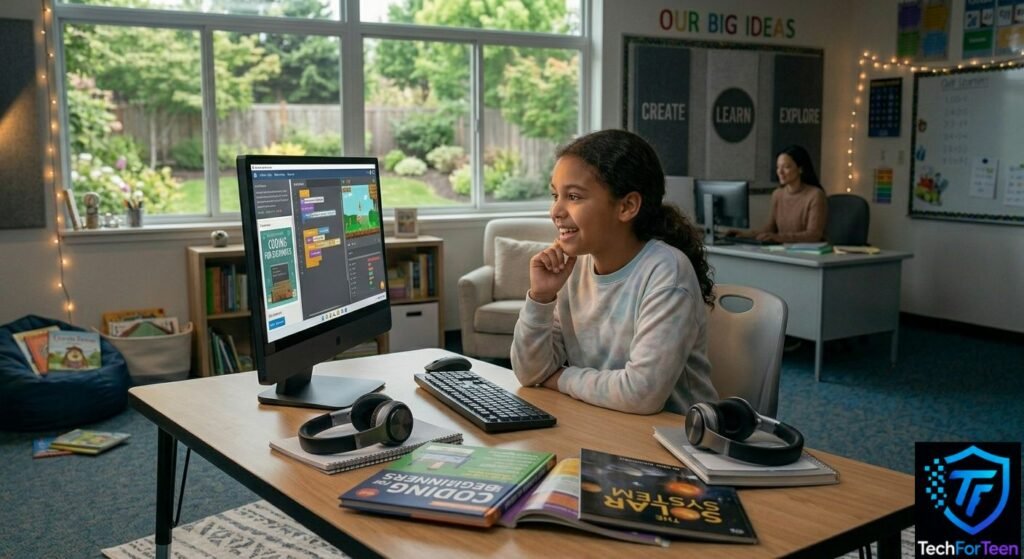
Computers are everywhere today. Kids use them for schoolwork, games, videos, and talking with friends. From laptops and tablets to phones and smart TVs, these devices help us learn and have fun every day. If you want to understand computer basics for kids, this guide will make everything simple and easy to follow. You can also explore Code.org computer science resources to discover more fun and beginner-friendly ways to learn about technology.
You will learn how computer hardware and computer software work together, how input devices and output devices help computers communicate, and how a computer processes information. By the end, you will better understand how computers think, respond, and complete tasks so quickly.
What Is a Computer?
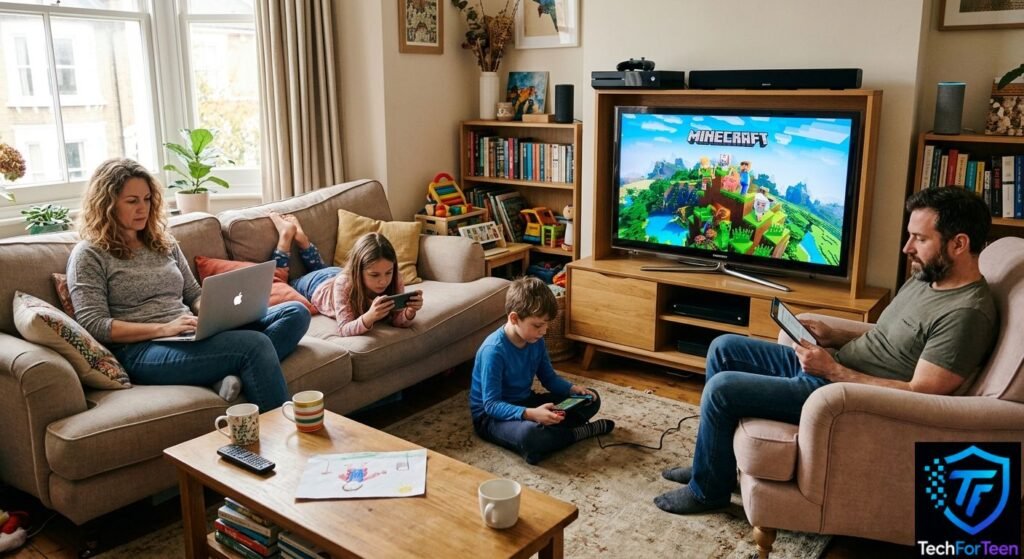
A computer is an electronic device that takes information, processes it, and gives an output. In simple words, computers help people complete tasks faster and more easily. They can solve problems, open apps, play videos, store files, and connect to the internet. Every computer follows instructions called software instructions to perform different jobs.
Many everyday devices work using computer technology. A laptop helps students study and type assignments. Phones and tablets let people watch videos, play games, and chat with friends. Gaming consoles use a powerful processor and computer memory to run video games smoothly. Smart TVs also work like computers because they use apps, internet connections, and operating systems to stream shows and videos.
How Does a Computer Work?
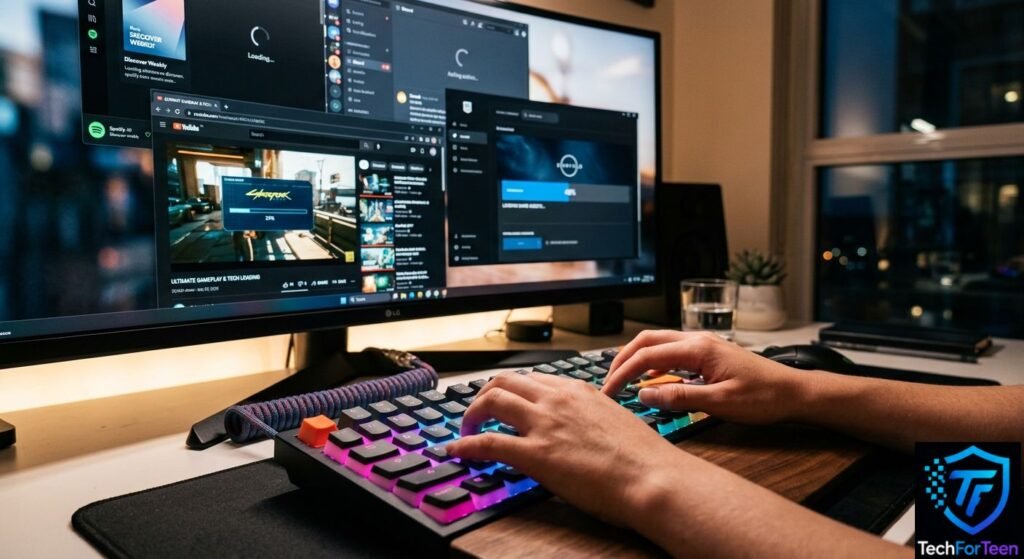
A computer works by following four simple steps called input, processing, output, and storage. First, the computer receives information from the user. Then it processes that information using the CPU and computer memory. After that, it shows the result on the screen or through speakers. Finally, it stores the information so it can be used again later.
Input
Input means giving information to the computer. This happens when you type on a keyboard, click a mouse, tap a touchscreen, or speak into a microphone. These tools are called input devices because they send user input into the computer system.
Processing
Processing is when the computer thinks about the information it receives. The processor follows software instructions and performs data processing very quickly. For example, when you open Minecraft or search for a video on YouTube, the computer processes your request in seconds.
Output
Output is the result the computer gives back to you. The monitor shows videos, games, and websites while speakers play sound and music. These are called output devices because they display computer output in different ways.
Storage
Storage allows the computer to save files, apps, games, and folders for later use. This helps you reopen homework, continue games, or watch saved videos without starting over again. You can learn more about how computers process information from BBC Bitesize Computer Basics.
What Is Computer Hardware?
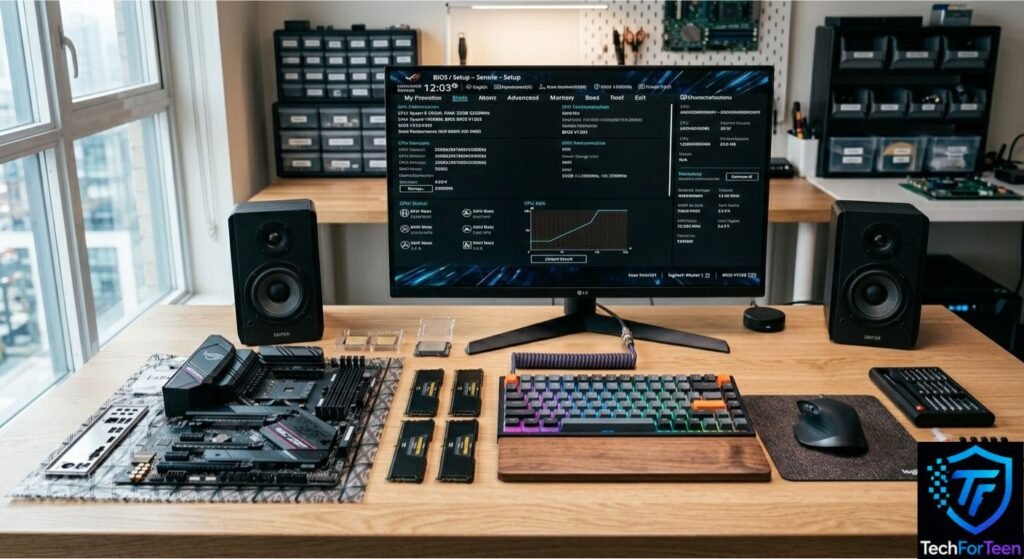
Computer hardware includes all the physical parts of a computer that you can touch and see. These are the real devices that help a computer work. Without hardware, a computer cannot function because there would be nothing to run software or show results.
Keyboard and Mouse
The keyboard and mouse are common input devices. The keyboard is used for typing letters, numbers, and commands. The mouse helps you move the pointer on the screen and click on things like apps or files. These tools send user input into the computer.
Monitor and Speakers
The monitor is an output device that displays everything you see on a computer, such as games, videos, and websites. Speakers are also output devices that produce sound, music, and voice from videos or games. Together, they help you see and hear what the computer is doing.
CPU
The CPU is the most important part of computer hardware. It is often called the brain of the computer because it handles data processing and follows software instructions. It works with computer memory and storage devices to make everything run smoothly.
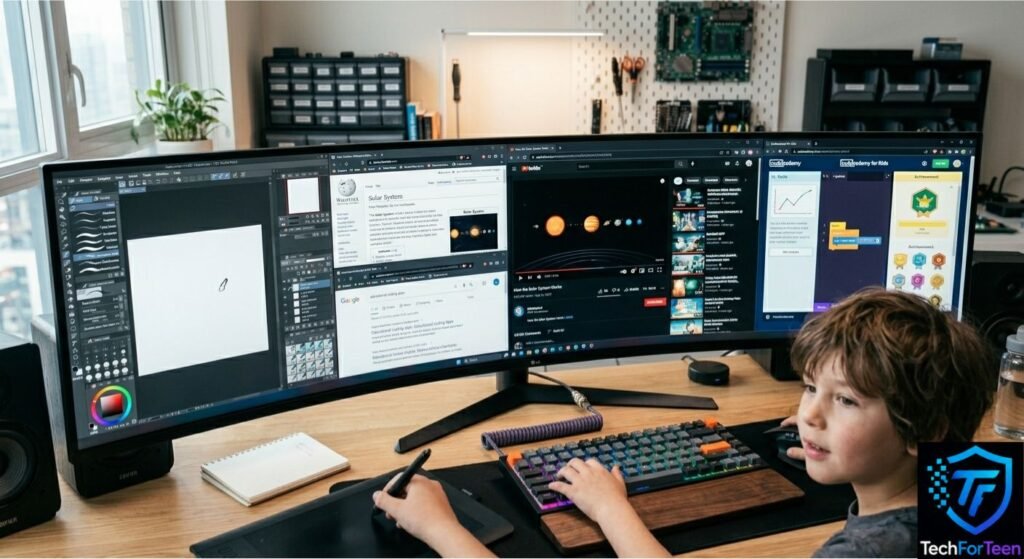
What Is Computer Software?
Computer software is the collection of programs and instructions that help a computer perform different tasks. Unlike hardware, you cannot touch software because it is not physical. It works inside the computer and controls how everything runs. Software helps the hardware perform different tasks in a smart and organized way.
Apps and Programs
Software comes in the form of apps and programs. These are tools that let you do different activities on a computer or phone. For example, games are software that let you play and have fun. Web browsers help you open websites and search the internet. YouTube is an app that lets you watch videos online. Drawing apps help users make digital art with a mouse or touchscreen device.
All these apps depend on software instructions, the operating system, and computer memory to work properly. Without software, hardware would just sit unused with no purpose.
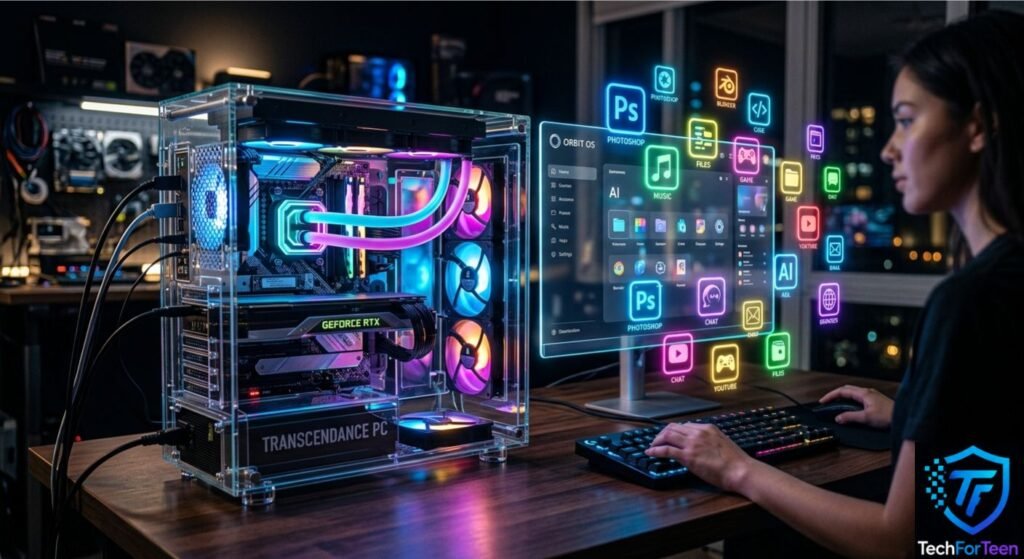
Hardware vs Software for Kids
Understanding hardware and software becomes very easy when you compare them with the human body and brain. A computer needs both to work properly, just like a person needs both a body and a brain to function.
Simple Comparison
Hardware is the part of a computer that you can physically see and touch. It includes things like the keyboard, mouse, monitor, CPU, and speakers. Software is the set of instructions that runs inside the computer and tells it what to do. It includes apps, programs, and the operating system that runs the device.
Body and Brain Example
Think of hardware as the body. It does the physical actions like clicking, typing, and showing images. Think of software as the brain. It gives instructions, makes decisions, and controls everything happening inside the computer system. Without the brain, the body cannot think. Without the body, the brain cannot act.
Easy Comparison Table
Hardware | Software |
Physical parts you can touch | Programs you cannot touch |
Keyboard, mouse, monitor | Apps, games, browsers |
Works like the body | Works like the brain |
Needed to run software | Needed to control hardware |
Both hardware and software depend on each other. A computer only works properly when both are connected and working together.
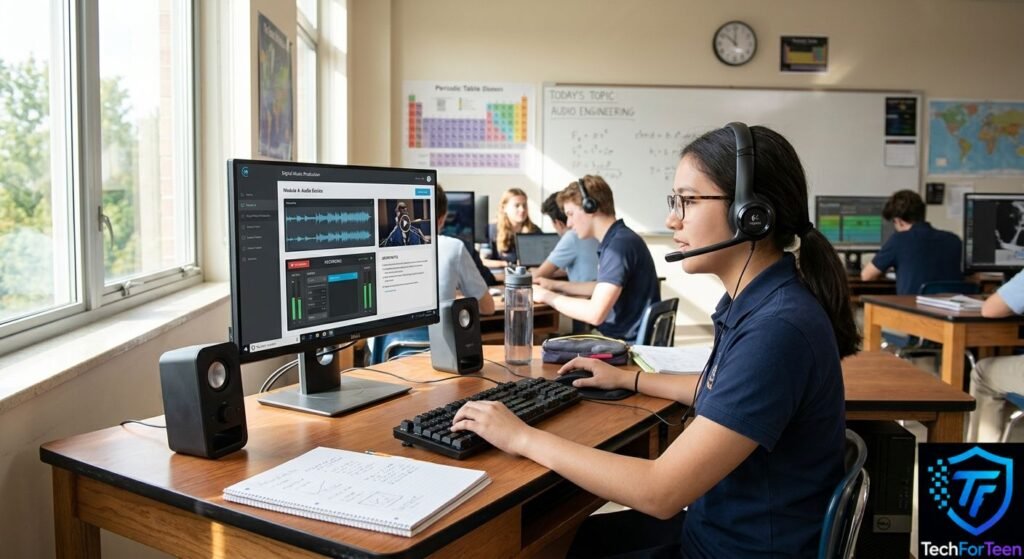
Input and Output Devices
Computers use special tools called input and output devices to communicate with users. These devices help the computer receive information, process it, and show results in an easy way. Without them, a computer would not be able to interact with people properly.
Input Devices
Input devices are used to send information into the computer. The keyboard lets you type letters, numbers, and commands. The mouse helps you click, select, and move things on the screen. A microphone allows you to speak and send your voice into the computer system. These devices provide user input that the computer can understand and process.
Output Devices
Output devices show the results of what the computer has done. The monitor displays images, videos, games, and text on the screen. The printer gives a physical copy of documents or pictures. Speakers play sound, music, and voice from videos or apps. These devices turn computer output into something you can see or hear.
Input and output devices work together with computer hardware and software to make the system useful and interactive.
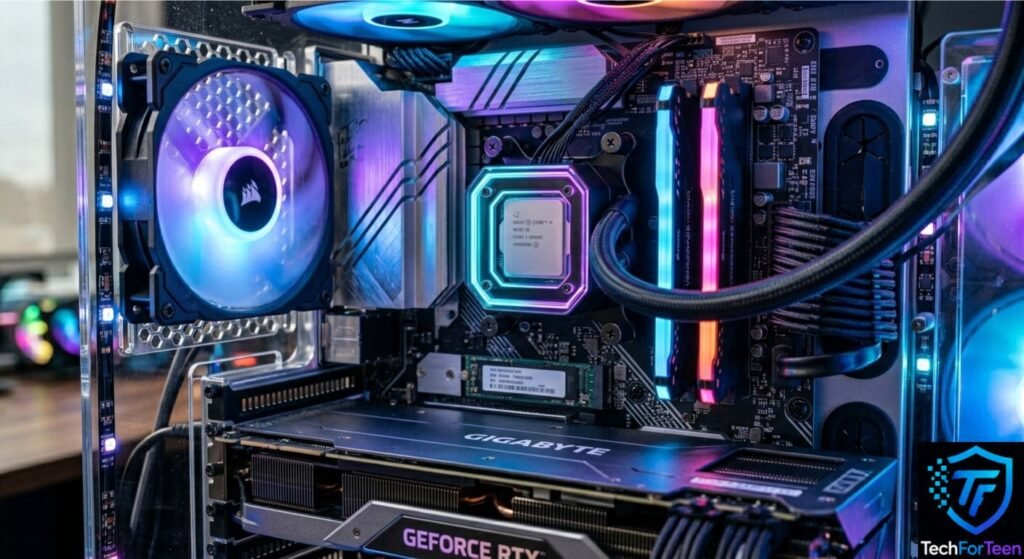
Main Parts of a Computer
A computer is made of several important parts that work together to make it function. Each part has a simple role, and together they help the computer run apps, games, and programs smoothly.
CPU
The CPU is the main processor of the computer. It is often called the brain because it controls all the tasks and follows software instructions. It handles data processing very quickly so everything works without delay.
RAM
RAM is the computer’s short term memory. It helps the computer quickly access data while you are using apps or games. When you turn off the computer, RAM clears all the temporary information.
Storage
Storage is where the computer keeps files, photos, videos, games, and programs for a long time. Even when the computer is off, stored data stays saved. This is important for saving school work and apps.
Monitor
The monitor is the screen that shows everything happening inside the computer. It displays games, videos, websites, and documents so you can see and use them easily.
Motherboard
The motherboard is the main board inside the computer. It connects all the parts like the CPU, RAM, and storage so they can work together properly.
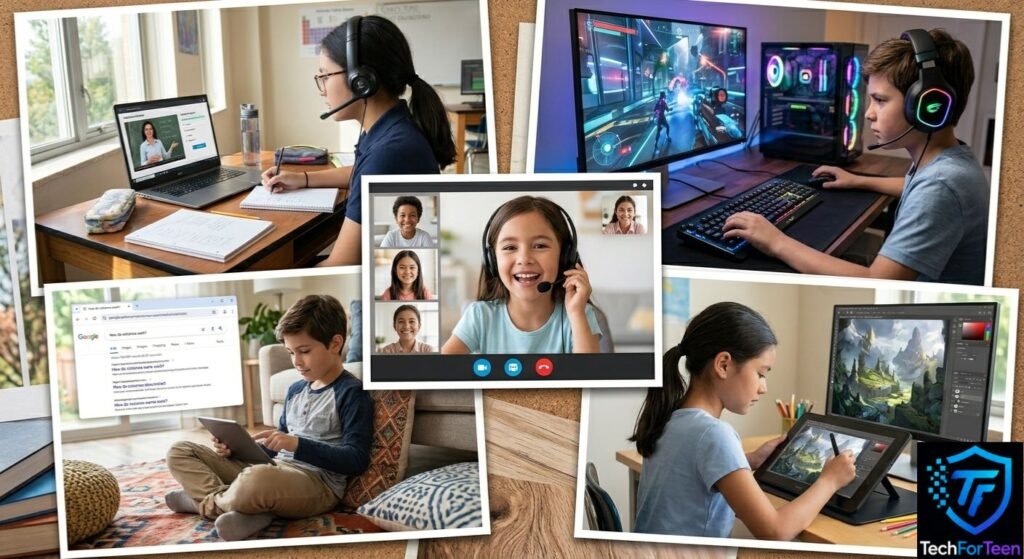
Fun Examples of How Computers Work
Computers are not just for learning, they are part of everyday fun and school life. When you use a computer, many parts like hardware, software, input devices, and output devices work together in the background. Here are some simple real life examples that show how it happens.
Opening a Game
When you open a game like Minecraft or any mobile game, the computer uses the CPU and computer memory to load the program. The software instructions tell the system what to display, and the screen shows the game so you can play.
Watching Videos
When you watch videos on YouTube, the internet connection brings the video data. The computer processes it and uses output devices like speakers and monitors to show sound and visuals clearly.
Searching Google
When you type a question in a web browser, the keyboard sends input to the computer. The system processes it and shows search results using data processing and storage systems.
Typing Homework
When you type homework, the keyboard acts as an input device. The words are stored in files and folders using computer storage so you can open and edit them later.
Video Calls
During video calls, the microphone sends your voice and the camera sends video. The computer processes everything using software and shows it on the screen in real time for communication.
Basic Computer Skills Kids Should Learn
Learning basic computer skills helps kids use technology confidently in school and daily life. These skills are simple but very important for building strong computer literacy and digital learning habits.
Typing
Typing is one of the most useful skills because kids use it for homework, emails, and online tests. Good typing skills make it easier to use a keyboard and communicate clearly on a computer.
Using a Mouse
A mouse helps kids move the pointer, click icons, and open programs. Learning how to control it properly is important for using apps, games, and web browsers.
Searching Safely
Kids should learn how to use search engines safely to find information online. They must understand how to choose safe websites and avoid harmful content while browsing the internet.
Opening Apps
Opening apps is a basic skill that helps kids use programs like games, drawing tools, and educational apps. It also helps them understand how an operating system works.
Saving Files
Saving files teaches kids how to store their work in computer storage. This includes documents, pictures, and school projects so they can open them again later without losing data.
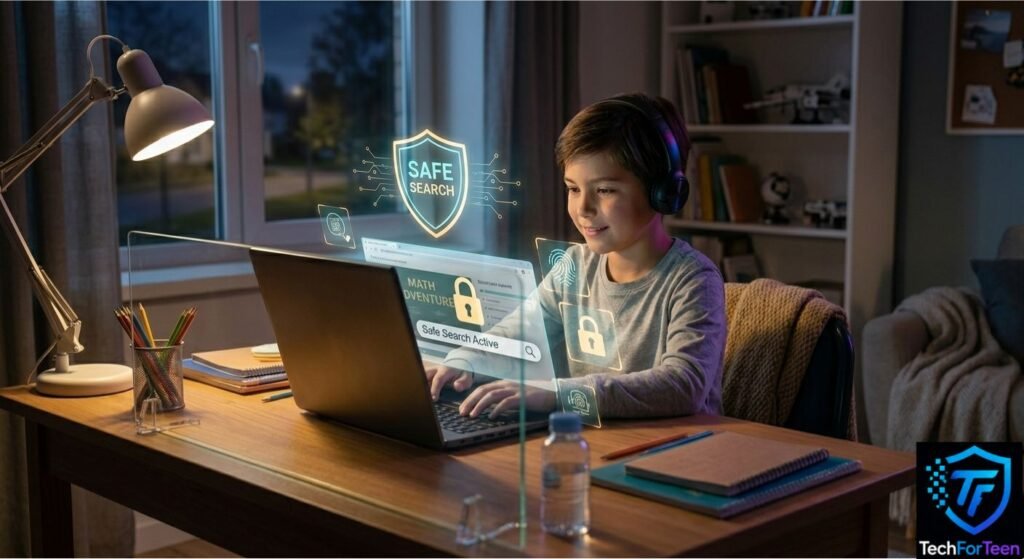
Internet Safety for Kids
Internet safety is very important because kids use computers, phones, and tablets to learn and play online. Understanding simple safety rules helps protect personal information and keeps the online experience safe and positive.
Don’t Talk to Strangers Online
Kids should avoid chatting with unknown people on the internet. Not everyone online is who they say they are, so it is important to only talk to trusted friends, family, or teachers.
Don’t Click Unknown Links
Unknown links can sometimes lead to unsafe websites or harmful content. Always check before clicking anything that looks strange or comes from an unknown source while browsing the internet.
Ask Parents Before Downloading
Before downloading any app, game, or file, kids should always ask a parent or guardian. This helps avoid viruses, malware, and unsafe software that can harm the computer system or steal data.
Fun Ways to Learn Computers
Learning computers does not have to feel difficult or boring. Kids can build strong digital skills through simple and fun activities that improve understanding of hardware, software, and basic computer use.
Coding Games
Coding games are a great way to learn basic coding for kids. These games teach problem solving and simple logic in an interactive way. Kids can understand how software instructions work while playing.
Typing Games
Typing games help kids improve keyboard speed and accuracy. These games make learning fun by turning typing practice into challenges and levels, which slowly build strong typing skills.
Educational Apps
Educational apps are designed to teach computer basics, math, and reading in a simple way. These apps use animations and activities to help kids understand how computers and programs work.
Fun Computer Activities
Fun computer activities like drawing, simple puzzles, and exploring safe websites help kids learn by doing. These activities improve confidence in using input devices, output devices, and different computer functions.
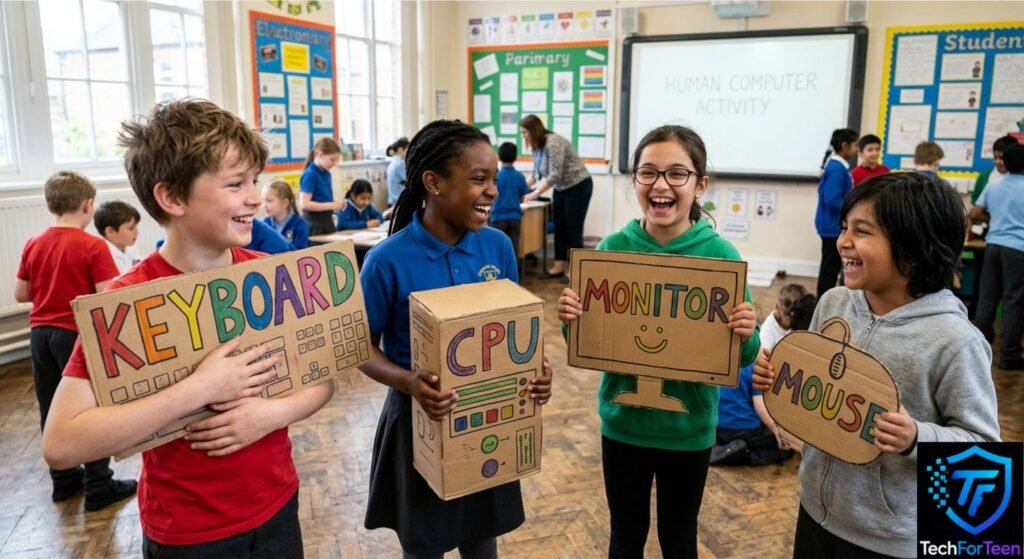
Simple Activity: Act Like a Computer
This fun activity helps kids understand how a computer works by acting it out like a game. It makes it easier to learn how input, processing, and output happen inside a computer system.
Simulating Components
In this activity, different kids can act as parts of a computer. One child can be the keyboard or mouse to give input, another can be the CPU to process information, and another can be the monitor to show the output. This shows how computer hardware and software work together.
Input and Output Roleplay
One child gives a command, like typing a word or clicking something. The “CPU” child quickly processes it and tells the “monitor” child what to show. The monitor then displays the result, just like a real computer screen. This helps kids understand data processing in a simple way.
Why This Activity Helps
This activity makes learning computers more fun and clear. It teaches how input devices, output devices, and computer functions work together. Kids also understand how software instructions control the whole system in a very simple way.
FAQs
What is hardware in simple words?
Hardware is the physical part of a computer that you can touch and see. It includes devices like the keyboard, mouse, monitor, CPU, and speakers. These parts help the computer work with software.
What is software for kids?
Software is a group of programs and instructions that help a computer perform different tasks. It includes apps, games, and programs like web browsers and drawing tools. Software works inside the computer and cannot be touched.
How do computers think?
Computers do not think like humans. They follow software instructions and use the CPU to process information very quickly. They take input, process it, and show output based on the commands given.
What does CPU mean?
CPU stands for Central Processing Unit. It is the main part of the computer that handles data processing and controls all tasks. It is often referred to as the brain of the computer.
Can kids learn computers easily?
Yes, kids can learn computers easily if they start with simple basics. Learning about hardware, software, typing, and safe internet use helps them build strong computer skills step by step.
Conclusion
Computers may look complex at first, but they become easy when you understand the basics. They work through input, processing, output, and storage, and every task depends on both hardware and software working together. From typing on a keyboard to watching videos or playing games, everything follows simple steps inside the system.
Learning computer basics for kids builds strong digital skills that are useful in school and everyday life. If you keep practicing simple skills like typing, safe internet use, and opening apps, you will become confident with technology. Stay curious, keep learning, and you will understand how powerful and helpful computers really are.
Pingback: Python for Teens and High School Students | techforteen.com