
10 Essential Skills for Students to Succeed
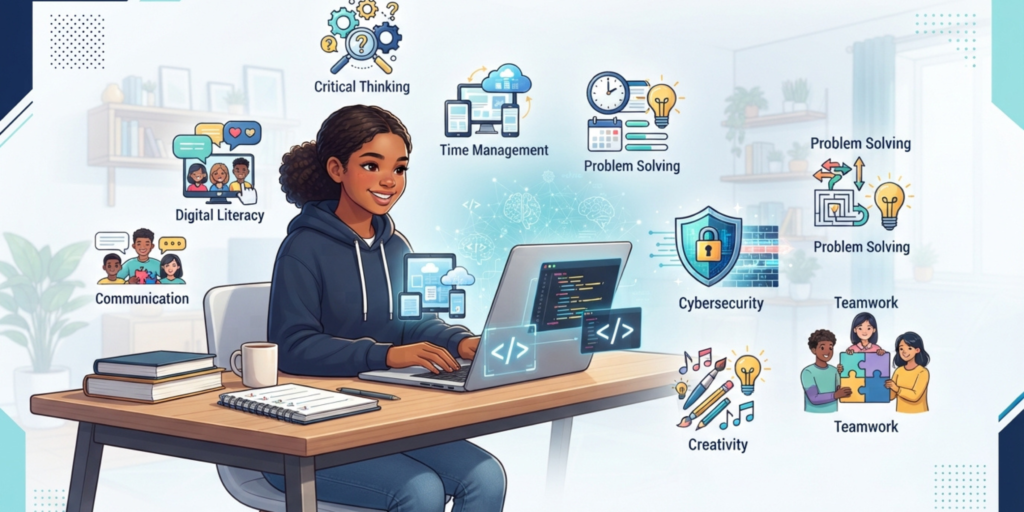
Good grades can open doors, but students also need practical skills to handle school, technology, future careers, and everyday problems. The most useful skills for students are not limited to memorizing facts. They include communication, critical thinking, digital literacy, time management, problem-solving, and the ability to keep learning.
Technology has also changed what students need to know. Digital tools, coding, AI, online research, and cybersecurity are becoming part of everyday learning. The OECD highlights foundational skills, digital skills, problem-solving, creativity, communication, collaboration, and continued learning as important abilities in a digital society.
Here are 10 skills students can start developing today.
1. Critical Thinking

Critical thinking means looking at information carefully instead of immediately believing everything you see or hear.
This skill is especially important online. A search engine can give you thousands of results, but not every website contains accurate information. Students should learn to ask:
- Who created this information?
- Is the source trustworthy?
- Is there evidence to support the claim?
- Could the information be outdated or biased?
- Can I confirm it using another reliable source?
For example, if you find a surprising fact while researching a school project, do not copy it immediately. Check where the information came from and compare it with another trustworthy source.
The OECD’s PISA research has found that while many students can find information online, judging the quality of that information is more challenging.
How to practice critical thinking
Try comparing two sources about the same topic. Look for differences in evidence, language, authorship, and supporting information.
This habit can improve research skills while also helping students recognize misinformation.
2. Digital Literacy
Digital literacy is the ability to use computers, smartphones, software, websites, and online services effectively and responsibly.
Students should understand more than simply how to open an app. Useful digital skills include:
- Managing files and folders
- Using word processors and presentation software
- Searching the web effectively
- Sending professional emails
- Using cloud storage
- Understanding basic computer settings
- Recognizing suspicious websites
- Protecting personal information
As a result, These are practical skills that can help with homework, presentations, group projects, and future jobs.
Digital literacy is also closely connected to information literacy. Students need to know not only how to find information, but also how to evaluate and use it responsibly.
Understanding how devices connect to the internet is also part of digital literacy. Students can learn the basics through this guide to what Wi-Fi is and how it works for kids.
3. Communication Skills
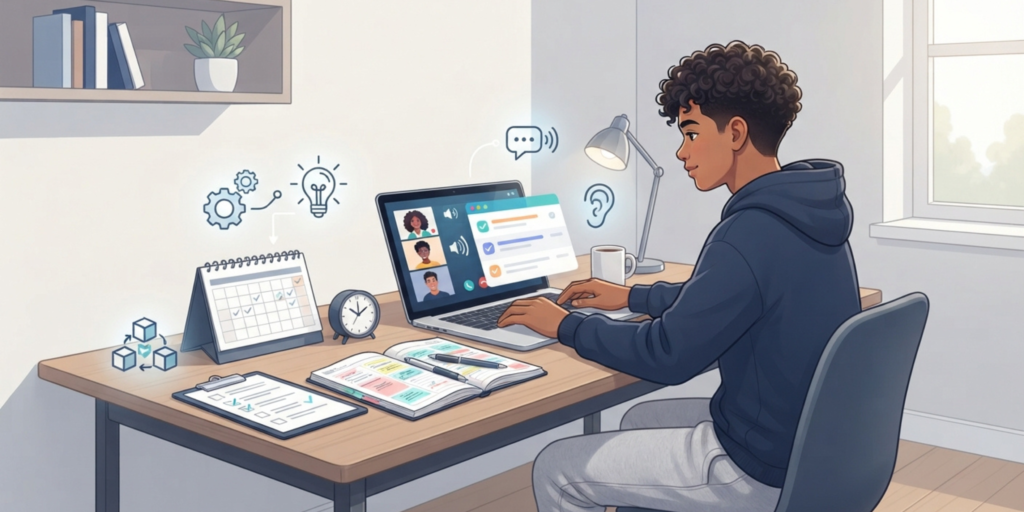
Being able to explain an idea clearly is one of the most valuable skills for students.
Communication includes speaking, writing, listening, and communicating online. A student might understand a difficult programming concept but still struggle to explain it to classmates. Good communication helps bridge that gap.
Students can improve communication by:
- Speaking clearly
- Listening without interrupting
- Asking useful questions
- Writing organized answers
- Explaining ideas in simple language
- Giving respectful feedback
A simple practice activity
Choose something you recently learned and explain it to someone else without looking at your notes.
If you can explain the idea clearly, you probably understand it well. If you get stuck, you have discovered an area that needs more practice.
4. Time Management
School assignments, exams, hobbies, family responsibilities, and online activities can quickly fill a student’s day.
Time management helps students decide what needs attention first instead of trying to do everything at the last minute.
A simple system is:
- Write down your tasks.
- Mark the most important ones.
- Break large assignments into smaller tasks.
- Give each task a realistic time slot.
- Leave some time for unexpected work.
- Review your progress at the end of the day.
For example, instead of writing “study computer science” on your list, write “review Chapter 3 for 30 minutes” and “practice five questions.”
Specific tasks are easier to start and finish.
5. Problem-Solving
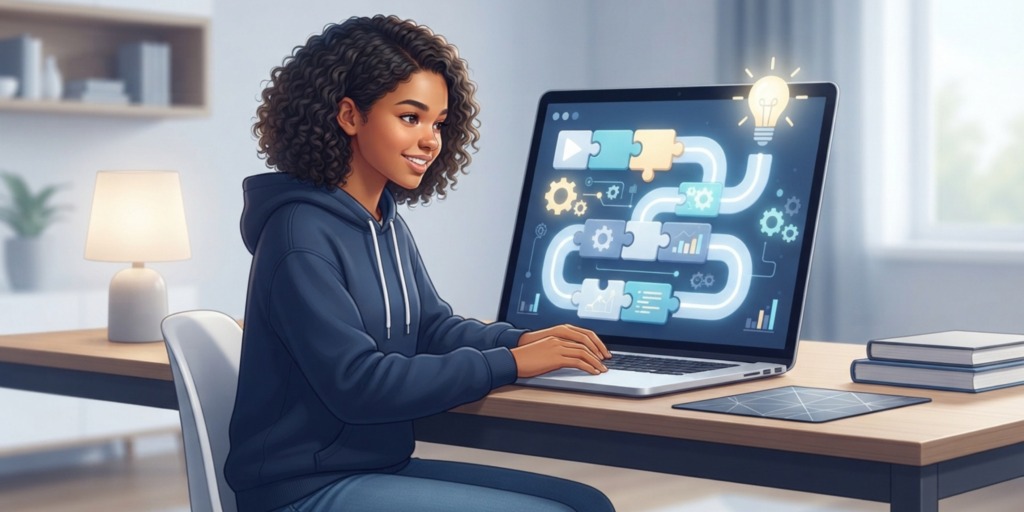
Problem-solving is the ability to understand a problem, explore possible solutions, and choose an appropriate approach.
Students use this skill constantly, even when they do not realize it. A computer program produces an error, a group project has a disagreement, or a difficult mathematics question refuses to cooperate. Each situation requires a solution.
A useful problem-solving process is:
Understand → Break it down → Try → Check → Improve
Suppose a website you are creating does not display correctly. Instead of randomly changing everything, identify the problem first. Check the HTML, CSS, or other relevant part one step at a time.
Because of this, This approach is useful in coding, mathematics, science, research, and everyday life.
6. AI Literacy
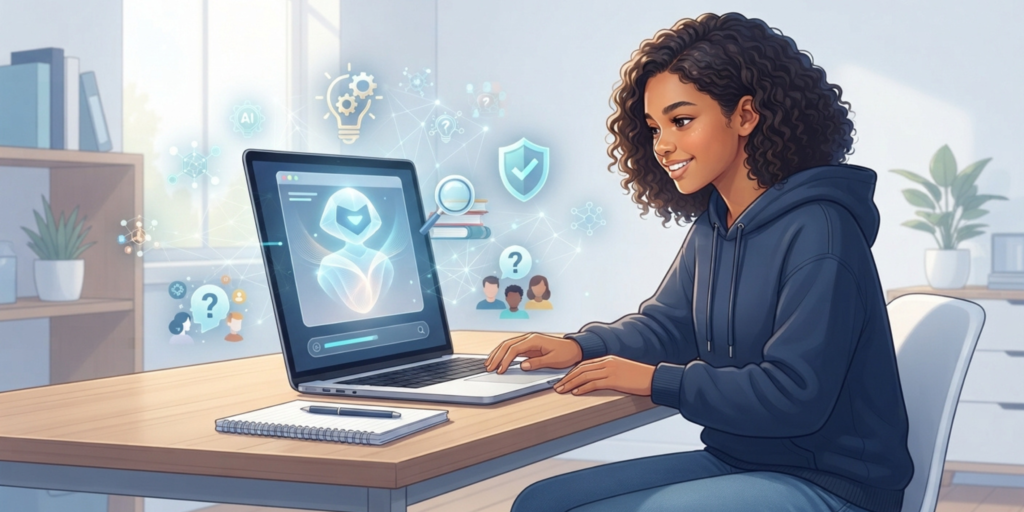
AI is becoming an important part of education and digital work, so students should understand how to use it responsibly.
AI literacy means knowing what AI tools can do, understanding their limitations, checking their answers, and using them without replacing your own thinking.
For example, a student could use an AI tool to:
- Explain a difficult concept
- Suggest practice questions
- Help brainstorm project ideas
- Review writing for clarity
- Explain programming errors
However, copying an AI-generated answer and submitting it as your own does not build understanding.
The OECD’s 2026 Digital Education Outlook notes that generative AI can support learning when used with clear educational purposes, but simply outsourcing cognitive work to general-purpose AI does not automatically produce learning gains.
If you want to explore AI learning further, you can also read our guide on building a roadmap to learn AI.
7. Coding and Computational Thinking
You do not need to become a professional programmer to benefit from coding skills.
Learning basic programming can teach students how to break complicated problems into smaller steps, identify patterns, test ideas, and fix mistakes.
Popular beginner-friendly areas include:
- Python
- HTML and CSS
- JavaScript
- Scratch
- Basic algorithms
- Computational thinking
For example, imagine you want a program to calculate the average of five test scores. You first need to determine what information the program receives, what calculations it performs, and what result it should display.
That step-by-step thinking is useful even outside programming.
8. Online Safety and Cybersecurity
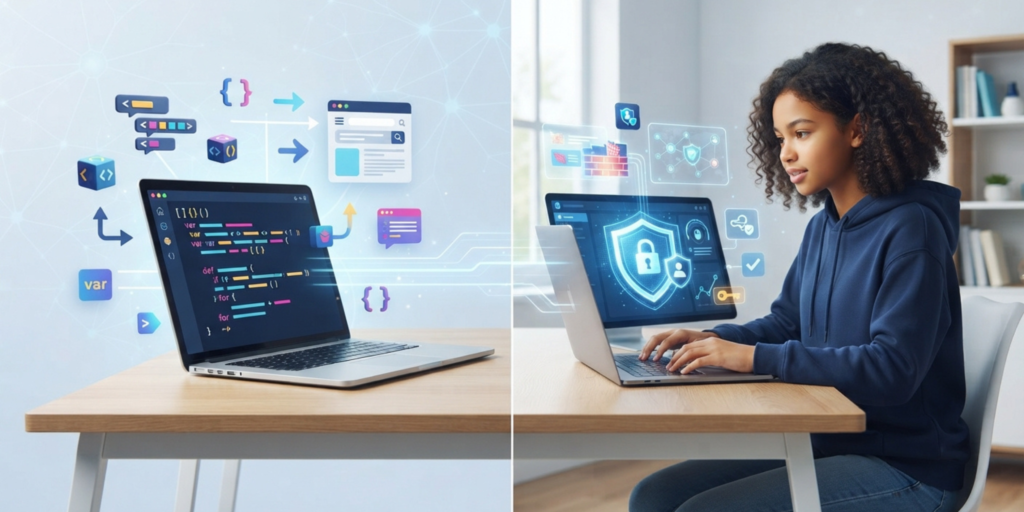
Students spend a significant amount of time using websites, apps, social platforms, school accounts, and cloud services. Knowing how to protect those accounts is therefore an essential digital skill.
Basic cybersecurity habits include:
- Use strong, unique passwords.
- Turn on multifactor authentication when available.
- Be careful with unexpected links and attachments.
- Keep software updated.
- Avoid sharing sensitive personal information publicly.
- Check website addresses before entering account details.
The U.S. Cybersecurity and Infrastructure Security Agency recommends practices such as strong passwords, multifactor authentication, software updates, and recognizing phishing attempts as part of its Secure Our World guidance.
Students can also review CISA’s official online safety guidance for practical cybersecurity advice.
9. Creativity
Creativity is not only about drawing, music, or writing stories. It is also the ability to approach a problem from a new angle and produce useful ideas.
A creative student might:
- Find a different way to explain a science topic
- Design a more interesting presentation
- Create a small coding project
- Develop an original solution to a problem
- Combine ideas from different subjects
Technology gives students many ways to practice creativity. They can experiment with websites, presentations, animations, digital art, videos, games, and software projects.
The goal is not to make everything perfect on the first attempt. Therefore, Experimentation is part of the process.
10. Collaboration and Teamwork
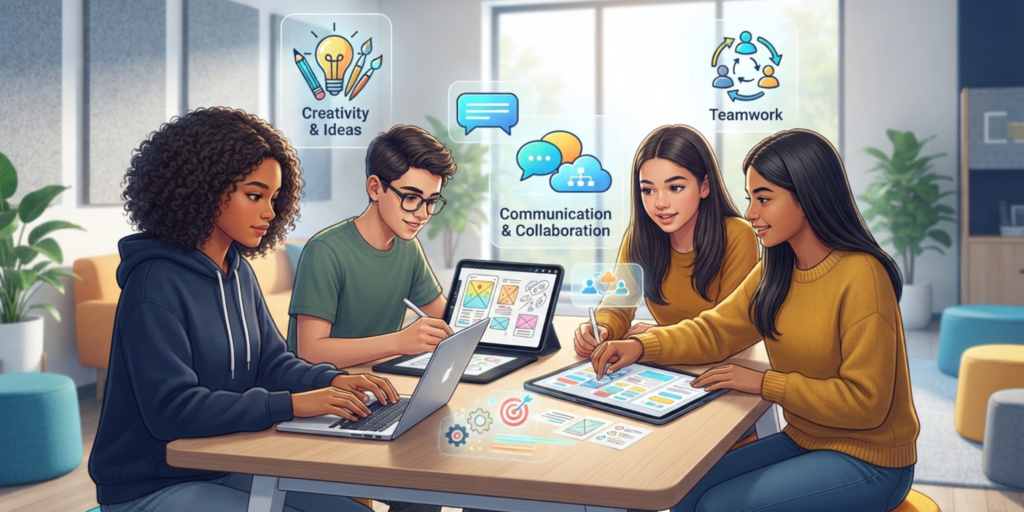
Many school and technology projects require students to work with other people.
Good teamwork means sharing responsibilities, listening to different opinions, communicating clearly, and completing your part of the project.
A strong team member does not have to agree with everyone. Instead, they should be able to discuss disagreements respectfully and focus on solving the problem.
How students can improve teamwork
When working on a group assignment:
- Agree on responsibilities early.
- Set deadlines for each part.
- Keep everyone updated.
- Ask for help when needed.
- Give useful feedback.
- Credit other people’s contributions.
Collaboration can also improve communication because students have to explain their ideas and understand other people’s perspectives.
How to Start Developing These Skills
You do not need to master all 10 skills at once. Trying to improve everything simultaneously can turn a useful goal into another homework assignment.
To begin, Start with two or three skills.
For example:
Skill | Simple way to practice |
Critical thinking | Check two sources before accepting a claim |
Digital literacy | Learn one new computer feature each week |
Communication | Explain something you learned to another person |
Time management | Plan tomorrow’s tasks before going to bed |
Problem-solving | Break difficult problems into smaller steps |
AI literacy | Use AI for explanations, then verify the information |
Coding | Build a tiny beginner project |
Cybersecurity | Review your account security settings |
Creativity | Create something instead of only consuming content |
Teamwork | Take responsibility for one part of a group project |
Most importantly, Small, consistent practice is more realistic than trying to become an expert overnight.
Which Skills Should Students Learn First?
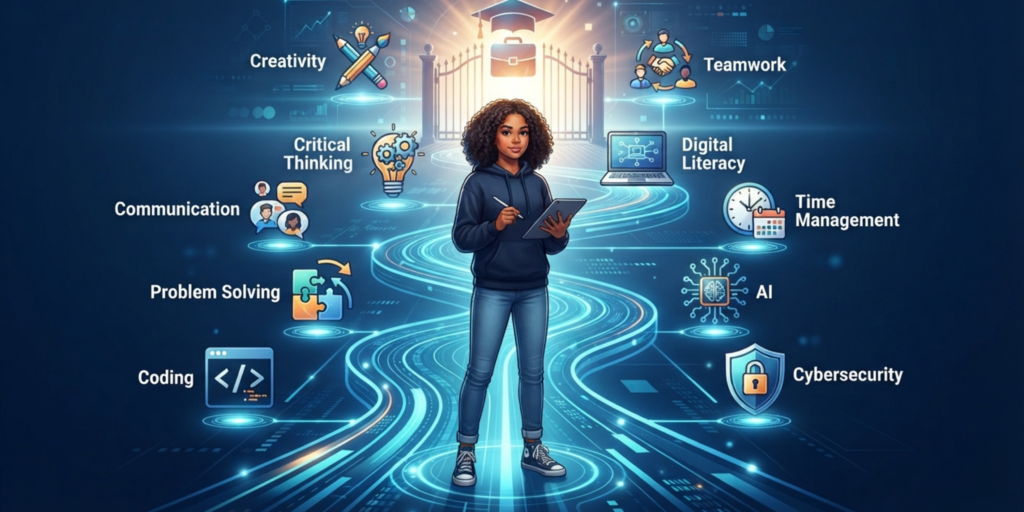
If you are completely new to these skills, start with digital literacy, communication, time management, and critical thinking.
After those foundations are stronger, you can add coding, AI literacy, cybersecurity, creativity, and teamwork.
The right order can also depend on your goals. A student interested in computer science may spend more time learning programming and problem-solving, while someone interested in media may focus more heavily on communication, creativity, and digital content creation.
The important thing is to build a balanced skill set rather than focusing only on one area.
How Technology Can Help Students Build Better Skills
Technology can be a learning tool rather than simply a source of entertainment.
Students can use computers and mobile devices to practice coding, organize notes, create presentations, research topics, collaborate on projects, and learn new subjects.
However, digital tools work best when students remain active learners. For example, when using an AI tool to explain a difficult topic, ask follow-up questions, check important information, and try solving a similar problem independently afterward.
By learning to use technology wisely, students can stay active learners instead of becoming dependent on digital tools.
Students can also explore the benefits of ChatGPT for learning to understand how AI can support research, explanations, brainstorming, and other study tasks.
Common Mistakes Students Should Avoid
Developing useful skills is easier when you avoid a few common traps.
Trying to Learn Everything at Once
Choose a small number of skills and practice them consistently. Progress is easier to see when your goals are specific.
Depending Completely on AI
However, AI can explain, brainstorm, and assist, but it can also produce incorrect information. Always think about the answer and verify important information.
Only Watching Tutorials
Although Watching videos can help, but active practice matters more. If you are learning coding, write code. If you are learning communication, practice explaining ideas.
Ignoring Online Safety
Learning how to use technology without learning how to protect your accounts leaves an important gap in your digital skills.
Focusing Only on Grades
Grades matter, but practical skills can help you apply what you learn. A student who can research, communicate, solve problems, and use technology effectively can turn knowledge into action.
Frequently Asked Questions (FAQ)
1. What are the most important skills for students?
Important skills include critical thinking, communication, digital literacy, time management, problem-solving, AI literacy, coding, cybersecurity, creativity, and teamwork.
2. Why are digital skills important for students?
Digital skills help students use computers, software, online resources, and digital learning platforms effectively and safely.
3. Should students learn coding?
Coding can be useful because it develops logical thinking, problem-solving, and computational thinking. Students do not need to become professional programmers to benefit from learning basic coding.
4. How can students improve their critical thinking?
Question information, compare reliable sources, check evidence, identify possible bias, and avoid accepting online claims without verification.
5. How can AI help students learn?
AI can explain difficult concepts, create practice questions, brainstorm ideas, and provide feedback. Students should still check important information and do their own thinking.
6. How can students improve time management?
Break large assignments into smaller tasks, set realistic deadlines, prioritize important work, and review your progress regularly.
7. Can students learn these skills at home?
Yes. Students can practice many of these skills through small projects, online research, coding exercises, presentations, personal projects, and everyday problem-solving.
Conclusion
The most valuable skills for students go beyond memorizing information for an exam. Critical thinking, digital literacy, communication, problem-solving, time management, AI literacy, coding, cybersecurity, creativity, and teamwork can help students become more confident and independent learners.
Most importantly, You do not need to master all ten immediately. Pick two skills, practice them regularly, and gradually add more. The goal is not to know everything. It is to become someone who can learn, adapt, solve problems, and use technology wisely.