
How to Find Best Laptop Stand for Students
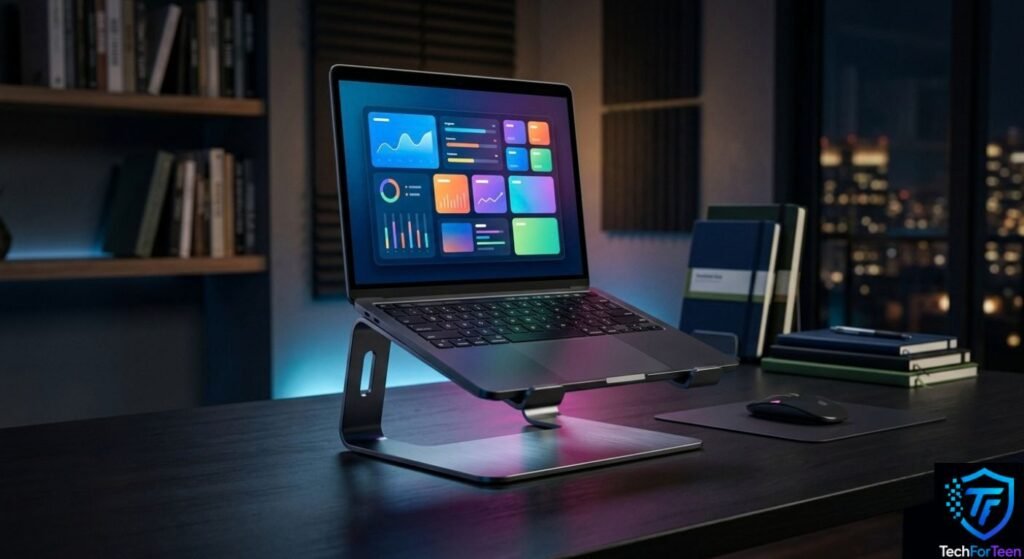
Choosing a Laptop Stand can make a student’s study desk more comfortable and organized. A laptop placed flat on a desk may force you to look downward for long periods, especially when you are doing homework, attending online classes, or writing notes. A good stand can raise the screen and give you more flexibility when arranging your workspace. However, not every laptop stand is suitable for every student. Size, stability, adjustability, portability, and desk space all matter. In this guide, you will learn what to look for, which features are useful, how to set up a stand correctly, and what mistakes to avoid before buying one.
Why Should Students Use a Laptop Stand?
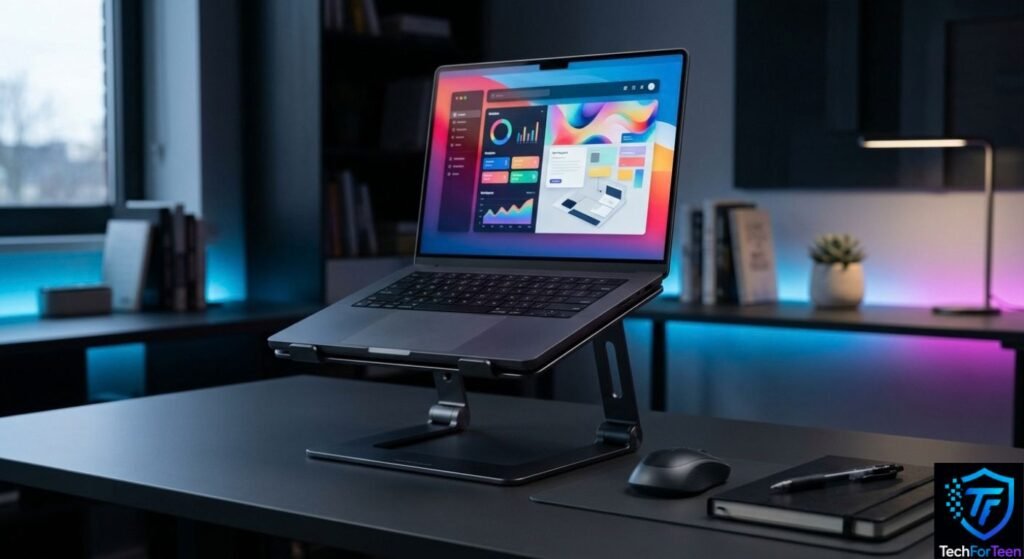
A laptop stand raises your laptop from the desk, making it easier to position the screen at a more comfortable viewing height.
For students who spend time studying, coding, watching lessons, or completing school projects, a comfortable desk setup can make a difference. The Occupational Safety and Health Administration recommends setting up computer workstations in a way that helps keep the head and neck in a more neutral position.
A stand can also create extra space underneath your laptop. This can be especially helpful on smaller study desks where available space is limited.
However, a laptop stand is not a complete solution on its own. If you raise the laptop too much, its built-in keyboard and touchpad may become less comfortable to use. For longer typing sessions, using a separate keyboard and mouse can make the setup more practical. According to the University of Pennsylvania’s laptop ergonomics guidance, raising a laptop can help create a more suitable screen position.
How to Find the Best Laptop Stand
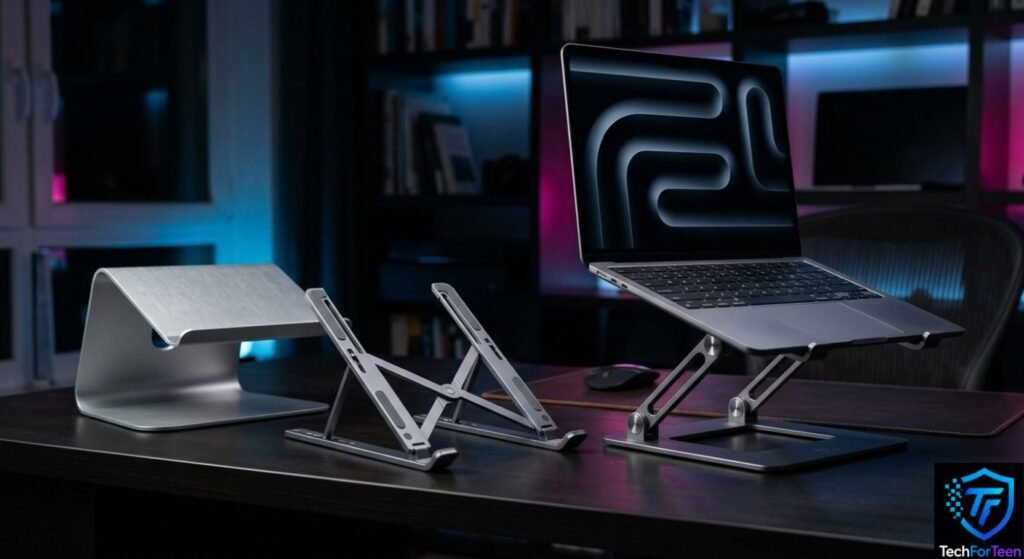
Choosing the right Laptop Stand depends on how you plan to use your laptop. Instead of choosing one simply because it looks good, check the following features.
1. Check the Laptop Size and Weight
Start by checking your laptop’s size and weight. A stand needs to support your laptop securely without wobbling.
Look at the stand’s supported screen sizes and maximum weight before buying. A stand designed for a smaller laptop may not be suitable for a large gaming or performance laptop.
If you are still deciding which laptop to buy, you can also check our guide to budget laptops for teens.
2. Look for Adjustable Height
Adjustability is one of the most useful features in a student laptop stand.
A fixed stand may work well if your desk and chair are already comfortable. However, an adjustable model gives you more flexibility to change the screen height and viewing angle.
This can be particularly useful when different students use the same desk. You can adjust the stand instead of trying to adapt your entire workspace around a fixed height.
3. Choose a Stable Design
A laptop stand should stay firmly in place while you type or move your cursor.
Look for a wide and sturdy base, strong hinges on adjustable models, and non-slip areas where the laptop rests. A lightweight stand can be useful for carrying around, but it should not feel unstable.
Before buying, check reviews for comments about wobbling or weak hinges. Stability is especially important if you regularly type directly on the laptop keyboard.
4. Consider Airflow
Laptops produce heat while they are running. A stand that lifts the laptop away from a flat desk may allow more air to move around the underside, depending on the laptop and stand design.
Still, a Laptop Stand should not be treated as a guaranteed cooling solution. Cooling depends on the laptop’s internal hardware, vents, workload, room temperature, and stand design.
If your laptop becomes unusually hot, check that its vents are not blocked and follow the manufacturer’s recommendations.
5. Think About Portability
Students often move between bedrooms, classrooms, libraries, and other study areas. If you regularly carry your laptop, a large metal stand may become inconvenient.
A foldable or lightweight stand can be more practical for students who need a portable setup.
On the other hand, if the stand will stay on your desk, you can prioritize stability and adjustability instead of minimizing weight.
What Type of Laptop Stand Should Students Choose?
Different students may need different types of laptop stands depending on their needs. Consider how you normally use your laptop.
Type | Suitable for |
Fixed stand | Students who mainly use one desk |
Adjustable stand | Students who want flexible height and angles |
Foldable stand | Students who travel or move between study spaces |
Portable stand | Students with limited desk space |
Heavy-duty stand | Larger or heavier laptops |
For example, a student who studies at home every day may prefer a sturdy adjustable model. Meanwhile, someone who carries their laptop to school may value a compact foldable design more.
Is a Separate Keyboard and Mouse Necessary?
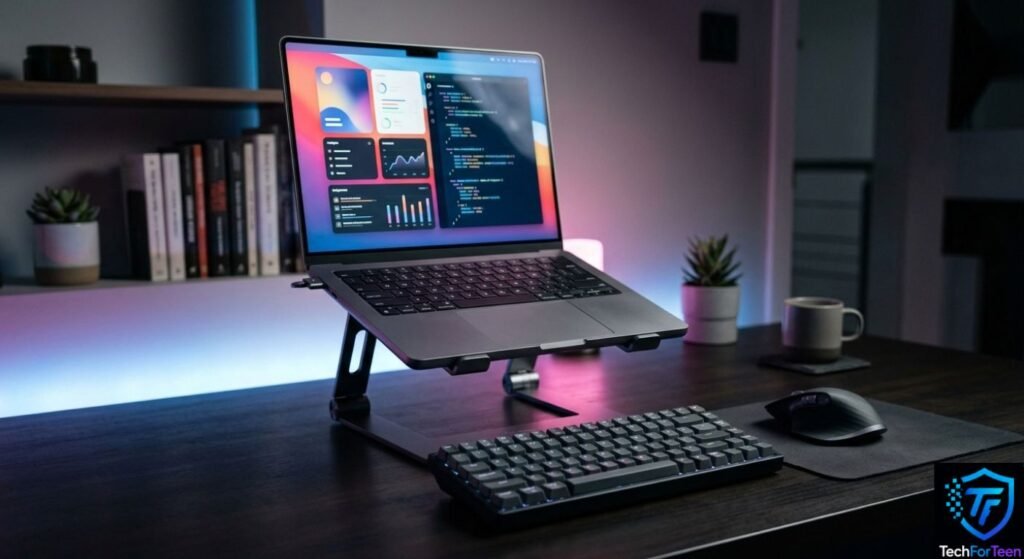
If your stand raises the laptop screen significantly, using the built-in keyboard for long periods may not be ideal.
A separate keyboard allows you to position the screen and typing area independently. You can then place the keyboard and mouse at a comfortable working position.
OSHA’s computer workstation guidance also notes that laptops used as primary computers for intensive keyboard work can benefit from a separate keyboard and input device.
You can build a more complete setup by checking our guide to USB accessories for teenagers.
How to Set Up Your Laptop Stand the Right Way
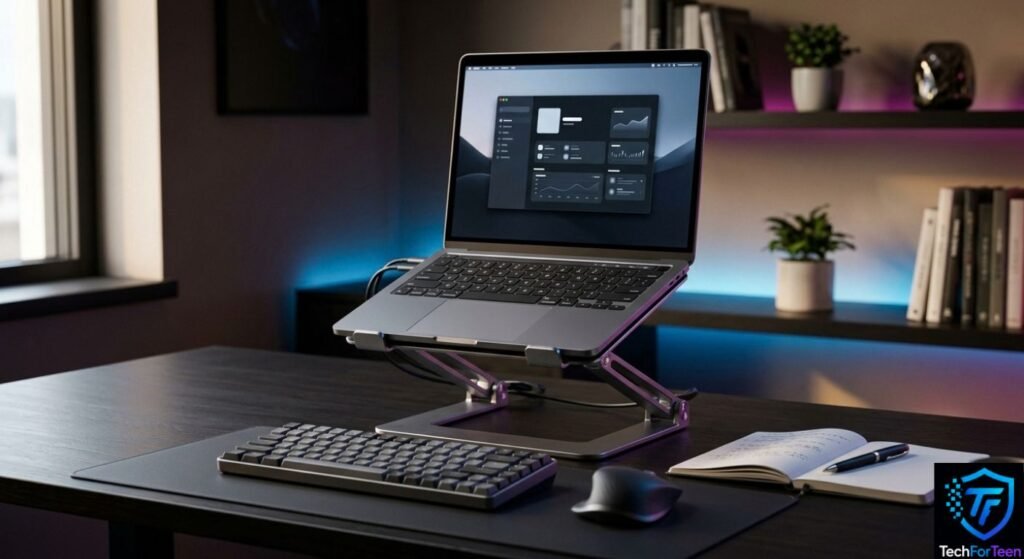
Buying a good stand is only the first step. You also need to position it properly.
Step 1: Place the Stand on a Stable Desk
Put the stand on a flat, stable surface. Avoid placing it where the base can easily slide or where the laptop could be knocked over.
Step 2: Center the Laptop
Keep the laptop directly in front of you instead of placing it far to one side.
This makes it easier to look straight at the screen and keeps your workspace organized.
Step 3: Adjust the Screen Height
Raise or lower the stand until the screen is comfortable to view. Avoid setting it so high that you need to tilt your head backward.
Step 4: Check the Keyboard Position
If the laptop is raised considerably, check whether typing still feels comfortable. If not, connect an external keyboard and mouse.
Step 5: Leave Enough Desk Space
Keep enough room for your keyboard, mouse, notebooks, and other study materials. A stand should improve your workspace rather than make it crowded.
For more ideas, our guide to laptop accessories for high school students covers other useful additions to a student setup.
Common Mistakes to Avoid
Choosing a Laptop Stand becomes easier when you know what problems to avoid.
Buying Without Checking Weight Support
Never assume every stand can support your laptop. Check its weight capacity before purchasing.
Choosing Looks Over Stability
A stylish stand is not useful if it wobbles whenever you type. Stability should come before appearance.
Ignoring Desk Size
A large stand may take up too much room on a small student desk. Measure your available space first.
Forgetting About the Keyboard
Raising the screen can improve viewing position but may make the built-in keyboard less comfortable for extended typing. Consider an external keyboard if necessary.
Buying a Fixed Stand When You Need Flexibility
If you frequently change your seating position or share your desk with someone else, an adjustable model may be more practical.
Is a Laptop Stand Worth It for Students?
For many students, a Laptop Stand can be a useful addition to a study setup. It can raise the screen, free some desk space, and make it easier to organize a laptop with a separate keyboard and mouse.
However, the stand does not need to be expensive. The important features are stability, suitable size, useful adjustment options, and compatibility with your laptop.
Most importantly, remember that your entire workstation matters. A good chair, suitable desk height, comfortable keyboard position, and regular changes in working position can all contribute to a better setup. OSHA also recommends changing working positions regularly rather than staying in one position for long periods.
Frequently Asked Questions (FAQs)
1. Is a Laptop Stand useful for students?
Yes. A laptop stand can raise the screen and help students organize their study desk. It can be especially useful for homework, online classes, coding, and other computer tasks.
2. What should I look for in a Laptop Stand?
Check the stand’s size compatibility, weight capacity, stability, adjustability, portability, and available desk space.
3. Is an adjustable Laptop Stand better than a fixed one?
It depends on your needs. An adjustable stand provides more flexibility, while a fixed stand can be simpler and stable for a permanent desk setup.
4. Can a Laptop Stand prevent overheating?
Not necessarily. Some stands may improve airflow around the laptop, but they cannot guarantee lower temperatures. Laptop design, vents, workload, and room temperature also affect heat.
5. Do I need a keyboard with a Laptop Stand?
Not always. However, if the stand raises the laptop screen significantly, an external keyboard and mouse can make extended typing more comfortable.
6. Can I use a Laptop Stand with a gaming laptop?
Many stands can support gaming laptops, but gaming models can be heavier and larger. Always check the stand’s size and weight limits first.
7. Is a portable Laptop Stand good for school?
A portable stand can be useful if you regularly move between classrooms, libraries, and home. Choose one that folds easily and is stable enough for your laptop.
Conclusion
Finding the best Laptop Stand for students does not mean choosing the most expensive model. Focus on the features that match your laptop and study habits, especially stability, size, adjustability, portability, and desk space. If you raise your laptop screen significantly, consider using a separate keyboard and mouse for a more flexible setup. With the right stand and a properly arranged desk, you can create a cleaner and more practical workspace for studying, coding, online classes, and everyday laptop use.