
USB Accessories for Teenagers
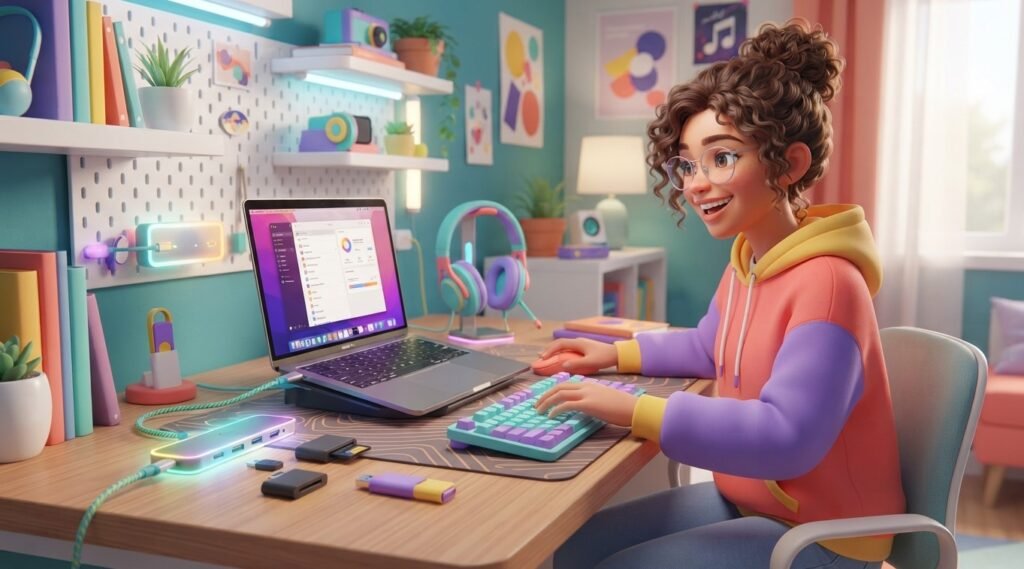
Need a simple way to make your laptop, tablet, or phone more useful? USB accessories can help teenagers charge devices, connect extra storage, transfer files, improve a workspace, and add useful features to a computer. From USB-C hubs and flash drives to charging cables and keyboards, there are many options to choose from. However, not every accessory is useful for every student. The right choice depends on the device you own and what you use it for. In this guide, we will explore useful USB accessories for teenagers, what each one does, what to check before buying, and how to use USB devices safely.
What Are USB Accessories?
USB accessories are devices that connect to a computer, phone, tablet, or another compatible device through a USB port. They can help with charging, file transfers, storage, audio, or connecting other devices.
USB connectors come in different types. USB-A is still common on many computers, while USB-C is widely used on newer laptops, phones, and tablets.
One important point is that USB-C does not automatically mean a specific speed or power level. USB-C describes the connector, while the actual capabilities depend on the device, cable, and USB technology being used.
7 Useful USB Accessories for Teenagers
You do not need a desk full of gadgets. A few practical accessories can make studying, creating projects, and using a computer much easier.
1. USB-C Hub
A USB-C hub is useful when a laptop or tablet does not have enough ports.
For example, you might want to connect a mouse, flash drive, keyboard, and another USB device at the same time. A hub can provide additional ports without constantly unplugging one accessory.
Some hubs also include HDMI or memory-card slots. However, features vary, so check the specifications before buying.
Good for: Students with laptops or tablets that have limited ports.
2. USB Flash Drive
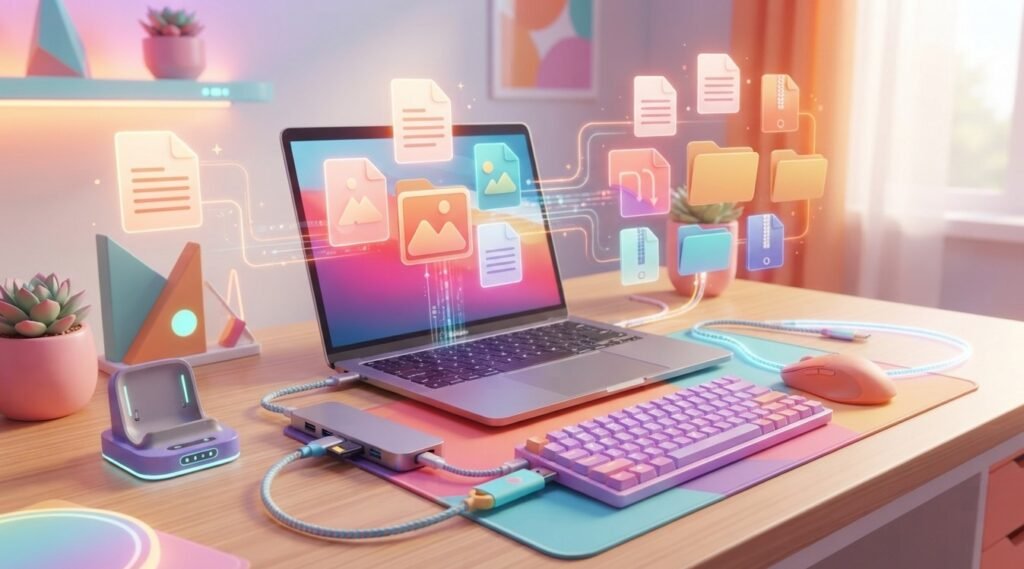
A USB flash drive is a small storage device that can hold documents, presentations, photos, videos, and other files.
It can be handy when you need to move a school presentation between computers. It can also provide an extra copy of an important project.
However, do not keep the only copy of an important assignment on a flash drive. Drives can be lost, damaged, or accidentally deleted.
If you want to improve your everyday computer skills, you can also explore these 10 technology skills worth learning for teens.
3. USB-C Charging Cable
A charging cable is one of the simplest USB accessories, but it can be one of the most useful.
USB-C cables can be used for charging and, depending on the cable, transferring data. However, not every USB-C cable has the same capabilities.
USB Power Delivery can provide different power levels through compatible equipment. The USB-IF explains that USB Power Delivery can support up to 240W in compatible implementations, but that does not mean every USB-C cable or device supports that amount.
Therefore, check your device and cable specifications before expecting a particular charging speed or power level.
4. USB Keyboard
A USB keyboard can be helpful for students who spend a lot of time typing.
Writing assignments, learning programming, and creating websites can all involve long periods of typing. A physical keyboard can be more convenient than typing on a small touchscreen.
You do not need an expensive gaming keyboard for schoolwork. A simple, comfortable keyboard may be all you need.
5. USB Mouse
A USB mouse can make everyday computer tasks easier.
Students can use one for documents, presentations, coding, design software, and general navigation. Wired models connect directly through USB, while some wireless mice use a small USB receiver.
A mouse is especially useful if you often use your laptop at a desk.
6. USB Card Reader
A USB card reader lets a compatible computer access files stored on memory cards.
This can be useful for students who use cameras or other devices that save photos and videos to memory cards. For example, you can transfer photos from a camera to a laptop and organize them into folders.
Before buying one, check which memory-card formats it supports.
7. USB Headset
A USB headset can be useful for online classes, gaming, voice calls, and recording audio.
Some computers already have headphone and microphone ports, so a USB headset is not necessary for everyone. Still, it can be convenient when you want a simple headset connection.
If your laptop has limited ports, remember that connecting several USB accessories may make a hub useful too.
How to Choose the Right USB Accessories
With so many accessories available, it is easy to buy something you do not actually need. Before buying, think about the problem you want the accessory to solve.
Check Your Device Ports
First, look at your laptop, tablet, or computer.
Does it have USB-A, USB-C, or both? How many ports are available? Do you need charging, file transfer, display output, or simply another connection?
This matters because a connector fitting into a port does not guarantee that every feature will work. USB-C products can have different data, charging, and display capabilities.
Think About Your Daily Tasks
Your routine should guide your choice.
A student who mainly writes assignments might need a keyboard and mouse. Someone who transfers photos may find a card reader useful. A student with only two laptop ports might benefit from a USB-C hub.
In other words, start with your needs instead of buying accessories just because they look interesting.
Check Compatibility
Before buying an accessory, check whether it works with your device.
Look at the connector type, supported operating systems, data speeds, power requirements, and other specifications. If you are unsure, check the manufacturer’s product information.
This small step can prevent the frustration of buying an accessory that does not work with your computer.
How USB Accessories Can Help Students
USB accessories can make everyday technology tasks more convenient.
For example, a flash drive can help move a presentation between computers. A keyboard can make typing assignments easier. A hub can allow several devices to stay connected to a laptop.
However, accessories should support your work rather than become distractions. A simple setup with a few useful devices is often enough.
Building digital skills is also important. These 10 skills for teenagers that are worth learning can help students develop abilities that go beyond using individual gadgets.
USB Safety Tips for Teenagers
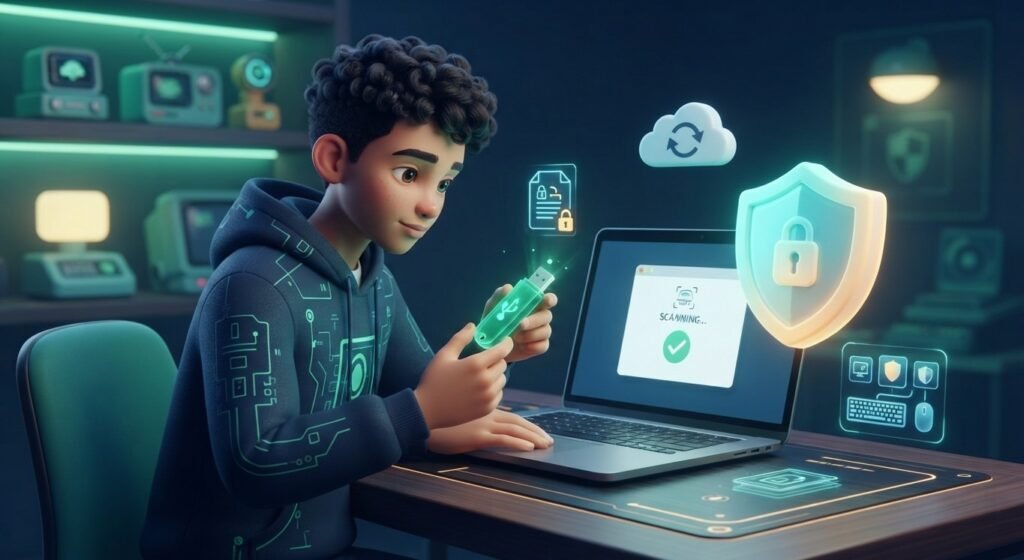
USB devices are convenient, but they should be used carefully.
Keep Backups of Important Files
Do not store the only copy of an important school project on a flash drive. Keep another copy in a trusted backup location.
This is especially useful for assignments that took hours to complete.
Avoid Unknown USB Devices
Do not connect an unknown USB device to your computer just because someone gives it to you or you find it somewhere.
Unknown devices can create security risks. Use storage devices you trust and be careful when opening files from other people.
Eject Storage Devices Properly
When you finish using an external storage device, safely eject it before disconnecting it.
For Windows users, Microsoft provides guidance on moving files with external storage devices and safely disconnecting them. You can check Microsoft’s official guidance for external storage devices for more information.
Common USB Accessory Mistakes
Choosing USB accessories can be confusing, especially when product descriptions use technical terms. Keep these mistakes in mind:
- Assuming every USB-C product is the same: USB-C connectors can support different capabilities.
- Ignoring compatibility: Always check your device before buying.
- Buying only for appearance: A colorful or expensive accessory is not automatically more useful.
- Buying too many gadgets: Choose accessories that solve real problems.
- Keeping one copy of important files: Backups can protect your schoolwork.
- Ignoring specifications: Check supported speeds and power instead of assuming every USB cable works the same way.
Frequently Asked Questions (FAQ)
1. What are the most useful USB accessories for teenagers?
Useful options include USB-C hubs, flash drives, charging cables, keyboards, mice, card readers, and headsets. The right choice depends on your device and activities.
2. Is USB-C the same as USB 3.2?
No. USB-C refers to the connector, while USB 3.2 refers to USB data-transfer technology. A USB-C connector does not automatically guarantee a particular USB speed.
3. Are USB flash drives useful for students?
Yes. They can make it easy to transfer and store school files. However, important files should also have a backup.
4. Do all USB-C cables charge devices at the same speed?
No. USB-C cables can have different power and data capabilities. Check the specifications before buying one.
5. Do I need a USB-C hub?
You may need one if your laptop or tablet has limited ports and you want to connect several devices. If you already have enough ports, you may not need a hub.
6. Is a USB keyboard useful for students?
Yes. A physical keyboard can be helpful for long assignments, coding, website projects, and other tasks that involve a lot of typing.
7. Should I buy USB accessories just because they are popular?
No. Choose accessories based on your device and what you actually need. This can save money and keep your setup simple.
Conclusion
The right USB accessories can make a teenager’s computer setup more useful and convenient. A USB-C hub, flash drive, charging cable, keyboard, mouse, card reader, or headset can each solve a different problem.
Before buying, check compatibility, ports, power requirements, and the features you actually need. Most importantly, choose accessories that support your schoolwork, creativity, and everyday technology use.