
Best Budget Laptops for Teens
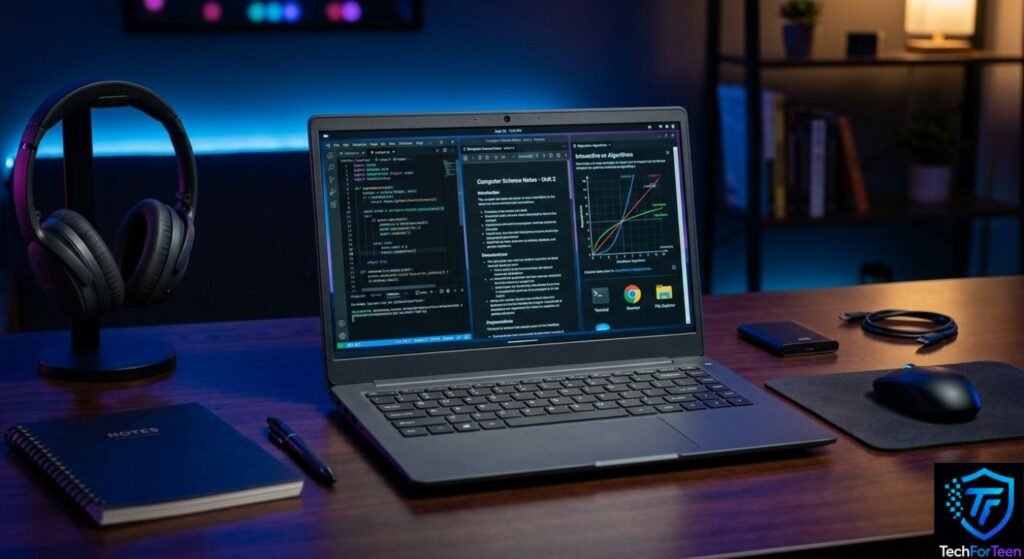
Finding the Best Budget Laptops for teens can be tricky when you need something affordable without giving up everyday performance. A good student laptop should handle school assignments, web browsing, online classes, documents, videos, and basic creative projects without constantly feeling slow. At the same time, teenagers may want to use the same laptop for coding, light gaming, or entertainment after school. The right choice depends on how the laptop will actually be used. In this guide, we will look at the most important specifications, useful features, common mistakes, and different types of budget laptops so students and parents can make a smarter buying decision.
What Makes a Good Budget Laptop for Teens?
A budget laptop does not need to have the most powerful processor or the biggest screen. Instead, it should provide a good balance between performance, portability, battery life, and price.
For most teenagers, the laptop should comfortably handle:
- School documents and presentations
- Web browsing and research
- Online classes and video calls
- YouTube and other streaming services
- Basic coding and programming
- Light photo or video editing
- Casual gaming
Intel’s guidance for school computers also highlights performance, connectivity, security, audio and video capabilities, and cost as important factors when choosing a student computer. Intel’s guide to choosing a computer for school provides additional guidance.
Best Budget Laptops: Specifications to Look For
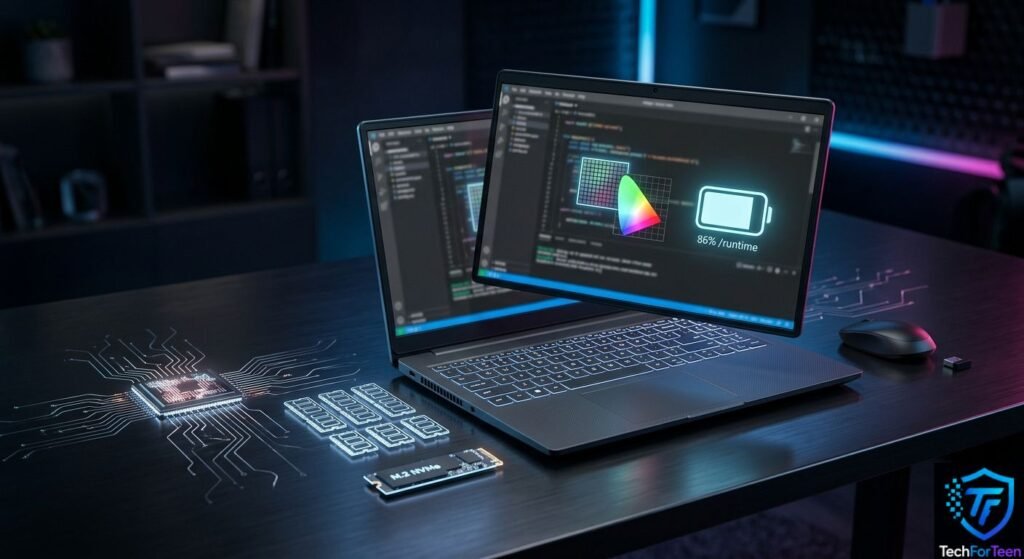
Before buying a laptop, check the specifications rather than focusing only on the brand or appearance.
Processor
The processor, or CPU, is one of the main parts responsible for how quickly a laptop handles tasks.
For basic schoolwork, entry-level processors can be enough. However, students who regularly multitask, code, edit media, or use demanding applications should consider a stronger modern processor.
Avoid choosing a laptop based only on the processor’s advertised speed. The processor generation, number of cores, and overall design also matter.
RAM
RAM helps a laptop handle several programs and browser tabs at the same time.
For a teenager’s main laptop, 8GB of RAM is a sensible starting point. It can provide a much more comfortable experience than the bare minimum when switching between documents, websites, video calls, and other applications.
Windows 11 itself has a minimum requirement of 4GB RAM, but that should not be treated as the ideal amount for a new everyday student laptop.
Storage
An SSD is preferable to an older mechanical hard drive because it generally makes everyday tasks feel faster.
For many students, 256GB of SSD storage can be a practical starting point. If the laptop will hold lots of games, videos, photos, or large projects, 512GB can provide more breathing room.
Also remember that the operating system and installed applications use part of the advertised storage.
Display
A 14-inch or 15.6-inch display can work well for students. A smaller screen can make a laptop easier to carry, while a larger screen gives more room for documents and multitasking.
A Full HD display is a useful feature to look for because text, websites, and videos can appear sharper than on lower-resolution screens.
Battery Life and Portability Matter
Teenagers may carry their laptops between home, school, libraries, and other places. Therefore, weight and battery life can matter almost as much as performance.
A lighter laptop is easier to carry throughout the day. However, do not choose an extremely thin model if it sacrifices the features or performance you actually need.
Battery-life claims can also vary depending on brightness, applications, wireless use, and other settings. Look for independent testing when available rather than assuming the advertised figure will match real-world use.
Choosing the Right Budget Laptop for Your Needs
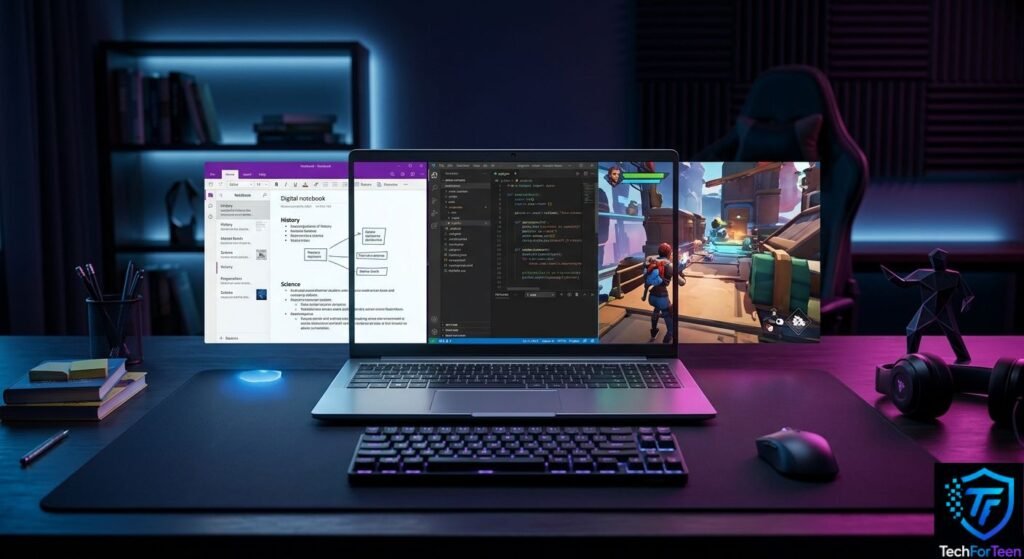
There is no single laptop that is perfect for every teenager.
For Schoolwork and Online Classes
If the main purpose is assignments, browsing, documents, presentations, and video classes, prioritize:
- 8GB RAM
- SSD storage
- A comfortable keyboard
- Good webcam and microphone
- Reliable Wi-Fi
- A decent battery
You do not necessarily need a dedicated graphics card for these tasks.
For Coding and Programming
Students learning programming should look for a laptop with enough RAM and storage for development tools.
A comfortable keyboard is also valuable because coding involves plenty of typing. If you are learning programming from scratch, you may also find our guide on how to start coding as a teenager useful.
For Gaming
Gaming changes the requirements considerably.
Casual games may work well on laptops with integrated graphics, while modern demanding games may require a dedicated graphics processor.
If gaming is an important reason for buying the laptop, pay attention to the GPU, cooling system, display refresh rate, and processor rather than focusing only on storage capacity.
Students who experience poor gaming performance can also learn more from our guide on reducing gaming lag on a laptop.
For General Teen Use
If the laptop needs to do a little of everything, look for a balanced configuration rather than spending most of the budget on one component.
For example, a laptop with a modern processor, 8GB RAM, SSD storage, a good display, and useful ports can be more practical than a model with a very powerful processor but poor battery life or limited storage.
Features That Can Make a Difference
Small features can have a big effect on everyday use.
Keyboard and Touchpad
Students spend a lot of time typing, so a comfortable keyboard should not be ignored. A responsive touchpad is also useful when you do not want to carry a mouse.
For more useful accessories, you can also explore our guide to laptop accessories for high school students.
Ports and Connectivity
Check which ports are included before buying.
Depending on your needs, you may want USB ports, HDMI, a headphone jack, or USB-C. Wi-Fi quality also matters for online classes, downloads, cloud services, and multiplayer gaming.
Webcam and Microphone
A decent webcam and microphone are useful for online classes, group projects, and video calls. You do not necessarily need a high-end camera, but extremely poor audio or video can become frustrating.
Common Budget Laptop Buying Mistakes
Getting a laptop at a low price sounds great, but the cheapest deal is not always the smartest choice. A model may look affordable at first and still leave you with weak performance, limited storage, or features you quickly outgrow.
Before making a purchase, watch out for these mistakes:
- Going for too little RAM: A laptop with limited memory can struggle when several apps or browser tabs are open.
- Looking only at storage size: Two laptops can have the same storage capacity but offer very different speeds depending on the type of drive they use.
- Overlooking the screen and keyboard: These are parts you will use every day, especially for homework and typing.
- Expecting every laptop to handle games: Basic laptops are not designed for demanding gaming, so check the graphics hardware first.
- Choosing an outdated processor: An older laptop may seem like a bargain, but its hardware could become limiting sooner.
- Ignoring upgrade possibilities: Some laptops let you increase storage or memory later, while others offer very few upgrade options.
- Skipping system requirements: Always make sure the laptop can properly run the operating system and software you plan to use.
Microsoft’s Windows 11 requirements can help you understand the basic hardware needed to run the operating system, but meeting the minimum does not necessarily mean the laptop will provide the experience you want.
Ways to Get More From Your Laptop Budget
When comparing the Best Budget Laptops, a larger budget can give you more choices, but spending extra is not automatically the answer. The smarter approach is to decide which features matter most for your everyday use.
Start by making a simple list of your main activities. If you mainly need a laptop for homework, browsing, presentations, and coding, you may not benefit much from paying extra for high-end gaming graphics.
Instead, that part of your budget could be used for features that you will notice more often, such as additional RAM, a larger SSD, a better screen, or a stronger build.
It is also worth checking the laptop’s upgradeability. If the memory or storage can be upgraded later, you may be able to start with a more affordable configuration and improve it when your needs increase.
Can Teens Use a Budget Laptop for School and More?
For many students, a budget laptop can handle everyday activities without a problem when its hardware is chosen carefully.
Schoolwork, research, web browsing, online classes, presentations, streaming, and beginner coding usually do not require an expensive high-end machine. However, demanding video editing, advanced creative software, and modern games can require considerably more processing and graphics power.
That is why the right laptop depends on the person using it. Before buying, think about what you will actually do with the computer instead of judging a model by its price tag alone.
Consider the processor, RAM, SSD capacity, screen, battery, weight, ports, and graphics hardware together. A balanced laptop will usually be more useful than one that has one impressive specification but weak hardware elsewhere.
Frequently Asked Questions (FAQs)
1. What should I look for in a budget laptop for a teenager?
Look for a modern processor, at least 8GB of RAM for comfortable everyday use, SSD storage, a suitable display, good battery life, and enough ports for your accessories.
2. Can 8GB of RAM handle schoolwork?
For many students, 8GB is enough for assignments, web research, online classes, documents, presentations, and normal multitasking. Students using heavier software may benefit from more memory.
3. Is 256GB enough storage for a student?
It can be enough if you mainly store documents, school files, and a reasonable number of applications. If you keep many games, videos, photos, or large projects, choosing 512GB gives you more room.
4. Can a cheap laptop be used for gaming?
It depends on the games. Less demanding titles can run on some affordable laptops, while newer graphics-heavy games usually need more powerful graphics hardware.
5. Which screen size works well for students?
A 14-inch model is a good choice when portability is important. A 15.6-inch laptop provides more screen space and can be more comfortable for multitasking, but it is usually less compact.
6. Is SSD storage important in a budget laptop?
Yes. An SSD can make everyday tasks such as starting the computer, opening applications, and accessing files feel much quicker than using an older mechanical hard drive.
Are the Best Budget Laptops Good for Teens?
Not always. A very low-priced model may cut costs through weaker hardware or limited storage. Spending a little more on the features you actually need can provide better long-term value.
Conclusion
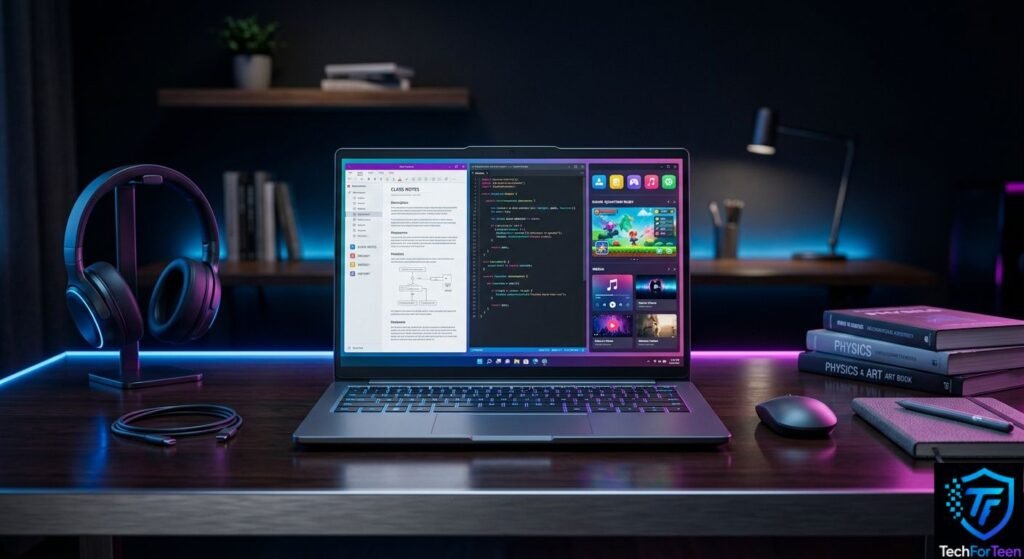
Choosing among the Best Budget Laptops is less about finding the lowest price and more about finding a configuration that matches your needs. For many teenagers, a modern processor, 8GB of RAM, SSD storage, a comfortable display, and dependable battery life make a strong starting point.
If gaming, video editing, or other demanding tasks are part of the plan, look beyond the basic specifications and consider the graphics hardware and overall performance as well. Most importantly, compare laptops based on how you expect to use them. A balanced machine that fits your daily activities can be a much better choice than an inexpensive model that you outgrow quickly.