
Best Laptop Accessories for High School Students
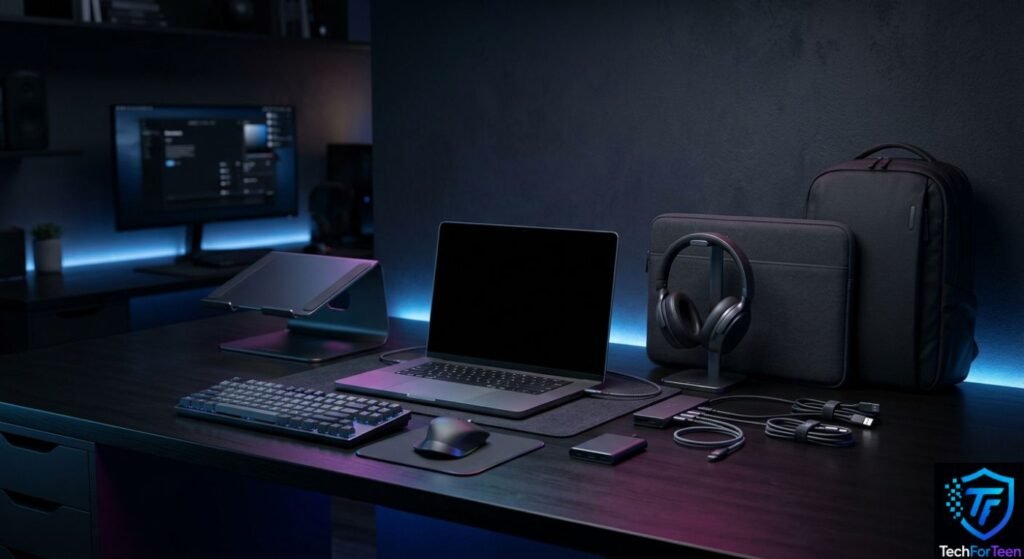
A laptop can handle most schoolwork on its own, but the right accessories can make studying, writing, researching, and online classes much easier. The Best Laptop Accessories are not always the most expensive ones. For high school students, useful choices should improve comfort, organization, portability, or productivity without adding unnecessary clutter to a backpack. A good laptop setup might include a wireless mouse, laptop stand, headphones, USB-C hub, external storage, or protective sleeve. However, the best choices depend on how you use your laptop. This guide explains which accessories are worth considering, what each one does, and what students should check before buying.
Why Laptop Accessories Matter for Students
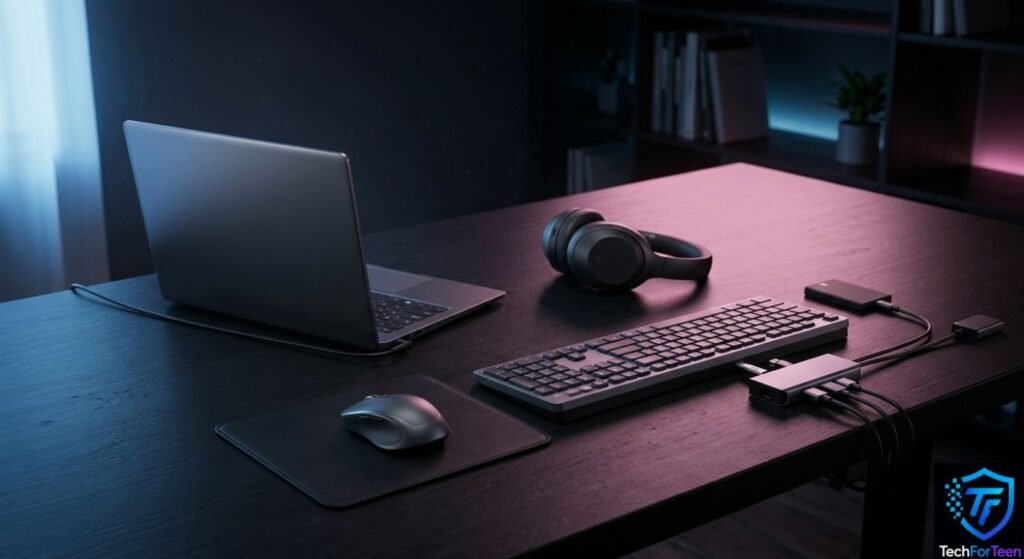
Students often use the same laptop for several different tasks. You might write an assignment in the morning, attend an online class later, research a project in the evening, and watch a video or play a game afterward.
The right accessory can make those tasks more comfortable and convenient. For example, a mouse can make detailed work easier, while a laptop stand can raise the screen to a more comfortable viewing position.
However, you do not need to buy everything on this list. Start with accessories that solve an actual problem you have.
1. Wireless Mouse
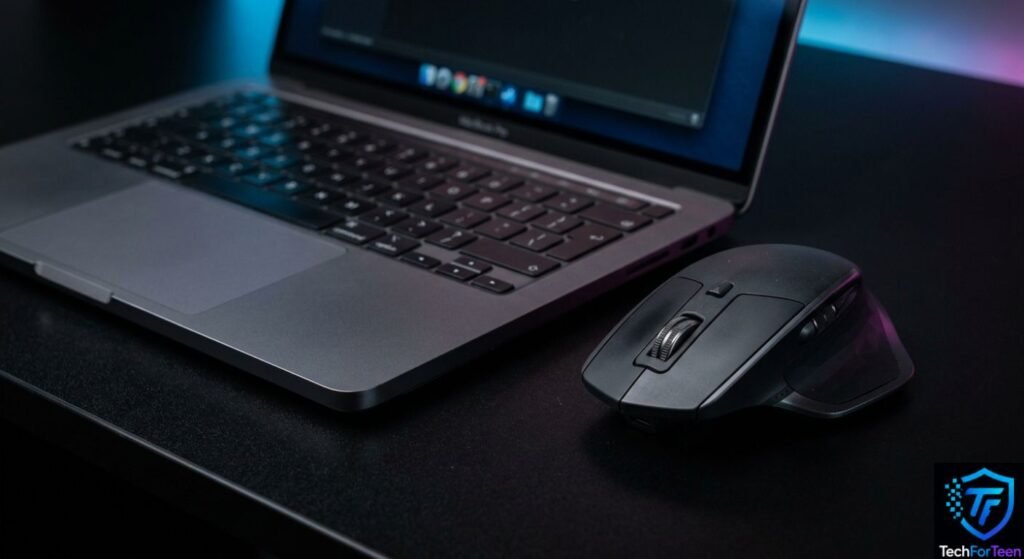
A wireless mouse is one of the simplest upgrades for a laptop.
Although a laptop touchpad works well for basic navigation, a mouse can be more comfortable when you are working on documents, presentations, spreadsheets, design projects, or other tasks that require precise pointer movement.
Look for a mouse that is:
- Comfortable for your hand
- Easy to carry
- Reliable
- Compatible with your laptop
- Powered by a rechargeable battery or commonly available batteries
A compact wireless mouse is particularly useful for students who regularly move between home, school, and study areas.
If you are learning programming or another digital skill, a mouse can also make working with development tools more convenient. Students interested in coding can also explore this guide on how to start coding as a teenager.
2. Laptop Stand
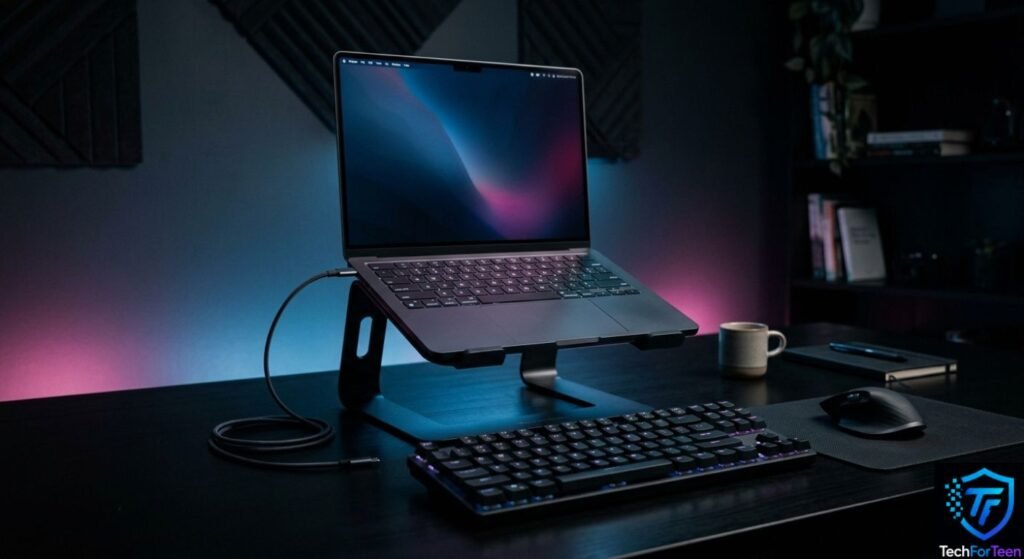
A laptop stand raises the screen so you do not always have to look downward at a low desk-level display.
This can make a study setup more comfortable, especially during longer assignments or online classes. A stand can also leave some space underneath the laptop for storing small items or improving airflow around the device.
There are two main types to consider:
- Portable stands: Lightweight and easy to carry in a school bag.
- Desk stands: Usually larger and better suited to a permanent study area.
If you use a stand with an external keyboard and mouse, you can create a more desktop-like setup. Just make sure the stand is stable and designed to support the size and weight of your laptop.
3. Laptop Sleeve or Protective Case
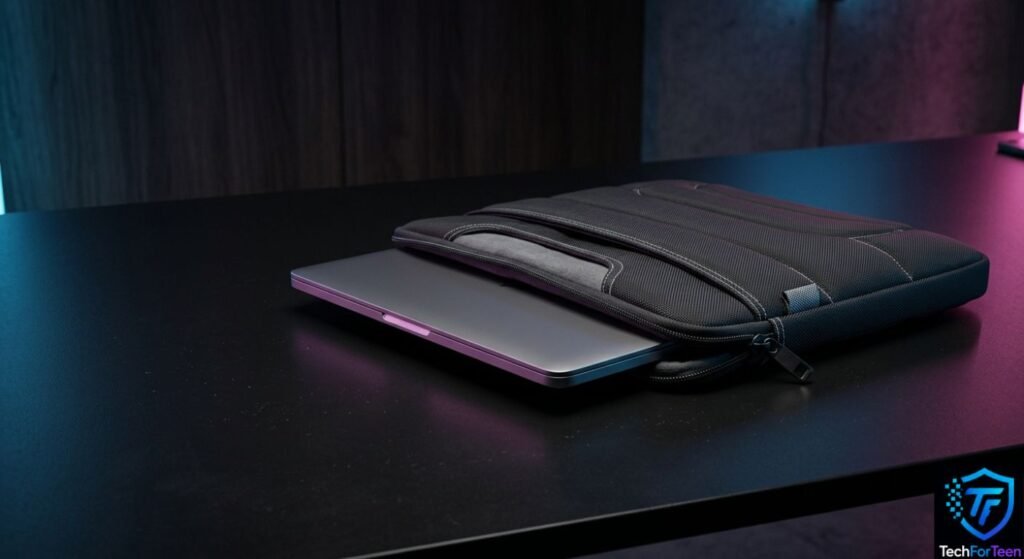
Students carry laptops around frequently, so protection is important.
A laptop sleeve provides a layer of protection against scratches, small bumps, and contact with other objects inside a backpack. A padded sleeve is generally a better choice than a thin fabric cover if you regularly travel with your laptop.
Before buying one, check the actual laptop dimensions rather than relying only on a general size such as 14-inch or 15-inch. Different laptops with the same screen size can have different dimensions.
For extra convenience, choose a sleeve with a handle or an additional pocket for a charger and small accessories.
4. USB-C Hub or Laptop Dock
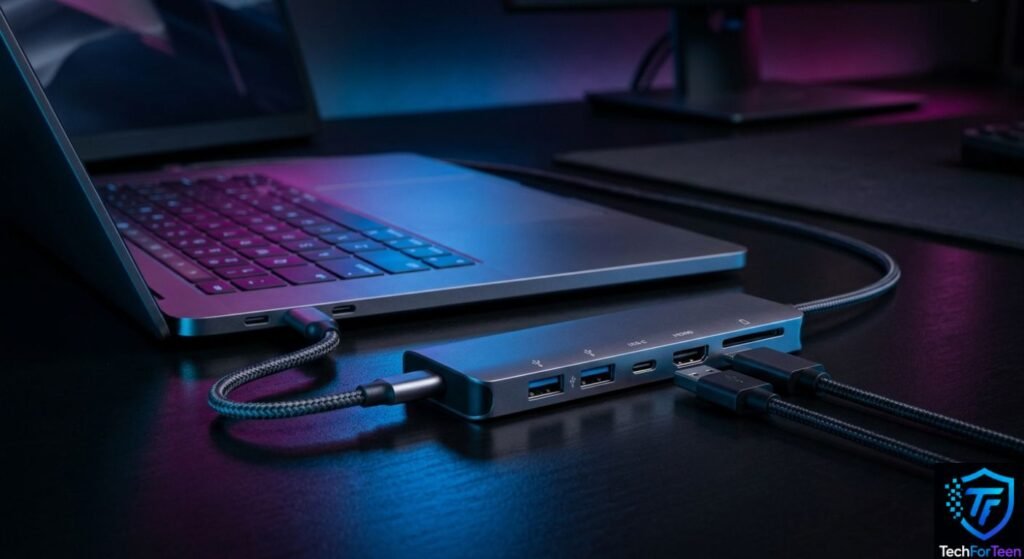
Modern laptops often have fewer full-size ports than older computers. If your laptop has limited connectivity, a USB-C hub can be extremely useful.
Depending on the model, a hub may provide ports such as:
- USB-A
- USB-C
- HDMI
- SD or microSD card slots
- Ethernet
This lets you connect multiple accessories without constantly swapping cables.
However, do not assume that every USB-C port supports every feature. Some USB-C ports support charging and data but may not support video output. Microsoft also notes that USB-C adapters and external displays depend on the capabilities of the specific device and port.
For that reason, check your laptop’s specifications before buying a hub.
5. External Keyboard
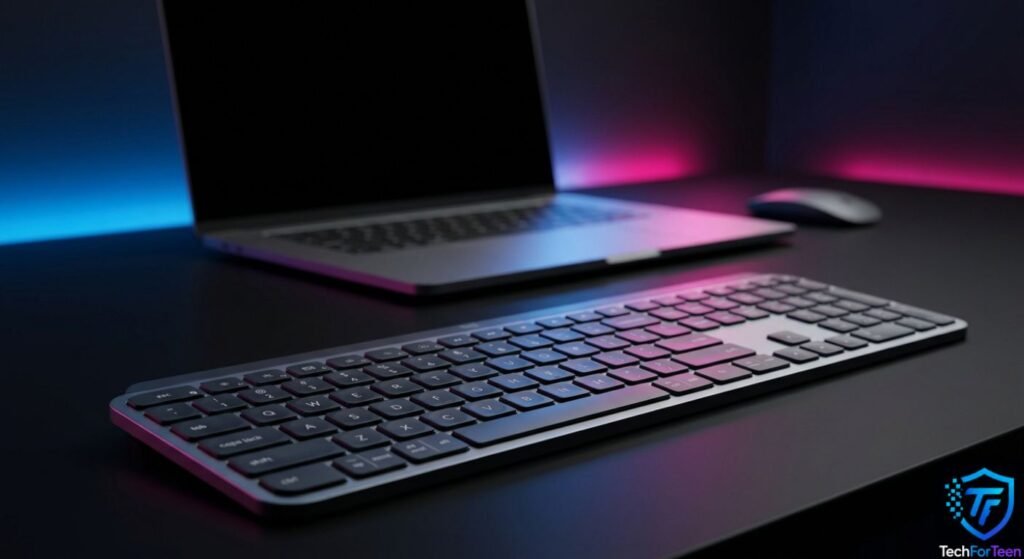
A separate keyboard is useful if you regularly use your laptop at a desk.
It can be especially helpful when you combine it with a laptop stand because the raised laptop screen may not be comfortable to type on for long periods.
Students who write essays, code, create presentations, or work with large amounts of text may appreciate a full-size keyboard with dedicated function keys and a familiar layout.
You do not necessarily need a mechanical gaming keyboard. A simple, comfortable keyboard is often enough for schoolwork.
6. Headphones or Headset
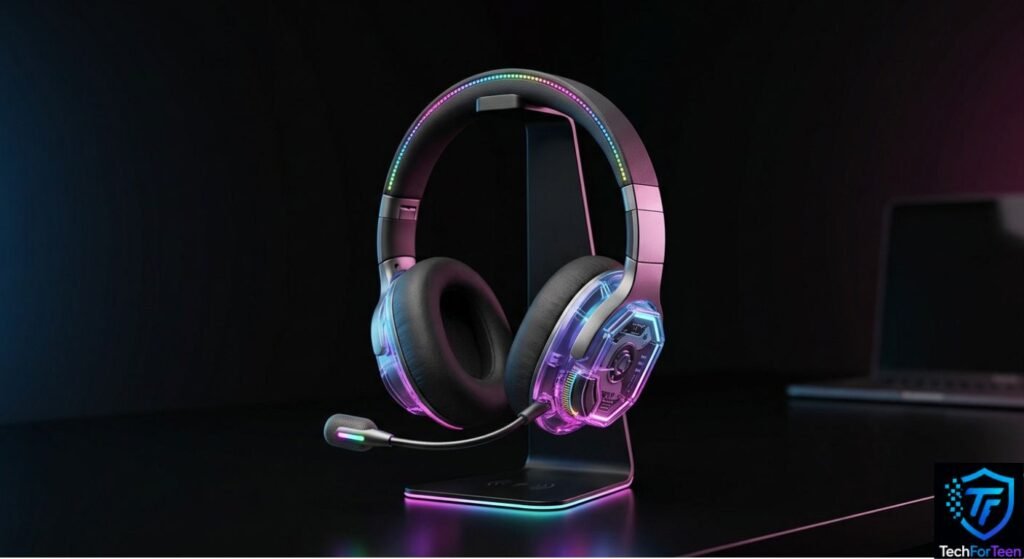
Headphones can be useful when studying in a shared room, attending online classes, watching educational videos, or listening to recorded lessons.
For school use, comfort should be a priority. If you wear headphones for extended periods, choose a comfortable design and keep the volume at a safe level.
A headset with a built-in microphone can also be useful for online classes and group projects. If you already have good earphones, however, buying another audio device may not be necessary.
7. External SSD or USB Flash Drive
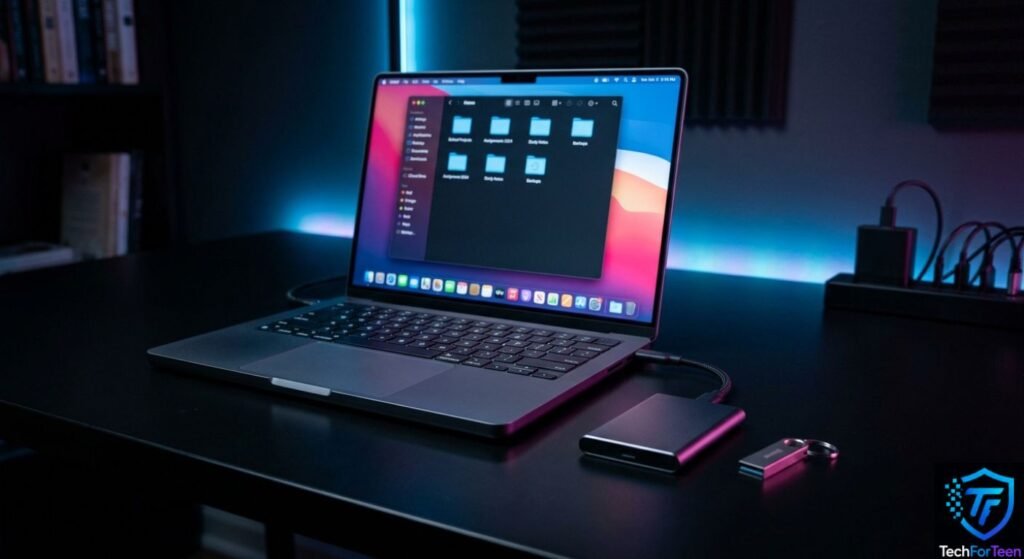
Extra storage can be useful when your laptop has limited space.
An external SSD is generally faster and more durable than a traditional portable hard drive, although it can cost more. A USB flash drive is smaller and convenient for transferring individual files between compatible computers.
Students can use external storage for:
- School projects
- Presentations
- Photos and videos
- Large project files
- Backup copies of important documents
Remember that external storage should not be treated as your only copy of important work. CISA recommends regularly backing up important data and keeping backup copies in different locations or on different media.
For example, a student could keep an assignment on the laptop while maintaining another copy on external storage or a trusted cloud service.
8. Laptop Backpack
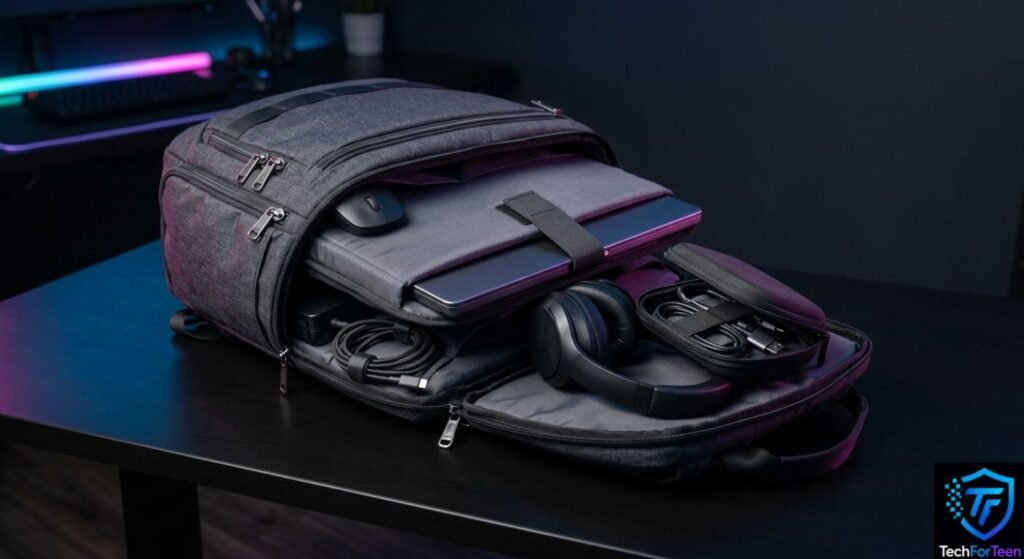
A laptop backpack is more useful than a normal school bag if you regularly carry a computer.
Look for a padded laptop compartment, comfortable straps, enough room for books, and separate storage for the charger and smaller accessories.
A good backpack should also make it easy to remove the laptop without unpacking everything else.
Avoid choosing a backpack simply because it looks good. Protection, comfort, and organization matter more when you are carrying a laptop every day.
9. HDMI or Display Adapter
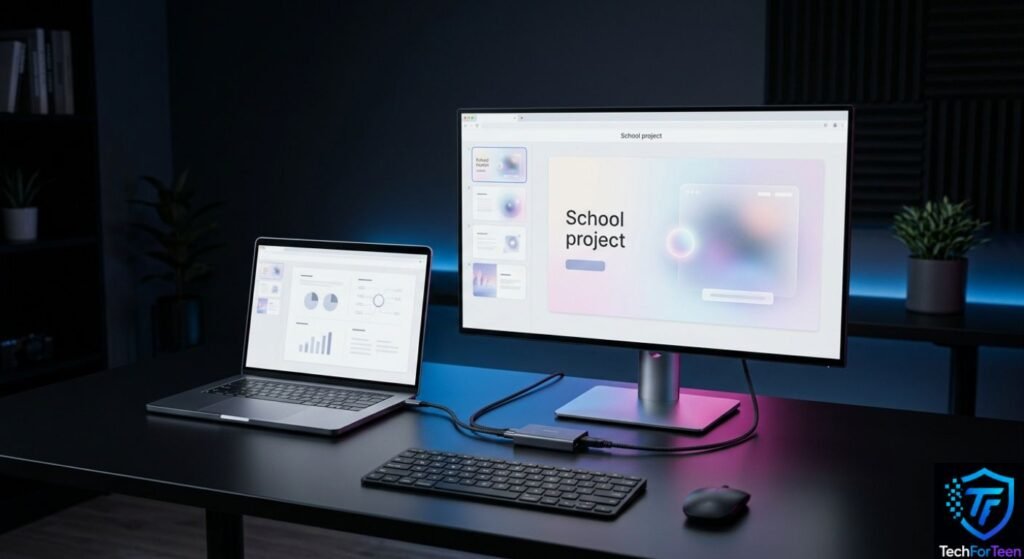
An HDMI or display adapter can be useful for students who need to connect a laptop to a classroom projector, monitor, or television.
However, the correct adapter depends on your laptop’s available ports. Some computers use HDMI directly, while others may require USB-C or another adapter.
Before buying one, check both ends of the connection. You need to know what port your laptop has and what input the display device accepts.
Microsoft’s support documentation explains that external displays can use connections such as USB-C, DisplayPort, HDMI, DVI, or VGA depending on the device.
10. Cable Organizer
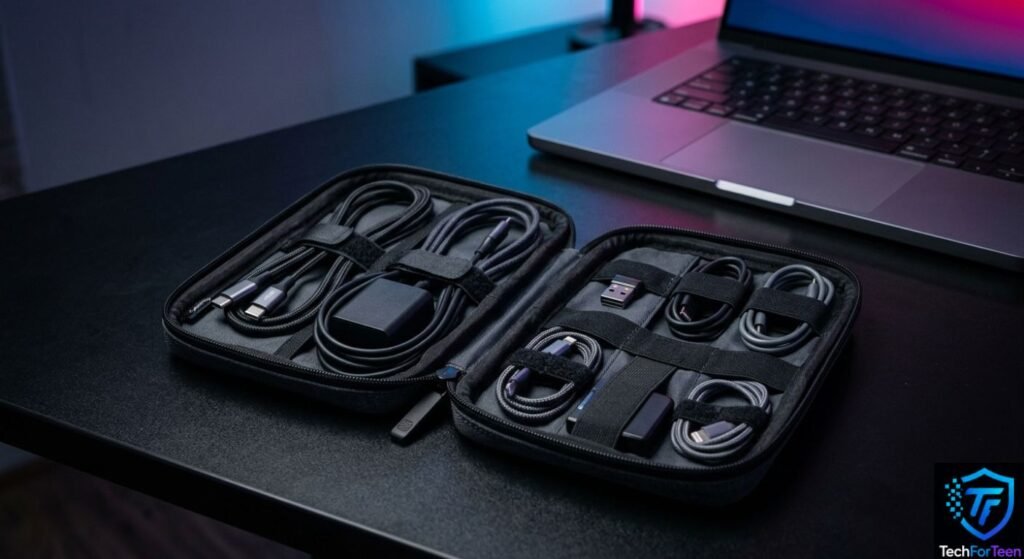
Small accessories can quickly become messy when you carry a charger, mouse, USB drive, headphones, and other devices.
A small cable organizer can keep everything together.
It does not need to be expensive. Even a compact pouch with separate sections can help prevent cables from becoming tangled or lost at the bottom of a backpack.
For students, this is one of those simple accessories that becomes more useful the more devices they carry.
11. Laptop Cleaning Kit
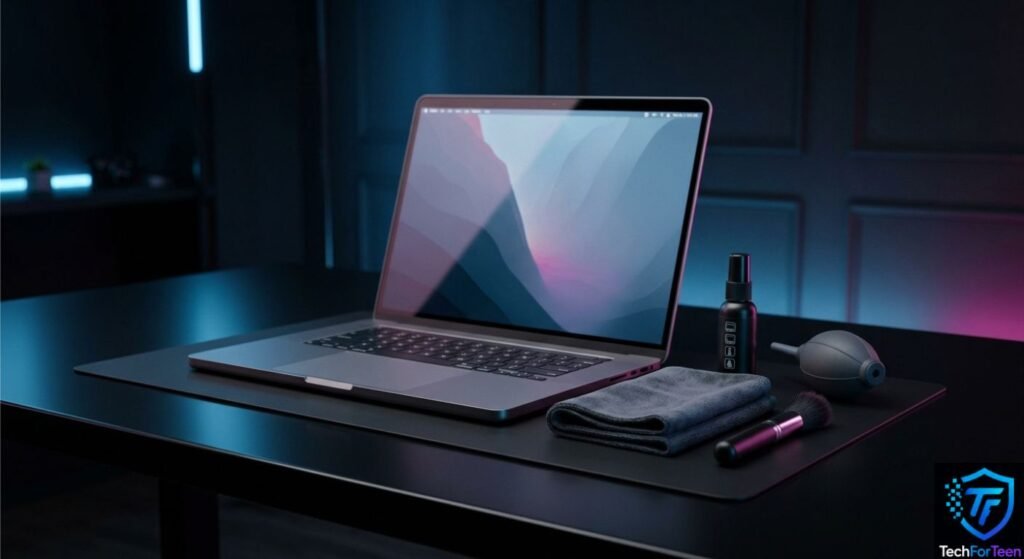
Dust, fingerprints, and small particles can build up on a laptop over time.
A basic cleaning kit can help you keep the keyboard, screen, and exterior looking clean. Use products designed for electronics and follow the laptop manufacturer’s cleaning instructions.
Do not spray liquid directly onto the laptop. Apply suitable cleaning products carefully according to their instructions and keep moisture away from ports and openings.
A clean laptop is easier to use, especially when fingerprints or dust make the screen difficult to see.
12. Portable Charger or Power Bank
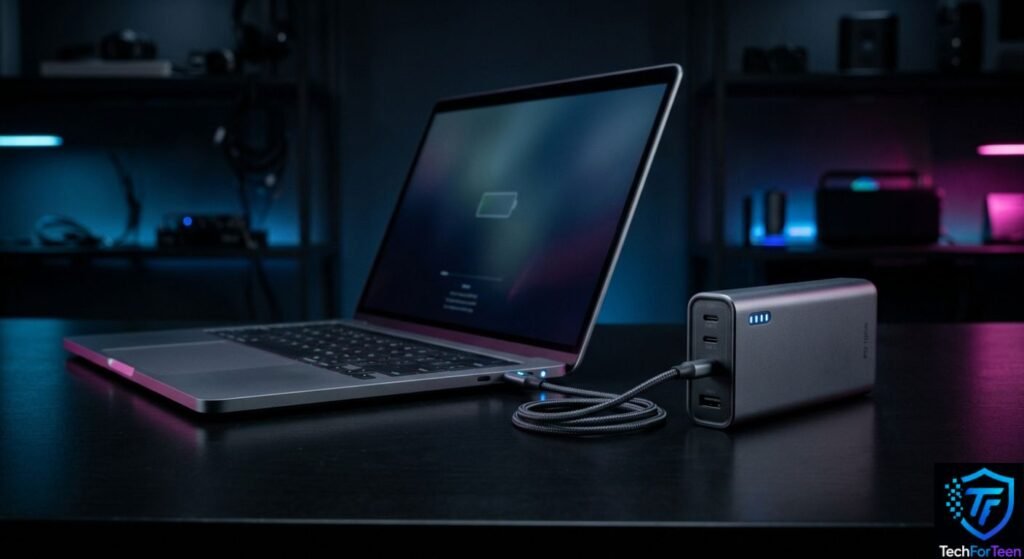
A portable power solution can be useful for students who spend long periods away from a wall outlet.
However, laptop charging is different from phone charging. A power bank must support the appropriate charging standard and provide enough power for your particular laptop.
Some USB-C laptops support USB-C Power Delivery, while others may use a proprietary charging connector.
Before purchasing a power bank, check your laptop’s required charging wattage and whether it supports charging through USB-C. Do not assume that a phone power bank will automatically charge a laptop.
How to Choose the Right Laptop Accessories
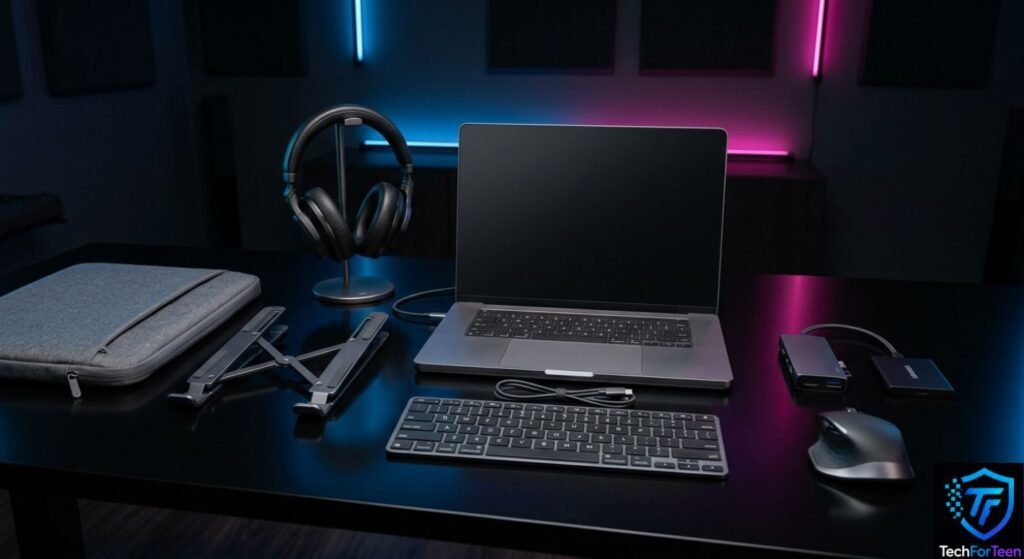
The best setup is not necessarily the setup with the most accessories.
Instead, think about what you actually do with your laptop.
For Everyday Schoolwork
Prioritize:
- Wireless mouse
- Laptop sleeve
- Laptop stand
- Headphones
- Backpack
These accessories can improve comfort, portability, and everyday convenience.
For Online Classes
Consider:
- Headset with microphone
- Laptop stand
- Wireless mouse
- External webcam if your built-in camera is inadequate
A stand can also make it easier to position the laptop at a comfortable viewing height.
For Coding and Digital Projects
Consider:
- External keyboard
- Wireless mouse
- USB-C hub
- External SSD
- Laptop stand
If you regularly work with files and projects, organization becomes especially important. A simple file-management system can prevent schoolwork from becoming difficult to find. For more guidance, see how to organize files on a computer for students.
For Gaming
Gaming students may prefer:
- Gaming mouse
- Headset
- External keyboard
- Laptop cooling stand
- Larger external display
The right choices depend heavily on the laptop and the games being played. Expensive gaming accessories are not automatically better for every student.
Students interested in competitive gaming can also learn more about what e-sports is and how it works.
Accessories You Probably Do Not Need
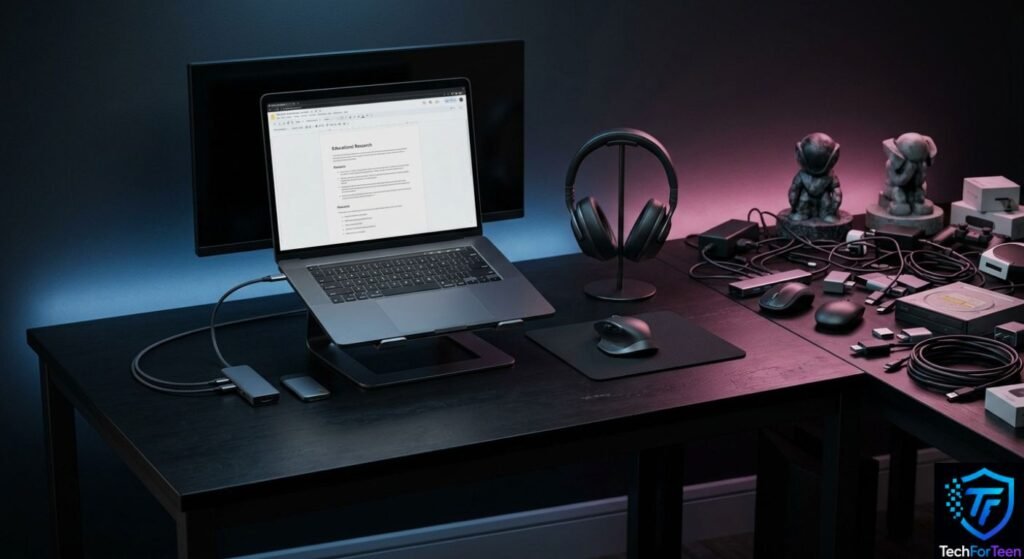
It is easy to spend money on accessories that sound useful but rarely solve a real problem.
For example, you may not need an expensive RGB keyboard if you mainly write school assignments. Similarly, buying multiple USB hubs makes little sense if your laptop already has enough ports.
Before buying anything, ask:
- What problem does this accessory solve?
- Will I use it regularly?
- Is it compatible with my laptop?
- Do I already own something that does the same job?
- Is the extra cost worth the convenience?
These questions can help you avoid unnecessary purchases.
What to Check Before Buying Laptop Accessories
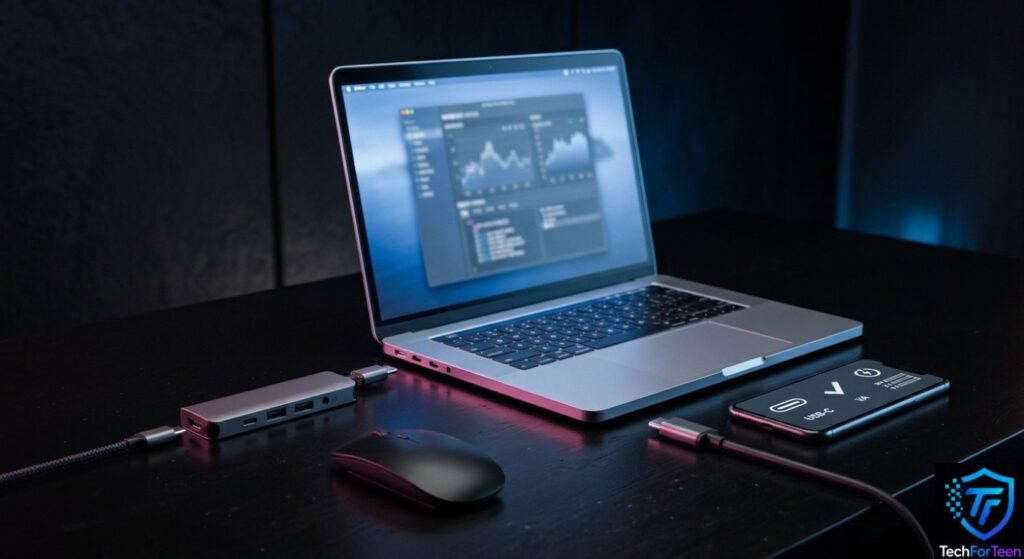
Compatibility should always come first.
Check your laptop’s:
- Available ports
- Screen size and dimensions
- Charging requirements
- USB-C capabilities
- Operating system
- Wireless connectivity
- Weight and portability needs
For example, a USB-C hub may look perfect but still fail to provide the feature you need if your laptop’s USB-C port does not support it.
Also consider how often you travel. A large desk accessory might be useful at home but inconvenient if you carry it to school every day.
Best Laptop Accessories: A Simple Priority List
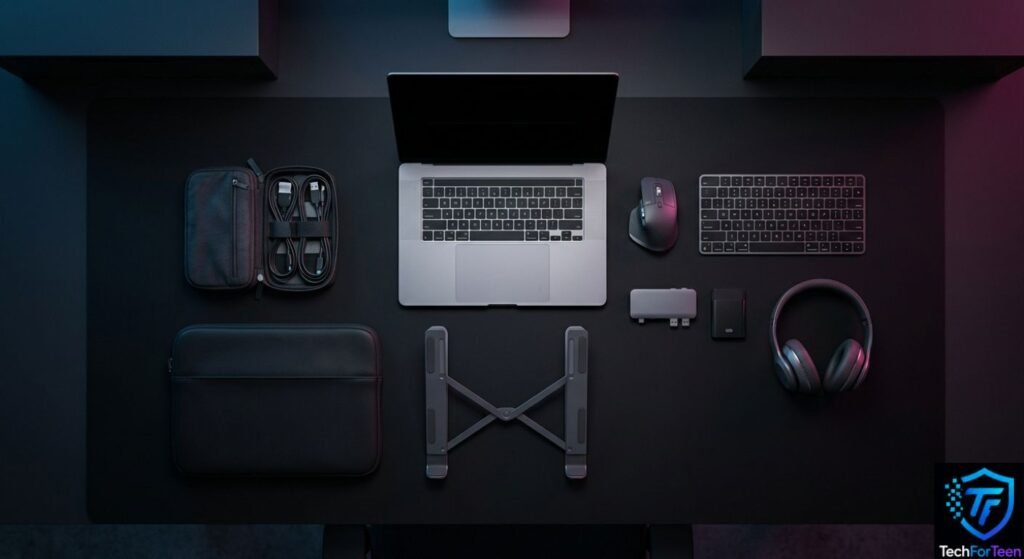
If your budget is limited, you do not need to purchase everything at once.
A sensible order could be:
Priority | Accessory | Why It Helps |
1 | Laptop sleeve | Protects the laptop while traveling |
2 | Wireless mouse | Makes navigation easier |
3 | Laptop stand | Improves desk setup and screen position |
4 | Headphones | Useful for classes and focused study |
5 | USB-C hub | Adds useful connectivity |
6 | External storage | Helps with file storage and backups |
7 | Keyboard | Useful for longer desk sessions |
8 | Cable organizer | Keeps accessories organized |
This list is only a starting point. Your needs should determine what you buy first.
FAQs
1. What are the best laptop accessories for high school students?
Useful choices include a wireless mouse, laptop sleeve, stand, headphones, USB-C hub, external storage, and a suitable backpack. The best combination depends on how the student uses the laptop.
2. Is a laptop stand useful for students?
Yes. A laptop stand can raise the screen and make a desk setup more comfortable. It becomes even more useful when paired with an external keyboard and mouse.
3. Do students need a USB-C hub?
Not everyone needs one. A USB-C hub is useful when a laptop has limited ports and you need to connect devices such as USB drives, displays, or other peripherals.
4. Is an external SSD worth buying for school?
An external SSD can be useful for students who work with large projects, videos, photos, or other files. It can also provide another place to keep backup copies of important work.
5. What should students look for in a laptop backpack?
Look for a padded laptop compartment, comfortable straps, enough space for school materials, and separate pockets for accessories such as chargers and cables.
6. Can a power bank charge a laptop?
Some can, but it depends on the laptop and power bank. The power bank must provide the correct charging standard and enough power for the laptop. Always check compatibility before purchasing one.
7. Do I need a gaming keyboard for school?
No. A gaming keyboard is optional. If you mainly use your laptop for schoolwork, a comfortable standard keyboard may be all you need.
Conclusion
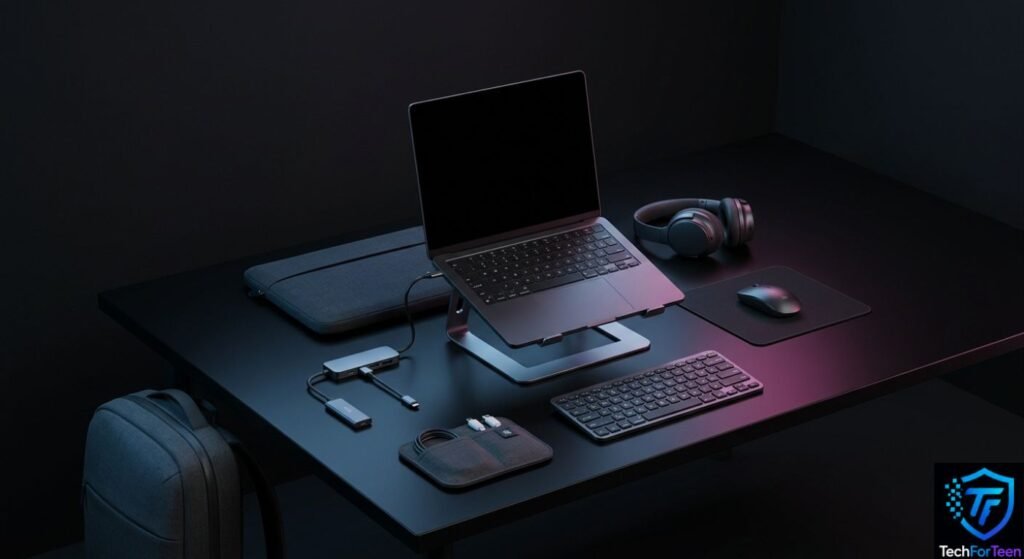
The Best Laptop Accessories for high school students are the ones that make everyday laptop use easier without creating unnecessary expense or clutter. A laptop sleeve, wireless mouse, headphones, stand, USB-C hub, and external storage can cover many common school needs.
Start with the accessory that solves your biggest problem. Then add other items as your schoolwork, hobbies, or laptop setup changes.