
How to Start Coding as a Teenager
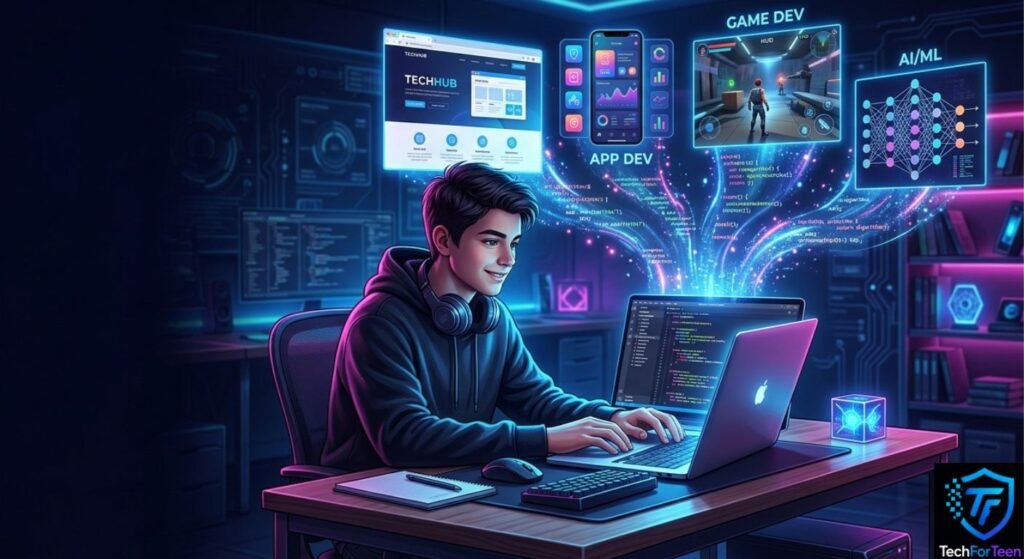
Learning how to start coding can feel confusing when you see so many programming languages, tools, and tutorials online. The good news is that teenagers do not need advanced computer skills to begin. You can start with simple concepts, practice regularly, and slowly build projects that match your interests. For example, Whether you want to create games, websites, apps, or useful programs, coding gives you a way to turn ideas into something real. In this guide, you will learn how to choose your first programming language, set up your coding tools, practice effectively, build beginner projects, use AI responsibly, and avoid common mistakes that can make learning harder.
Why Should Teenagers Learn Coding?
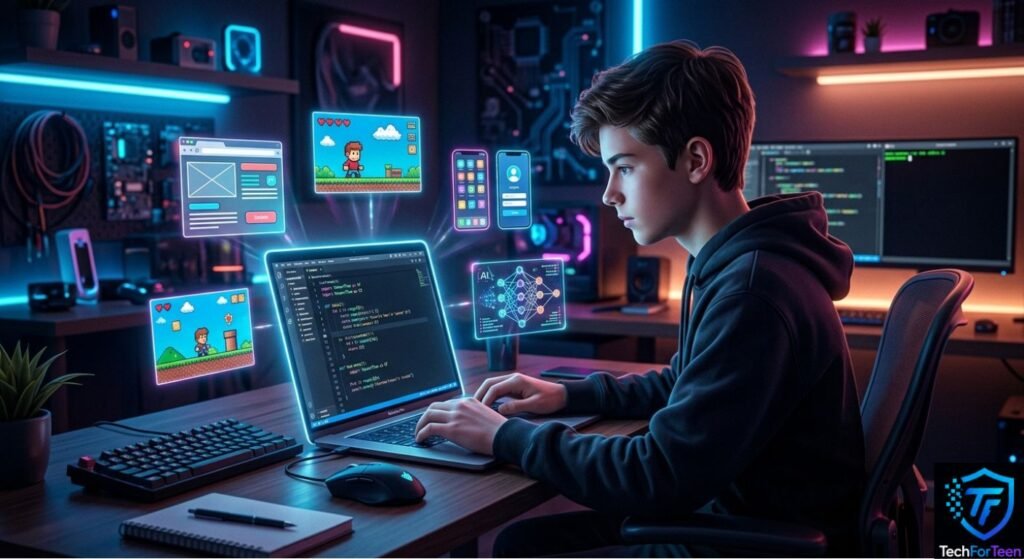
Coding is the process of giving a computer instructions so it can perform a task. Those instructions are written using programming languages such as Python, JavaScript, Java, or C#.
For teenagers, however, coding can be more than a school subject. It can become a way to create things you actually care about.
For example, you could use coding to:
- Build a simple website
- Create a small game
- Make a calculator or quiz
- Automate a repetitive task
- Create an interactive story
- Explore artificial intelligence
- Work with data
- Develop a simple app
Coding also teaches problem-solving. When a program does not work, you have to break the problem into smaller pieces and figure out what went wrong.
If you are completely new to computers, it can also help to understand basic hardware, software, files, and applications first. Our guide to computer basics for kids covers those foundations in simple language.
How to Start Coding
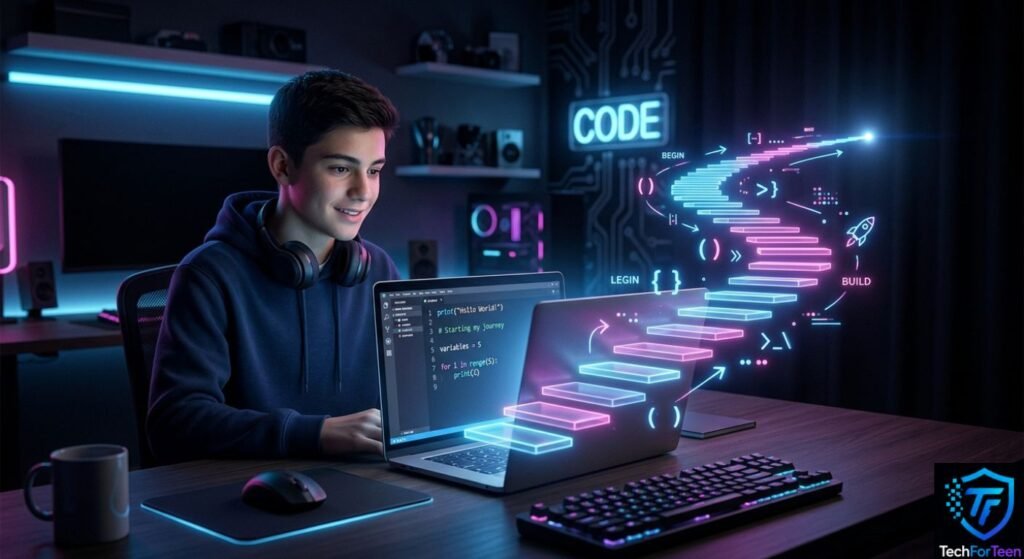
You do not need to learn everything at once. A simple learning path is much easier to follow.
1. Decide What You Want to Build
First, Start with your interests instead of choosing a programming language randomly.
Think about what sounds fun:
- Games: Try game-development tools and languages commonly used for games.
- Websites: Learn HTML, CSS, and JavaScript.
- Automation: Python can be a useful starting point.
- Apps: Explore languages and frameworks designed for mobile or desktop development.
- Artificial intelligence: Python is commonly used in AI and data-related projects.
Your goal does not need to be perfect. You can change direction later.
2. Choose One Beginner-Friendly Language
One of the biggest mistakes beginners make is trying to learn several languages at the same time.
Therefore, choose one language and learn its basic ideas first.
Python is a popular choice for beginners because its syntax is relatively easy to read. The official Python website also provides beginner resources and documentation for people starting programming.
However, Other possible starting points include:
Language | Good for |
Python | Beginner programming, automation, data, AI |
JavaScript | Websites and interactive web pages |
C# | Games and applications |
Java | Applications and learning programming concepts |
HTML/CSS | Building and styling websites |
Remember that HTML and CSS are not programming languages in the same sense as Python or JavaScript. However, they are important skills for anyone interested in web development.
3. Set Up a Simple Coding Environment
Once you choose a language, the next step is to find somewhere to write and run your code. For Python, you can install Python on your computer and use a code editor or integrated development environment (IDE). In addition, an IDE provides tools for writing, running, and debugging code.
The official Python beginner documentation explains how new programmers can install Python and find suitable learning resources.
You can also use browser-based coding platforms when you want to experiment without setting up everything locally.
Do not spend too much time searching for the “perfect” editor. At the beginning, understanding your code matters more than having advanced tools.
What Should You Learn First?

Once your environment is ready, focus on the fundamentals.
For a beginner learning Python, a useful order is:
- Variables
- Numbers and strings
- Input and output
- Conditional statements
- Loops
- Lists and other basic data structures
- Functions
- Error handling
- Simple modules
- Small projects
A variable stores information that your program can use. A loop repeats instructions, while a function groups instructions that can be reused.
You do not need to memorize everything. Instead, focus on understanding what each concept does. Then, practice using it in simple programs.
Learn by Building Small Projects
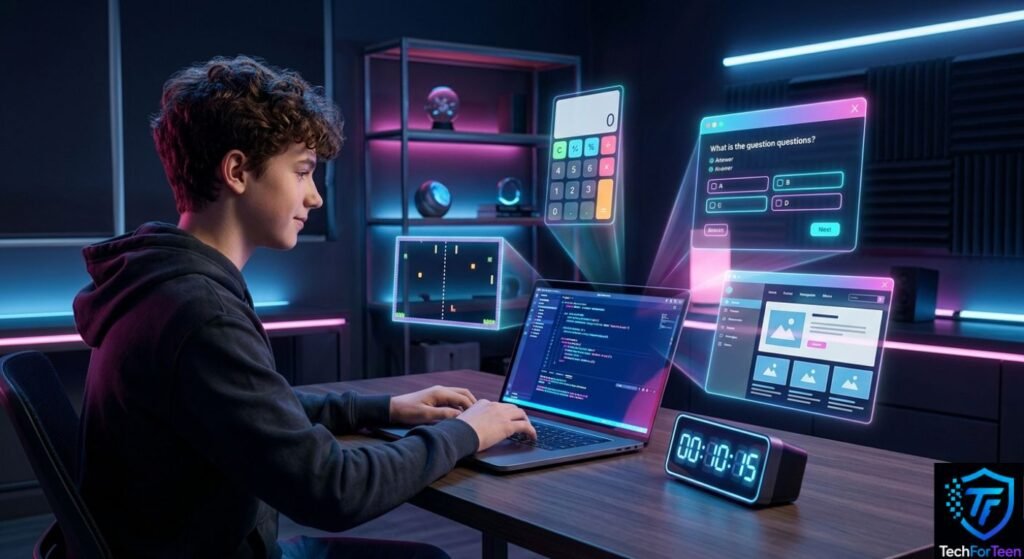
Reading tutorials can teach you concepts, but projects help you understand how those concepts work together.
To begin, choose something small enough to finish.
Beginner Coding Project Ideas
Try projects such as:
- Simple calculator
- Number guessing game
- Quiz game
- Digital timer
- To-do list
- Random password generator
- Basic text adventure
- Simple personal website
- Study timer
- Rock-paper-scissors game
For example, a quiz game can teach you about variables, user input, conditions, and score tracking without requiring a huge amount of code.
After finishing the basic version, add one new feature. This could be a score system, difficulty levels, a timer, or more questions.
That approach turns one small project into several useful coding lessons.
How to Practice Coding as a Teenager
You do not have to spend hours coding every day.
A better approach is to practice consistently.
For example:
Day 1: Start by learning variables and basic data types.
Day 2: Next, practice input and output.
Day 3: After that, learn how if statements work.
Day 4: Then, practice using loops in simple programs.
Day 5: Once you understand loops, move on to functions.
Day 6: Finally, use what you have learned to build a tiny project.
Day 7: At the end of the week, review your progress and improve the project.
The exact schedule does not matter. The important part is that you regularly write code instead of only watching tutorials.
If you enjoy Python, our guide on Python for teens and high school students provides additional beginner-focused ideas and project suggestions.
What If Your Code Does Not Work?

It is normal for your first programs to contain errors.
A bug is a problem in a program that causes it to behave incorrectly. Debugging means finding and fixing that problem.
When something goes wrong, start by following these simple steps:
- First, read the error message.
- Next, find the line mentioned in the message.
- Then, check the surrounding code.
- After that, think about what you expected to happen.
- Compare that with what actually happened.
- Now, make one change at a time.
- Finally, run the program again.
Do not immediately delete the entire project because of one error.
In fact, debugging is one of the best ways to become a better programmer. Each problem gives you a chance to understand how your code actually works.
Should Teenagers Use AI to Learn Coding?
AI tools can be useful when learning programming, but they should support your learning rather than replace it.
For example, you can ask an AI tool to:
- Explain an error in simple language
- Explain what a piece of code does
- Suggest project ideas
- Help you understand an unfamiliar programming concept
- Give feedback on your approach
However, copying an entire program without understanding it can make learning much harder.
A better approach is to ask for an explanation, study the suggested code, and then try changing or rebuilding parts of it yourself.
If you want to understand the broader educational uses of AI, our guide on the benefits of ChatGPT can provide additional context.
Common Coding Mistakes Beginners Should Avoid

Learning coding becomes easier when you know which habits to avoid.
Trying to Learn Everything at Once
You do not need Python, JavaScript, C++, Java, and several frameworks at the same time.
Choose one starting point and build a foundation.
Watching Tutorials Without Practicing
Watching someone else write code can feel productive, but you also need hands-on practice.
After learning a concept, close the tutorial and try using the idea yourself.
Starting With an Extremely Large Project
Your first project does not need to be a huge game or social media platform.
Start small. Then add features gradually.
Being Afraid of Errors
Coding mistakes are a natural part of the learning process. They are part of programming.
Learning to understand errors is a skill that improves with practice.
Copying Code Without Understanding It
Code that works is not always code that you understand.
Take time to explain each important part of your program in your own words.
How Long Does It Take to Learn Coding?
There is no fixed amount of time required to “learn coding.”
You can learn basic programming concepts relatively quickly, but becoming comfortable with larger projects takes continued practice.
Your progress depends on factors such as:
- How often you practice
- Which language you choose
- How difficult your projects are
- Whether you actively solve problems
- How much time you spend reviewing mistakes
Instead of asking, “How many months until I become a programmer?” set smaller goals.
For example:
“This week, I will learn loops and use them in a small game.”
Small goals are easier to measure and can keep you motivated.
How Can Teenagers Build a Coding Portfolio?

Once you have several small projects, keep them organized.
A coding portfolio is a collection of projects that demonstrates what you can create.
You could include:
- A personal website
- Small games
- Python programs
- School-related projects
- Useful automation tools
- Open-source contributions
GitHub can also help you organize and share programming projects. Its official GitHub Skills courses include beginner-focused lessons for learning how to use GitHub and related development workflows.
Do not worry about making your portfolio look professional immediately. A few completed projects that you understand are more useful than a large collection of copied code.
A Simple Coding Roadmap for Teenagers

If you are unsure what to do next, follow this basic roadmap.
Stage 1: Learn the Basics
First, Choose one language and understand its fundamental concepts.
Stage 2: Practice Small Problems
Next, Solve simple coding challenges that require you to use what you have learned.
Stage 3: Build Projects
After that, Create small programs without following every line of a tutorial.
Stage 4: Improve Existing Projects
Add features, fix bugs, and make your programs easier to use.
Stage 5: Explore a Specialization
After learning the basics, explore an area that interests you, such as:
- Web development
- Game development
- App development
- AI
- Data science
- Automation
- Cybersecurity
Stage 6: Share Your Work
Keep your projects organized and, when appropriate, share them through a portfolio or coding platform.
The goal is not to rush through these stages. Build your skills gradually.
Frequently Asked Questions (FAQ)
1. What is the best way to start coding as a teenager?
Choose one beginner-friendly language, learn the fundamentals, and practice by building small projects. Python is one possible starting point, especially for beginners who want to explore general programming.
2. Is coding difficult for teenagers?
Coding can be challenging at first, but beginners can learn it step by step. You do not need to understand advanced programming before creating simple projects.
3. Should I learn Python or JavaScript first?
It depends on your goals. Python is a useful choice for general programming, automation, data, and AI-related learning. JavaScript is especially useful if your main goal is creating interactive websites.
4. Can I learn coding without taking a class?
Yes. You can learn through documentation, tutorials, exercises, projects, and practice. A teacher or mentor can still be helpful when you become stuck or need feedback.
5. How much should a teenager practice coding each day?
There is no required daily amount. Even short, consistent practice can help. Focus on understanding and using what you learn rather than simply counting hours.
7. What should I build as my first coding project?
Start with something small, such as a calculator, quiz, number guessing game, timer, or simple webpage. Choose a project that is interesting enough to keep you motivated.
Conclusion
Learning how to start coding as a teenager does not require expensive equipment or advanced knowledge. Start with one language, learn the fundamentals, practice regularly, and build small projects that match your interests.
Most importantly, do not expect every program to work perfectly on the first attempt. Bugs, confusing concepts, and mistakes are normal parts of learning. Each problem you solve helps you understand programming more deeply.
Start small, keep experimenting, and gradually make your projects more ambitious. Over time, those small coding sessions can turn into real skills and a portfolio of projects you can be proud of.