
Instagram Account Private: Privacy Guide
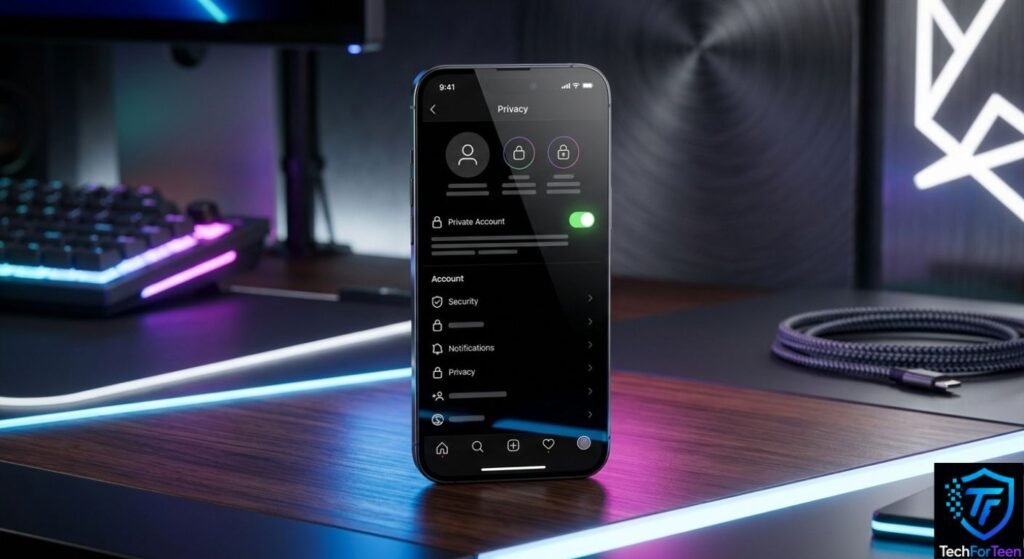
Your Instagram profile does not have to be open to everyone. If you prefer sharing photos, Stories, and Reels with people you know, switching to a private Instagram account can give you better control over your audience. With this setting enabled, people who are not following you cannot simply open your posts and view them. They have to send a follow request first, giving you the choice to let them in or keep them out. This guide explains where to find Instagram’s privacy option, what happens after you enable it, and what you should check afterward. You will also learn why changing this one setting is helpful but does not make every part of your Instagram profile completely private.
Why Use a Private Instagram Account?
A private profile is useful when you want to decide who can access the content you post.
Instead of automatically showing your shared content to anyone who visits your profile, Instagram puts control in your hands. When a person wants to follow you, you can look at the account first and decide whether to approve the request.
This can be especially useful for students and teenagers who use Instagram mainly for communicating with friends rather than reaching a large public audience.
Instagram also provides privacy controls that let you manage who can see and interact with your content. You can learn more through the Instagram Help Center.
Steps to Make Your Instagram Account Private
You can change your account’s visibility from the Instagram app. Since Instagram regularly changes its interface, the names or positions of some menus may not look exactly the same on every device.
Change the Privacy Setting
Follow these steps:
- Start Instagram and go to your profile page.
- Press the menu button with three lines near the top-right.
- Open Settings and activity.
- Look for Account privacy in the settings.
- Tap the privacy option.
- Enable Private account.
- Complete the confirmation shown by Instagram, if one appears.
Once the setting is active, a person who is not already an approved follower must request to follow you before getting access to your private posts.
What Happens to Your Current Followers?
Switching from public to private does not automatically remove people who already follow your profile.
Those followers can generally continue seeing content that is available to followers. Because of this, it is worth checking your follower list after changing the privacy setting.
If there is an account you no longer want connected to your profile, you can remove that follower separately.
Take a Look at Who Follows You
A private profile only works as well as the audience you allow into it.
Open your followers list and look for accounts you do not recognize. Before accepting a new request, check the profile instead of automatically pressing the accept button.
Be particularly careful with profiles that appear fake, copy another person’s identity, or send strange messages. Our guide on spotting a fake Instagram account explains some signs that can help you recognize suspicious profiles.
Does Private Mode Make Your Profile Invisible?
A private Instagram account does not make your profile completely invisible. Other people may still discover your account and access some basic profile information. The main benefit of a private account is that you control who can follow you and view content shared with approved followers.
Still, changing your privacy settings does not ensure that everything you post stays confidential. Accepted followers may save, screenshot, or share information they can access with others. Therefore, think carefully before posting anything you would not want others to see.
Want to protect your personal information? Avoid sharing sensitive details on your Instagram profile, including your home address, school name, phone number, or daily schedule. Keeping these details private can help reduce unwanted attention and make your online experience safer.
Adjust More Than One Privacy Setting
Changing your account from public to private is useful, but Instagram offers other controls that are worth reviewing.
Depending on the options available on your account, you can manage who is allowed to contact you, tag you, mention you, or interact with your posts.
It is also important to protect the account itself. A private profile will not help much if another person obtains your password. Use a password that is difficult to guess and consider enabling two-factor authentication.
If you are experiencing problems with login verification or two-factor authentication, check our guide covering common authentication problems and their solutions.
What If You Think Someone Accessed Your Account?
Privacy settings and account security are two different things.
If you notice activity that you did not perform, such as unexpected profile changes or unfamiliar login activity, investigate the account rather than assuming the private setting will solve the problem.
Secure the account and review its security information. If you also suspect that your phone has been accessed by someone else, you can read our guide about checking whether your phone may have been hacked.
Never give your Instagram password to another person, even if they claim they need it to help with your account.
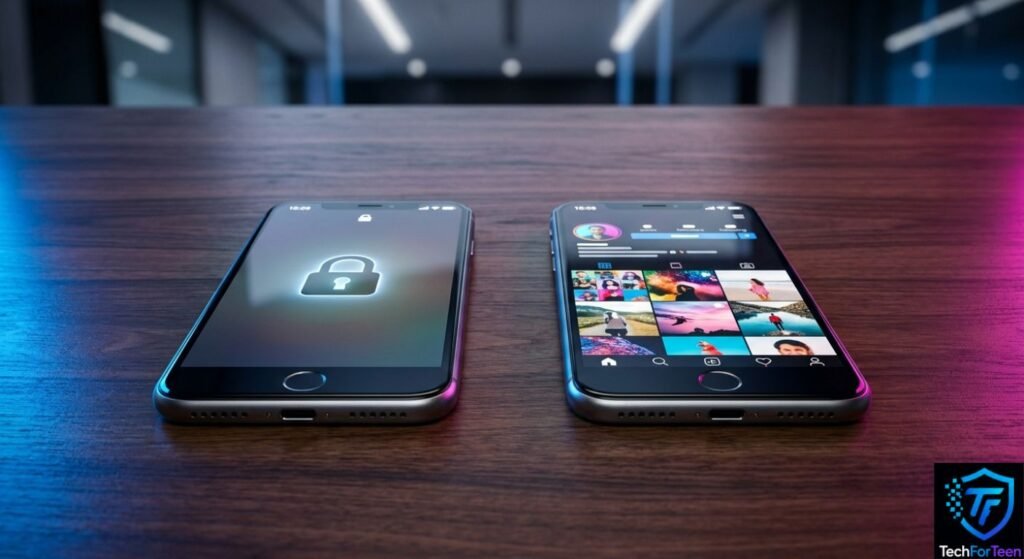
Private vs. Public: What's the Difference?
What to Consider | Private Profile | Public Profile |
New followers | You can approve requests | Anyone can generally follow |
Who sees your posts | Approved followers | A broader audience |
Audience control | Greater | More limited |
Typical purpose | Personal sharing | Public content and audience growth |
The right choice depends on your goal. Someone who wants Instagram mainly for friends and family may prefer a private profile. A creator who wants new people to discover their content may choose to keep the profile public.
Mistakes That Can Reduce Your Privacy
Even with a private profile, a few careless choices can expose more information than you intended.
Try to avoid:
- Approving requests without checking unfamiliar profiles.
- Adding personal contact information to your bio.
- Sharing the same password between different accounts.
- Overlooking unusual security notifications.
- Assuming private mode prevents every type of information from being seen.
- Posting sensitive details because only followers can access the content.
The safest approach is to combine Instagram’s privacy controls with sensible sharing habits. Review your followers from time to time and only approve people you are comfortable allowing into your online space.
Frequently Asked Questions (FAQs)
1. Can people see my Instagram posts if my account is private?
Only people you approve as followers can normally see your private posts, Stories, and Reels.
2. Can I make my Instagram account private anytime?
Yes. You can change the account privacy setting from Instagram’s settings, although the exact menu wording may change with app updates.
3. Will my existing followers be removed when I make my account private?
No. Existing followers generally remain followers. You can review your follower list and remove people individually if needed.
4. Can people still find a private Instagram account?
Yes. A private account can still be found. However, people who are not approved followers cannot normally see your private posts and other shared content.
5. Is a private Instagram account completely safe?
No. It provides stronger control over your audience, but it cannot prevent an approved follower from saving or sharing something they can see. You should still avoid posting sensitive personal information.
6. Should teenagers make their Instagram accounts private?
A private account can give teenagers more control over who follows them and sees their content. Meta’s Teen Accounts also include private-account protections in applicable situations.
Conclusion
Making your Instagram Account Private is a simple way to gain more control over your audience. After switching the setting on, review your existing followers, avoid sharing sensitive information, and use Instagram’s other privacy and security controls. A private account is helpful, but good online habits are still important.