
Best Mouse for Coding: Top Picks
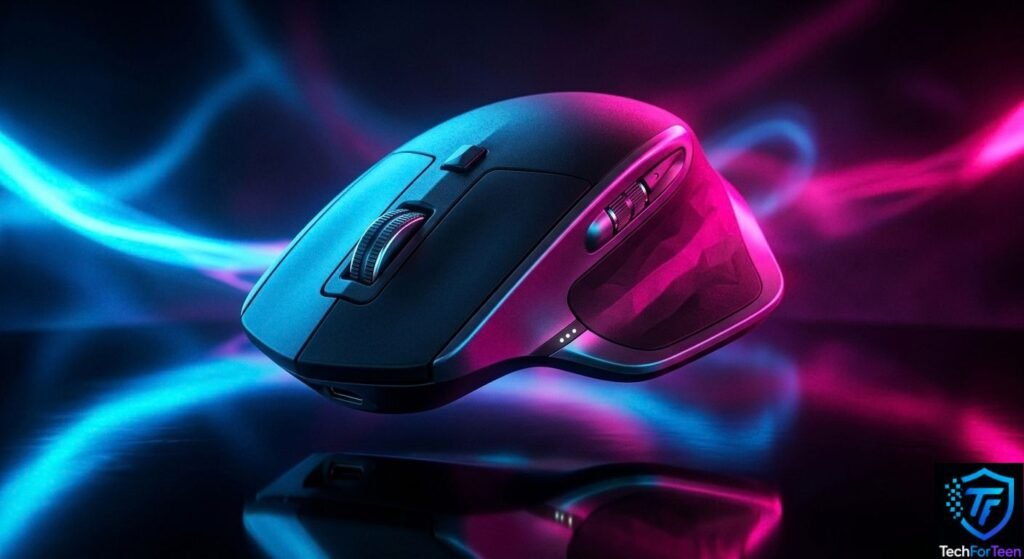
Choosing the best mouse for coding can make programming more comfortable and help you work smoothly on your laptop or desktop. Whether you are learning Python, building your first website, or working on school projects, the right mouse can make everyday tasks easier. However, you do not need an expensive gaming mouse or a device packed with features. Comfort, reliable tracking, useful buttons, and a suitable design matter more. Some students may prefer a simple wired mouse, while others might benefit from a wireless model with extra controls. This guide covers five options and explains what to consider before buying one.
1. Logitech MX Master 3S — Best Overall Mouse for Coding
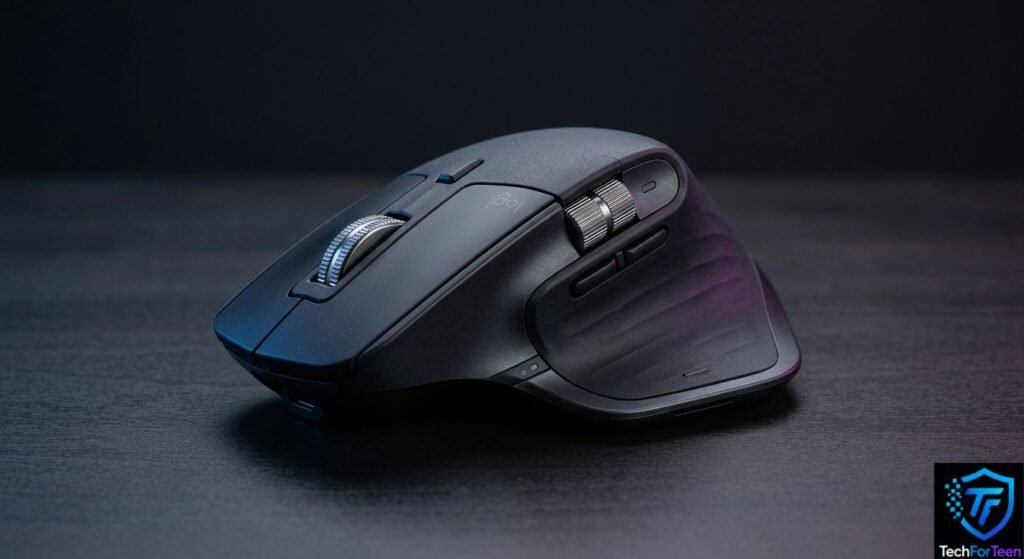
The Logitech MX Master 3S is a feature-rich mouse designed for productivity. It is a strong option for programmers who spend long periods switching between code editors, browsers, and other applications.
Key features
- Adjustable tracking sensitivity up to 8,000 DPI
- Seven customizable buttons
- A thumb wheel for horizontal scrolling
- Bluetooth and USB receiver connectivity
- Quiet clicks and a fast scrolling wheel
The extra buttons can be assigned to useful actions, depending on the supported software. For example, you could set a button to switch between applications.
Best for: Programmers who want extra controls and a comfortable, productivity-focused design.
Downside: It is relatively expensive, and its 141-gram weight may feel heavy to some users.
2. Logitech MX Anywhere 3S — Best for Students on the Move
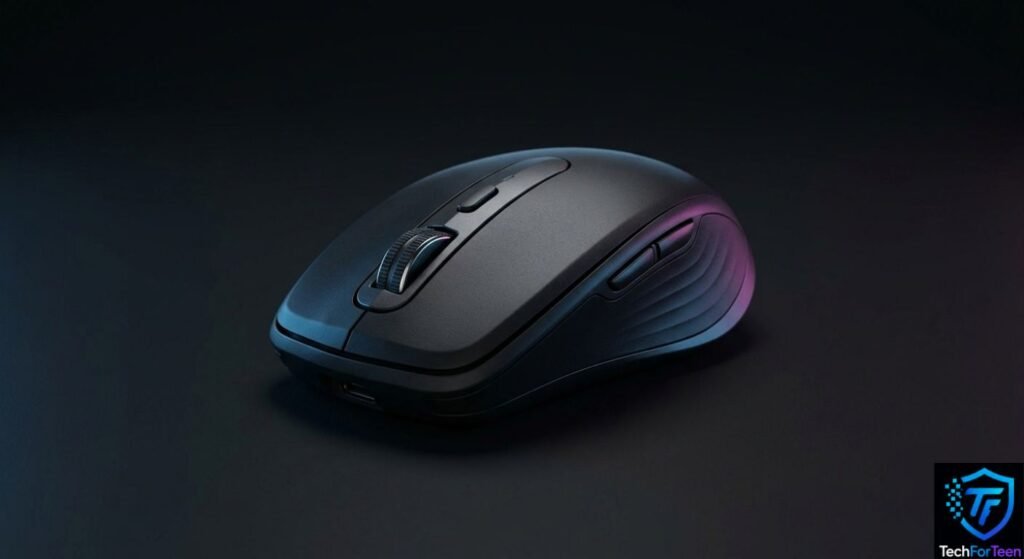
For students who code in multiple locations, the Logitech MX Anywhere 3S is a practical option to explore. Its lightweight, compact design makes it easy to pack in a laptop bag and carry between home, classrooms, and libraries.
The mouse supports Bluetooth connectivity and can also work with a compatible USB receiver, offering flexibility when connecting to different devices. Its portable design makes it especially convenient for students who prefer coding wherever they feel comfortable.
Best for: Students and beginner programmers who need a travel-friendly mouse for coding on the move.
Potential drawback: The compact shape may feel less comfortable for some users during extended coding sessions.
3. Logitech G305 LIGHTSPEED — Best for Coding and Gaming
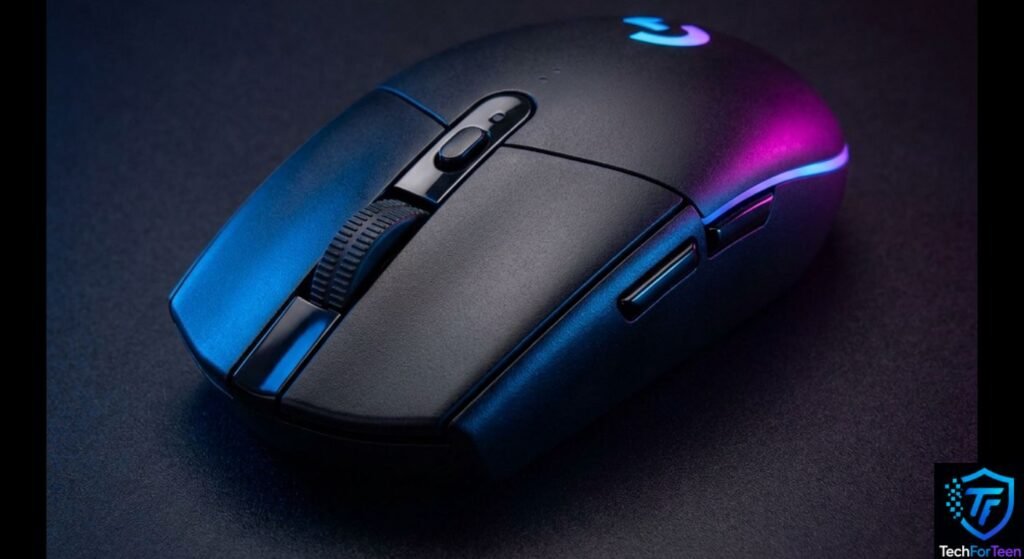
The Logitech G305 is a wireless gaming mouse that can also handle everyday programming. Its extra buttons may be useful for shortcuts, while its compact shape works well for many desk setups.
It can be a practical choice if you use the same mouse for coding, browsing, and gaming. However, gaming features are not necessary for writing code.
Best for: Students who want one mouse for programming and gaming.
Downside: It uses a replaceable battery rather than built-in rechargeable power.
4. Microsoft Ergonomic Mouse — Best Wired Option
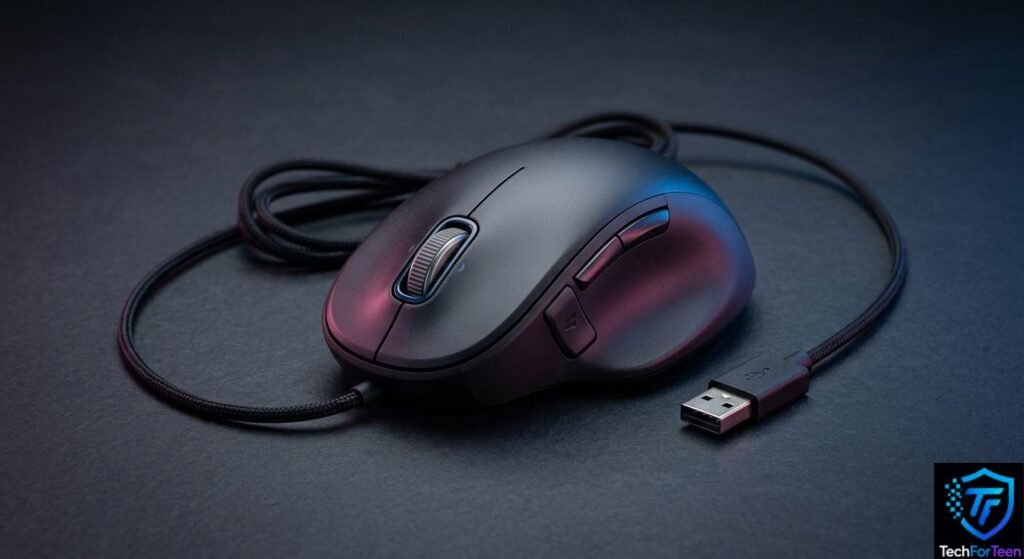
A wired mouse is a straightforward choice for students who prefer a simple setup. The Microsoft Ergonomic Mouse connects through USB, so you do not need to charge it or manage a wireless connection.
Its ergonomic shape is designed for comfortable everyday use. Before buying, check whether its shape fits your hand and whether your computer has a suitable USB port.
Best for: Students who prefer a wired mouse with a productivity-focused design.
Downside: The cable can limit movement and add clutter to a small desk.
5. A Basic Budget Mouse — Best for Beginners

You do not need a premium mouse to learn programming. A basic USB optical mouse can handle common tasks such as selecting code, opening files, browsing documentation, and using a code editor.
For beginners, a reliable sensor, comfortable shape, and working scroll wheel are often enough. If you are choosing an affordable model, you can also explore this guide to what to look for in cheap headphones for advice on making sensible budget technology purchases.
Best for: Beginners who want a simple mouse without spending much.
Downside: Basic models may lack extra buttons, advanced scrolling, and wireless connectivity.
What Should You Look for in a Coding Mouse?
Before choosing a mouse, consider how you work and what features will actually help.
1. Comfort and size
Comfort should be a priority if you spend hours writing code. Choose a mouse that fits your hand without making you stretch your fingers or grip it tightly.
Also, keep your mouse close to your keyboard. Microsoft’s ergonomics guidance recommends keeping your wrists straight and using a relaxed hand position.
2. Wired or wireless connectivity
Both options can work well for programming.
Feature | Wired Mouse | Wireless Mouse |
Power | Usually powered by USB | Battery or rechargeable |
Setup | Plug in and use | Bluetooth or receiver |
Portability | Cable can get in the way | Usually easier to carry |
Cost | Often affordable | Varies by model |
If you prefer a wireless setup, read this guide to wired vs. wireless headphones to understand similar connectivity trade-offs.
3. Adjustable DPI
DPI describes how sensitive a mouse is to movement. Higher DPI makes the pointer travel farther across the screen with less physical mouse movement.
For coding, a moderate setting is often enough. Choose a mouse with adjustable sensitivity if you want to fine-tune pointer movement for your screen.
4. Extra buttons and scrolling
Extra buttons can help you perform shortcuts, move between applications, or access frequently used commands. A good scroll wheel is also useful when reading long files or browsing documentation.
However, more buttons do not automatically make a mouse better. Choose features you will actually use.
5. Compatibility
Check that the mouse works with your operating system, whether you use Windows, macOS, Linux, or ChromeOS.
If you work mainly on a laptop, consider whether you need a USB-A port, USB-C adapter, Bluetooth, or a wireless receiver. A suitable laptop stand for students can also help you create a more comfortable coding setup.
How Much Should You Spend on a Coding Mouse?
Your budget should depend on your needs.
- Beginner: A basic wired mouse is enough to start learning.
- Regular student: Consider a comfortable wireless mouse with reliable tracking.
- Frequent programmer: Extra buttons and improved scrolling may be worth paying for.
- Portable setup: Choose a compact model that fits easily in your bag.
Prices and availability vary by country and retailer. Check local prices before making a purchase, especially if you are ordering from Pakistan.
Common Mistakes to Avoid
- Buying a gaming mouse just because it has a high DPI.
- Choosing a mouse without checking its size.
- Paying for extra buttons you will rarely use.
- Ignoring battery requirements on wireless models.
- Forgetting to check operating system compatibility.
A simple mouse that fits your hand may be more useful than an expensive model with features you never need.
Frequently Asked Questions (FAQs)
1. Which is the best mouse for coding?
The Logitech MX Master 3S is a strong choice for programmers who want customizable buttons and advanced scrolling. However, a basic mouse can work perfectly well for beginners.
2. Is a wireless mouse good for programming?
Yes. A wireless mouse can be convenient for coding at home, school, or in a library. Just remember to check its battery requirements.
3. Is a gaming mouse good for coding?
Yes. Gaming mice can work well for programming, especially if you like their shape or extra buttons. However, gaming features are not essential for coding.
4. How much DPI do I need for coding?
There is no single ideal DPI setting. Start with a comfortable pointer speed and adjust it until moving around your screen feels natural.
5. Is an expensive mouse necessary for coding?
No. A reliable, comfortable mouse is enough for most beginners. More expensive models mainly offer additional controls, connectivity options, and convenience.
6. Is a wired or wireless mouse better for coding?
Neither is always better. Wired mice are simple and do not need batteries, while wireless mice reduce cable clutter and can be easier to carry.
Conclusion
The best mouse for coding depends on your budget, hand size, and working style. The Logitech MX Master 3S is a strong productivity option, while the MX Anywhere 3S suits students who need portability. Meanwhile, a basic wired mouse is perfectly suitable for beginners. Focus on comfort, reliable tracking, and useful features rather than paying for specifications you do not need.