
How to Identify a Fake Instagram Account
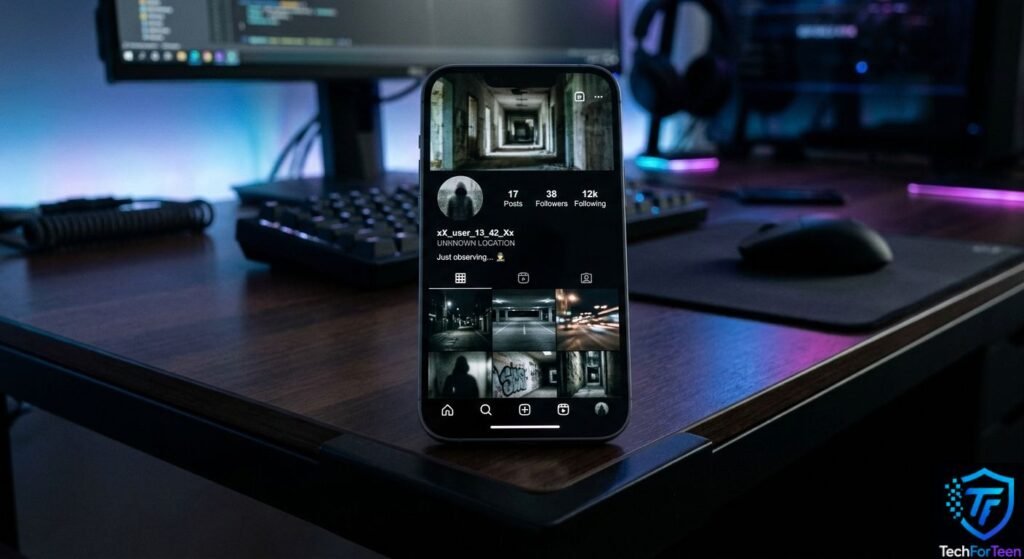
Have you ever received a follow request from an account that looked suspicious? A Fake Instagram Account can sometimes look very similar to a real profile, using copied photos, a familiar name, or even similar posts. The problem is that a suspicious account may be trying to trick you into sharing personal information, clicking a harmful link, or sending money. Fortunately, you can check several signs before trusting a profile. In this guide, you will learn how to identify a fake Instagram account, what warning signs to look for, how to check a suspicious profile, and what to do if someone is pretending to be another person.
What Is a Fake Instagram Account?
A fake Instagram account is a profile that does not truthfully represent the person, organization, or identity it claims to belong to. While some fake accounts may be created for harmless reasons, others can be used for scams, impersonation, spam, or attempts to collect personal information.
For example, someone might create an account using another person’s name and profile picture. They could then follow that person’s friends and send messages while pretending to be them.
The Federal Trade Commission warns that scammers can use social media to impersonate people or organizations they are not actually connected to.
How to Identify a Fake Instagram Account
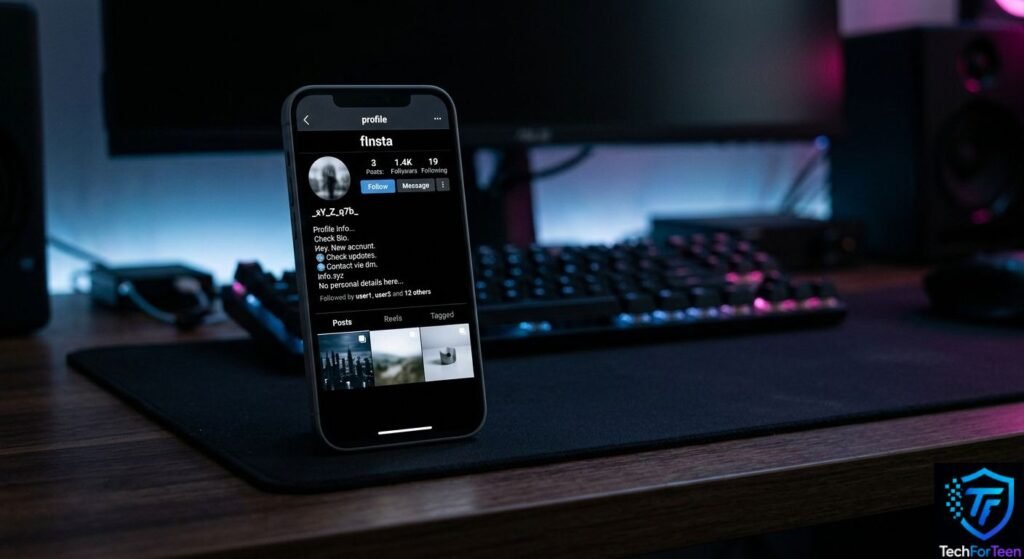
There is no single sign that proves an Instagram profile is fake. Instead, check for multiple signs that may indicate the account is suspicious.
1. Check the Username Carefully
Start by looking at the username. A fake profile may use a username that is almost identical to a real account but includes extra numbers, dots, underscores, or small spelling changes.
For example, if a real creator uses examplecreator, a suspicious account might use a very similar variation. This does not automatically mean the account is fake, but it is a reason to check further.
2. Look at the Profile Picture
A copied profile picture can be another warning sign. Someone pretending to be another person may use that person’s public photo to make the account look genuine.
However, remember that using a common photo alone does not prove an account is fake. Look at the username, bio, posts, followers, and messages as well.
3. Check the Bio and Account Details
Read the profile bio carefully. Does the information make sense? Does it match the person’s other public accounts?
Be cautious if the profile makes strange claims, uses unusual wording, or gives you a reason to contact another account or website immediately.
4. Look at the Posts
Check the account’s posts before following or messaging it.
A suspicious profile may have:
- Very few original posts
- Recently uploaded posts with little interaction
- Photos that appear copied from another account
- Repeated promotional content
- Posts that do not match the profile’s claimed identity
- Captions that seem unrelated to the account
A new account is not automatically fake. However, several unusual signs together deserve extra attention.
5. Check Followers and Following
Look at the account’s followers and the people it follows.
If a profile claims to belong to a well-known person but has an unusual follower list or mostly follows random accounts, take a closer look. Also, be careful if the account follows many people but has very little genuine interaction.
Follower numbers alone are not proof that an account is real or fake.
6. Watch for Suspicious Direct Messages
Messages can reveal more than the profile itself.
Be especially careful if a new account quickly asks you to:
- Share your password
- Send private information
- Click an unexpected link
- Send money
- Share a verification code
- Move the conversation to another platform
- Keep the conversation secret
Never share your Instagram password or security codes with someone who contacts you unexpectedly.
You can also learn more about creating safer passwords in our guide to creating a strong password.
7. Be Careful With Urgent Requests
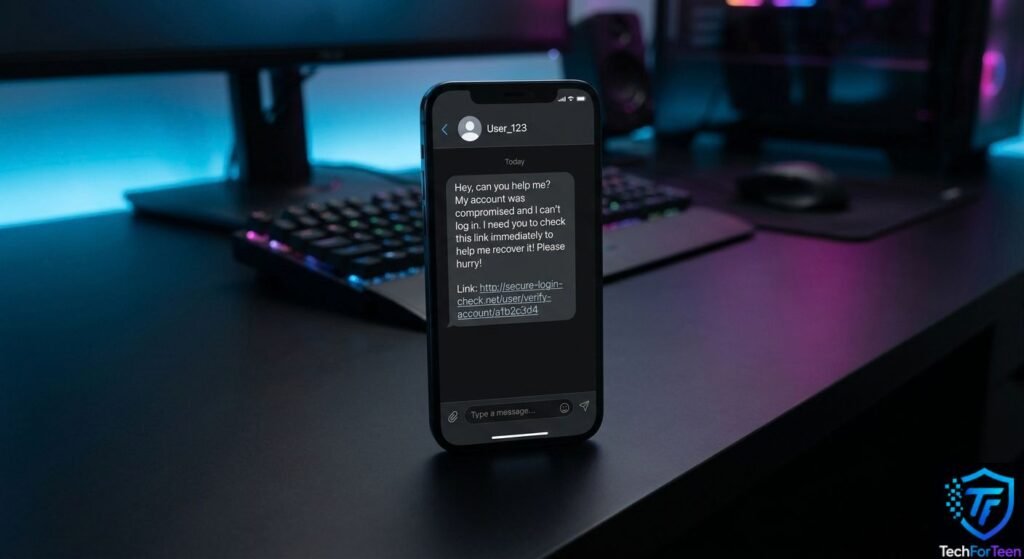
Scammers often try to make people act quickly instead of giving them time to think.
For example, a suspicious account might claim that you have won something, that your account will be closed, or that a friend urgently needs money.
If a message creates pressure, stop and verify the information through a trusted source first. The FTC recommends being cautious with unexpected social media messages and avoiding sharing money or personal information with people you do not know. You can also learn more about spotting fake profiles and social media scams from the FTC’s social media scam guide.
How to Check If an Instagram Profile Is Real
If you are unsure about an account, use a few simple checks before interacting with it.
Compare With Other Official Accounts
If the account claims to belong to a creator, company, school, or organization, look for another trusted source that confirms the account.
For example, an organization’s official website may list its social media accounts. Do not rely only on a link or screenshot sent by the suspicious profile.
Search for the Username
Search for the username online and see whether the same identity appears elsewhere.
You may discover that the same profile picture or name is connected to another person or account. The FTC also recommends checking information about suspicious people or offers instead of immediately trusting what appears on social media.
Check the Profile Picture
If something feels unusual about a profile picture, you can use a reputable reverse image search service to see whether the same image appears elsewhere online.
Finding the same photo on another account does not automatically prove fraud, but it can provide another clue.
What Should You Do If You Find a Fake Instagram Account?
If you believe an account is fake or impersonating someone, avoid interacting with it.
Do not:
- Send money
- Share passwords
- Give away verification codes
- Click suspicious links
- Send private photos or personal information
- Argue with the account owner
Instead, use Instagram’s available reporting tools to report the suspicious profile. If the account is pretending to be you or another person, choose the reporting option that best matches the problem.
You can also block the account so it cannot easily contact you.
If the situation involves threats, serious harassment, or attempts to steal personal information, tell a trusted parent, teacher, or another responsible adult.
Tips to Avoid Fake Instagram Accounts
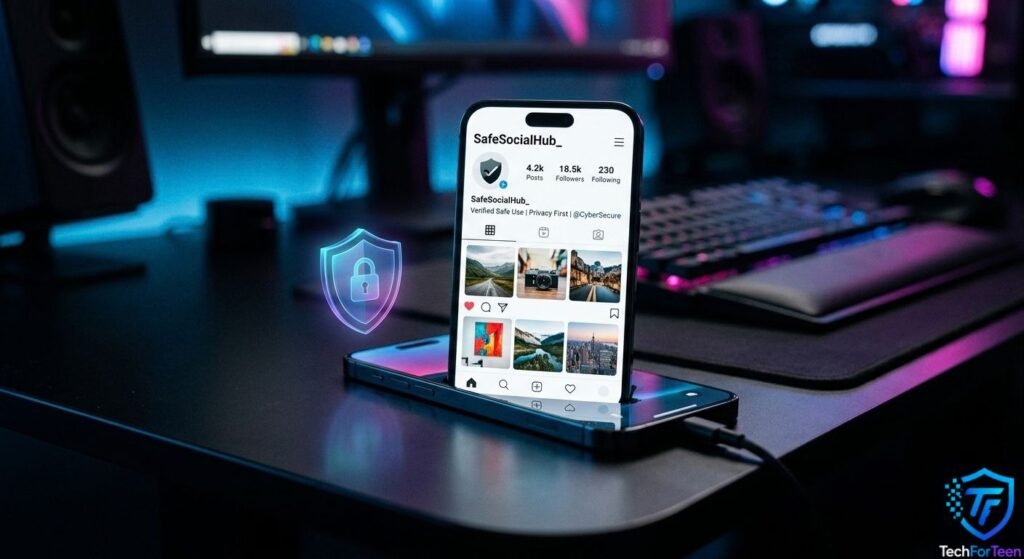
Learning how to spot suspicious profiles is only one part of staying safe.
Use these habits:
- Keep your account privacy settings appropriate for your situation.
- Avoid sharing unnecessary personal information publicly.
- Use a unique, strong password.
- Turn on two-factor authentication when available.
- Never share login codes with anyone.
- Think carefully before accepting requests from strangers.
- Verify unexpected messages through another trusted method.
- Avoid clicking suspicious links.
- Report accounts that appear to be impersonating or scamming people.
Using different passwords for important accounts is also helpful. Our guide on why you should never share your password explains why keeping login information private matters.
Common Mistakes to Avoid
Even careful users can make mistakes when judging an Instagram account.
Trusting a Profile Just Because It Has Many Followers
Having many followers does not always mean an account is real. Look at the whole profile instead.
Believing Every Message From a Familiar Name
A familiar name or profile picture can be copied. If a message seems unusual, verify it before taking action.
Sharing Personal Information
Never give passwords, verification codes, school details, home information, or other private information to a suspicious account.
Clicking Links Too Quickly
A message may try to make you curious or worried so that you click immediately. Take a moment to check where the link leads and whether the message makes sense.
Build Better Online Safety Habits
Spotting fake accounts becomes easier when you develop good digital habits.
Keep your personal information limited, use strong passwords, and review your account security settings from time to time. If you want to improve your everyday security habits, our guide to digital hygiene and strong passwords is a useful next step.
Most importantly, do not feel pressured to respond to a suspicious account. Taking a few extra seconds to verify a profile can help you avoid an unnecessary problem.
Frequently Asked Questions (FAQs)
1. What is a fake Instagram account?
A fake Instagram account is a profile that falsely represents a person, organization, or identity. It may be used for impersonation, spam, scams, or other deceptive activity.
2. How can I tell if an Instagram account is fake?
Check the username, profile picture, bio, posts, followers, following list, and messages. Several unusual signs together can indicate that a profile deserves closer attention.
3. Can a fake Instagram account have many followers?
Yes. A large follower count does not prove that an account is genuine. Always check the account’s overall activity and identity.
4. Should I reply to a suspicious Instagram account?
It is safer not to engage with a suspicious account, especially if it asks for money, passwords, verification codes, or personal information.
5. Can someone copy my Instagram profile?
Yes. Someone can create an account that uses a similar name, username, or profile picture. If an account is pretending to be you, use Instagram’s reporting tools and tell a trusted adult if you need help.
6. What should I do if a fake account contacts me?
Avoid sharing private information or opening links that look suspicious. Block and report the account, and tell a trusted adult if the situation involves harassment, threats, or an attempt to steal your information.
7. Can a new Instagram account be real?
Yes. A new account is not automatically fake. Consider several factors together rather than judging an account only by its age, follower count, or number of posts.
Conclusion
Knowing how to identify a Fake Instagram Account can help you make safer decisions online. Check the username, profile picture, bio, posts, followers, and messages instead of trusting a profile immediately. Most importantly, never share passwords, verification codes, money, or private information with suspicious accounts. If something feels wrong, take a step back, verify the information, and report the account when appropriate. Building simple habits like strong passwords, privacy awareness, and careful checking can make your Instagram experience safer.