
Why You Should Never Share Your Password
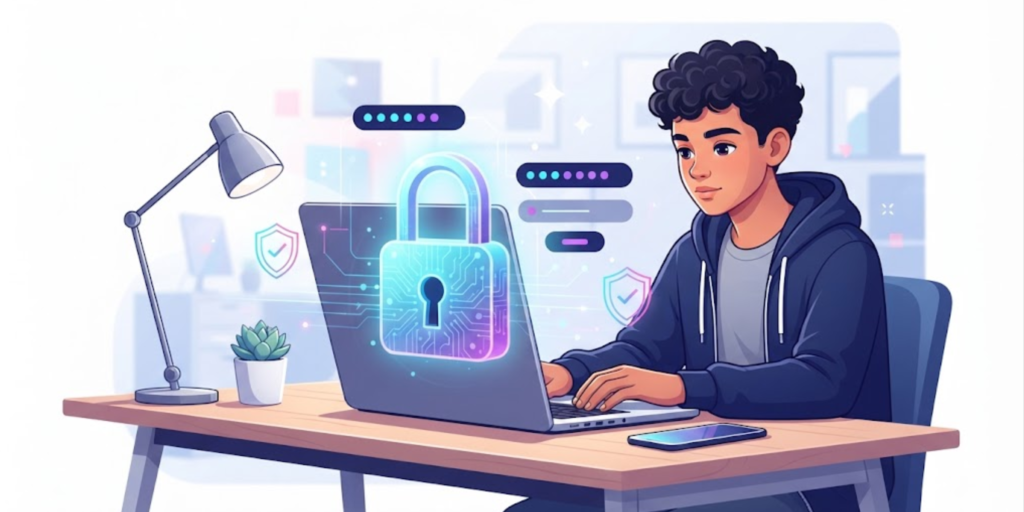
Your password is one of the main things protecting your online accounts. That is why you should never share your password, even with a close friend or someone you trust. A password can provide access to private messages, photos, school accounts, social media, saved information, and other personal details. Once someone else knows it, you cannot fully control what happens to it. They might accidentally reveal it, save it somewhere unsafe, or use it without your permission. In this guide, you will learn why password sharing is risky, what can happen if someone gets your password, and the simple habits you can use to protect your accounts.
What Can Happen If You Share Your Password
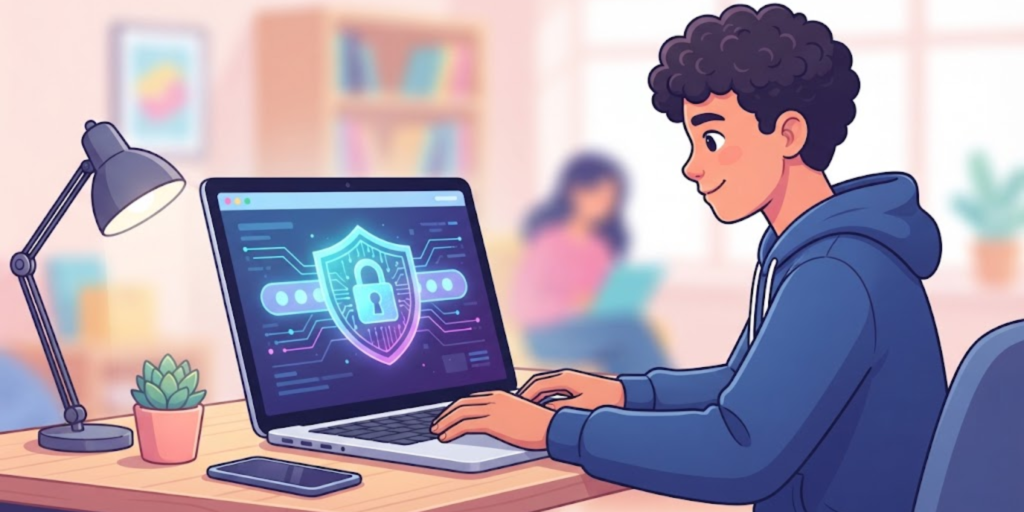
A password is meant to prove that you are the person trying to access an account. When you give it to someone else, that protection becomes much weaker.
You might trust your best friend today, but passwords can be copied, saved, forwarded, or exposed accidentally. Even if the other person has no bad intentions, you lose control over who may eventually see the password.
The Federal Trade Commission advises users to keep passwords private and not share them with others. It also recommends using different passwords for different accounts.
Your Password Protects Private Information
Think about everything stored inside your accounts. Your email might contain school messages, personal conversations, documents, and password-reset links. A social media account may contain private messages, photos, and personal information.
Therefore, giving someone your password is not simply giving them access to one login screen. Depending on the account, you may also be giving them access to information connected to that account.
Trust Does Not Remove Security Risks
You may think, “I trust my friend, so sharing my password is fine.”
However, security problems are not always caused by dishonest people. Your friend could accidentally save the password in a notes app, send it to the wrong person, or leave an account signed in on a shared device.
For this reason, keeping your password private is safer than depending on someone else to protect it.
What Can Happen If Someone Gets Your Password?
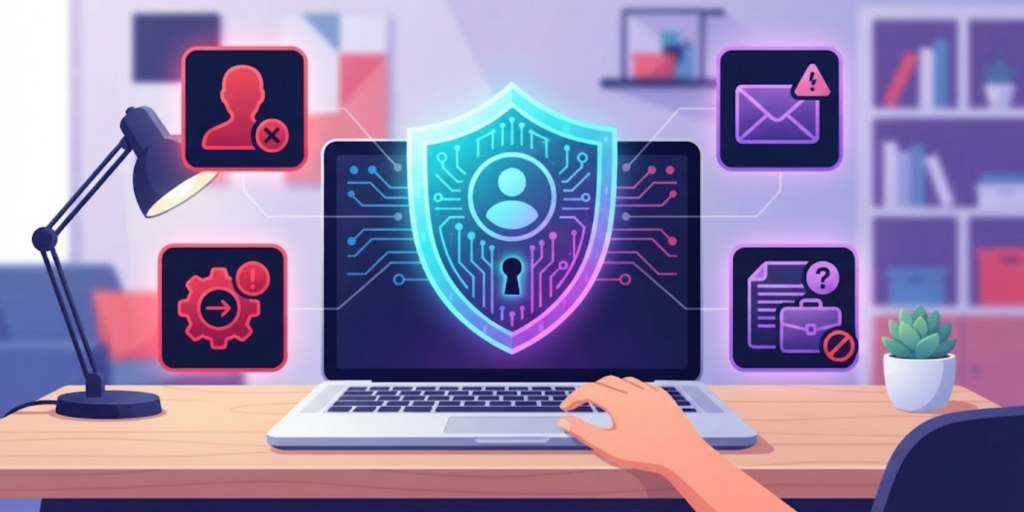
Sharing a password can create several problems. The exact risk depends on the account, but common problems include:
- Someone logging into your account without permission
- Private messages or information being viewed
- Changes being made to your account
- Messages being sent from your account
- Your password being shared with another person
- Other accounts becoming vulnerable if you reused the same password
- Losing access to the account if someone changes its password
The risk becomes much greater when the same password is used for several accounts. If someone learns that password, they may try it on your email, social media, gaming, or other accounts. The FTC specifically recommends using different passwords for different accounts.
Why Sharing Passwords With Friends Is Still Risky
Teenagers sometimes share passwords because they want to help a friend, share an account, or prove that they trust each other.
Even so, this is not a good digital habit.
Friendships can change, and you may eventually forget who knows your password. Someone could also accidentally reveal it while showing another person something on their phone.
Instead, keep your password private and use the account’s official sharing or family features when an account provides them.
If you want to improve your overall account security, you can also read our guide on strong passwords and digital hygiene.
What If Someone Asks You for Your Password?
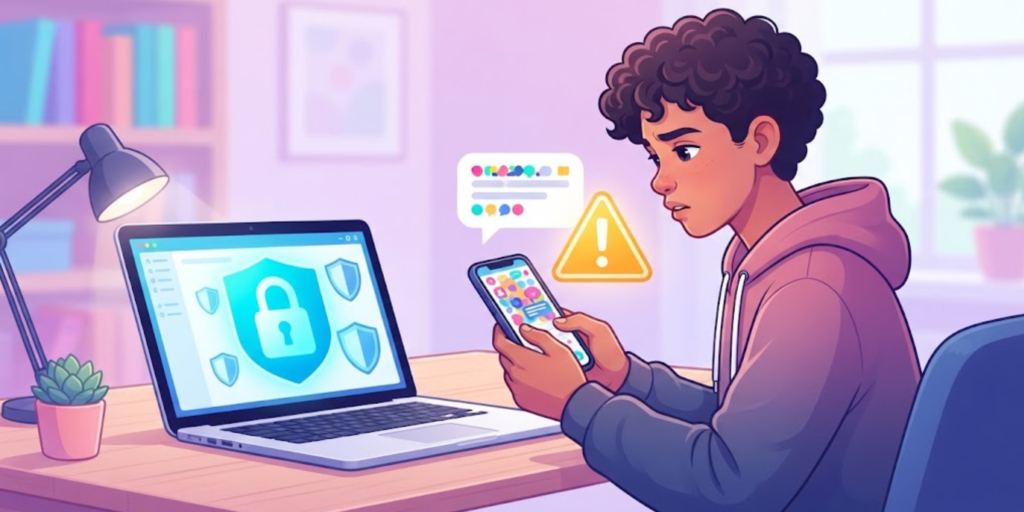
Be careful if someone suddenly asks you to send your password through a message, email, social media chat, or another online service.
A person might say:
- “I need your password for a minute.”
- “I want to check something on your account.”
- “Send me your login so I can help you.”
- “Give me your password or I won’t believe you.”
- “I need it to fix your account.”
These requests should make you stop and think.
A legitimate service normally does not need you to send your password to another person. If you are having trouble with an account, use the official account recovery or support process instead.
The FTC also warns users not to respond to messages that ask for sensitive personal information, even when the message appears to come from someone they know.
Never Share Your Password With Strangers Online
You should never give your password to someone you meet online.
A person may seem friendly after chatting with you for a while, but you still cannot know exactly who they are or what they plan to do with your information.
This is especially important on gaming platforms, social media, chat apps, and online communities. Someone might pretend to be a friend, support worker, moderator, or another trusted person to convince you to reveal your login details.
When someone asks for private account information, stop the conversation and check through the platform’s official website or app instead.
For more general advice about staying safe while using the internet, see our guide to important internet safety rules.
What About Parents, Teachers, or Trusted Adults?
There can be situations where a trusted adult needs to help you with an account.
For example, if you cannot access a school account or think someone has changed your login details, ask a parent, teacher, school administrator, or another trusted adult for help.
However, getting help does not mean you should casually send your password through a message. Whenever possible, use the official account recovery process or have the trusted adult help you while you are on the official website or app.
This keeps your login information more private while still allowing you to get help when you need it.
What Should You Do Instead of Sharing Your Password?
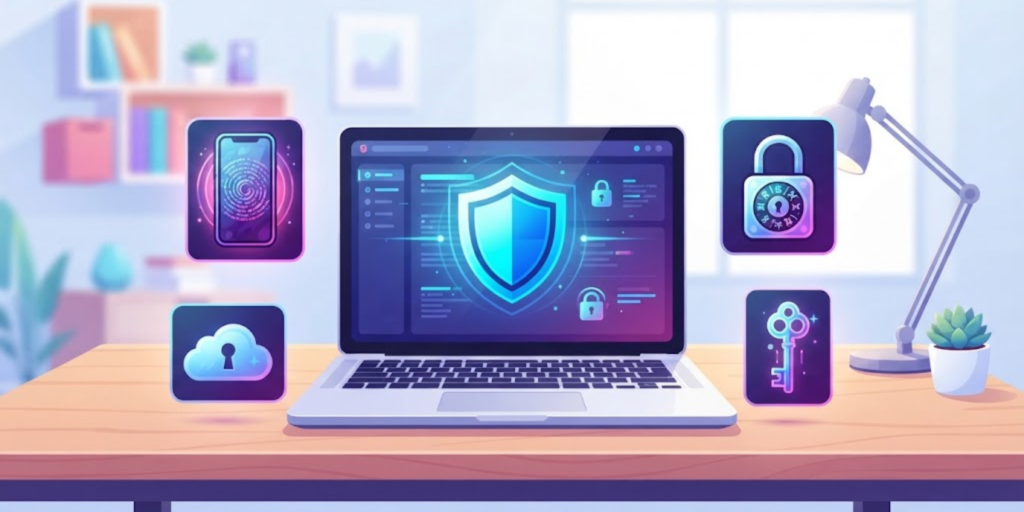
Keeping passwords private is only one part of good account security. You should also build a few simple habits.
1. Create Strong, Unique Passwords
Use a long password or passphrase that is difficult to guess. Avoid information such as your name, birthday, school name, favorite team, or other details people can easily find.
Most importantly, do not use the same password everywhere. If one account is exposed, unique passwords can help prevent the problem from spreading to your other accounts.
The FTC recommends long passwords and suggests using a password manager to help create and store strong passwords.
2. Turn On Two-Factor Authentication
Two-factor authentication, often called 2FA or MFA, adds another security step when you log in.
For example, after entering your password, you might need to enter a verification code or approve the login through another method.
This means someone who gets your password may still have difficulty accessing your account without the second authentication factor.
3. Keep Your Passwords Private
Do not send passwords through social media messages, group chats, email, or text messages unless an official service specifically provides a secure password-management process.
Also, avoid writing passwords where other people can easily see them.
4. Change a Password If You Think It Was Exposed
If you accidentally shared your password or believe someone else knows it, change it as soon as possible.
If you used that same password on other accounts, change those passwords too. The FTC recommends changing passwords after a possible exposure or data breach, especially when the same password has been reused elsewhere.
5. Be Careful With Suspicious Messages
Some attackers try to trick people into giving away passwords through fake messages or websites. This is called phishing.
For example, you might receive a message claiming that your account has a problem and asking you to log in through a provided link. Instead of clicking immediately, open the official app or website yourself and check your account there.
What If You Already Shared Your Password?
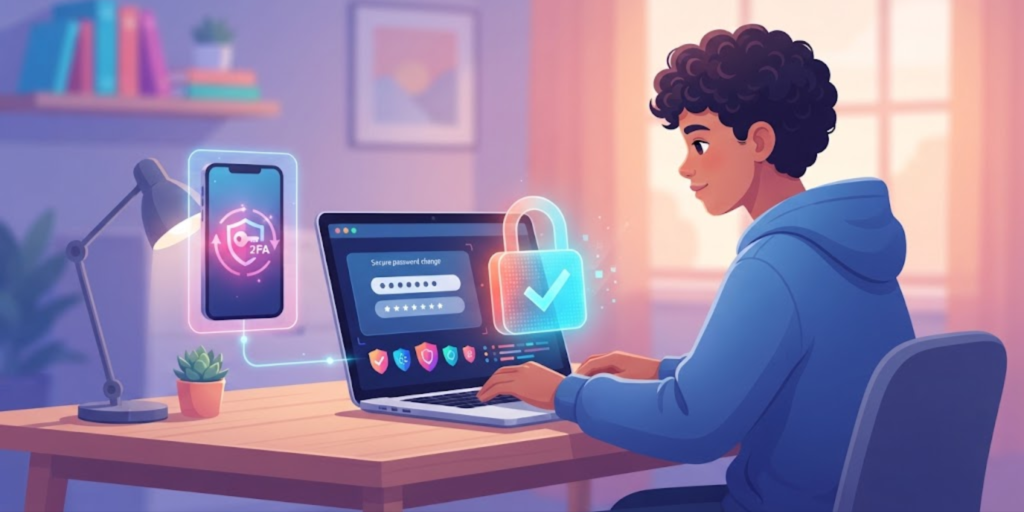
Don’t panic. You can still take steps to protect your account.
First, change the password to a new, strong, unique one. If you used the same password anywhere else, change it on those accounts too.
Next, turn on two-factor authentication if the service offers it. Then review recent account activity and check whether any unfamiliar changes were made.
If you can no longer access the account, use the platform’s official account-recovery process. You can also ask a trusted adult for help.
If the situation involves online harassment or someone using your account to contact others, save useful evidence and tell a trusted adult. You can also learn more about staying safe from cyberbullying and online harassment.
How to Protect Your Password Every Day
Good password security does not have to be complicated. Follow these simple rules:
- Keep your passwords private.
- Use a different password for each important account.
- Make passwords long and difficult to guess.
- Use a password manager if it helps you manage multiple passwords.
- Turn on two-factor authentication.
- Do not enter passwords into suspicious websites.
- Avoid sharing passwords through chats or messages.
- Change a password if you think someone else knows it.
- Never give your password to someone simply because they ask for it.
For official advice about creating strong passwords and protecting your accounts, the FTC’s guidance on strong passwords and account security is a useful reference.
Frequently Asked Questions (FAQ)
1. Why should you never share your password?
You should never share your password because it can give another person access to your account and private information. Once someone knows it, you cannot fully control who else may see or use it.
2. Is it okay to share my password with my best friend?
It is safer not to. Even a trusted friend could accidentally reveal, save, or share your password. Keeping passwords private is a better security habit.
3. What should I do if I accidentally shared my password?
Change the password immediately and create a new, unique one. If you used the same password on other accounts, change it there too. Turn on two-factor authentication when available.
4. Should I use the same password for every account?
No. Using different passwords helps protect your other accounts if one password becomes exposed.
5. Can someone hack my account if they know my password?
They may be able to access the account, depending on its security settings. Two-factor authentication can provide an additional layer of protection.
6. Should I give my password to someone who says they are helping me?
Do not casually send your password to someone who asks for it. Instead, use the service’s official support or account-recovery process.
7. What is the safest way to remember many passwords?
A reputable password manager can help you create and store unique passwords, so you do not have to remember every password yourself.
Conclusion
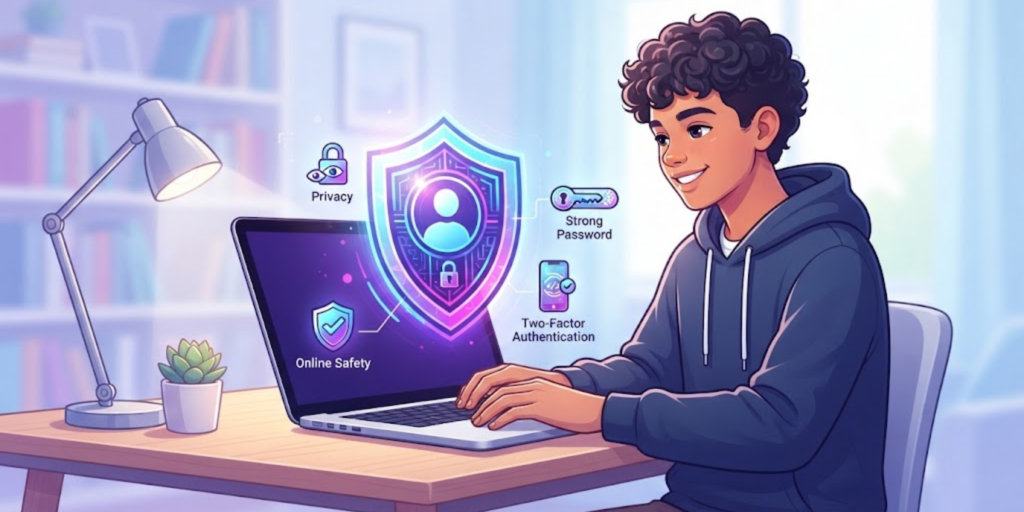
Your password is a private key to your online account, so keeping it secret is one of the simplest ways to improve your digital safety. You should never share your password, even when someone seems trustworthy. Instead, use strong and unique passwords, turn on two-factor authentication, and be careful with messages that ask for your login details.
Most importantly, remember that good online safety is built from small habits. Keeping your passwords private today can help protect your accounts and personal information in the future.