
Learning Robotics: A Beginner Guide for Students
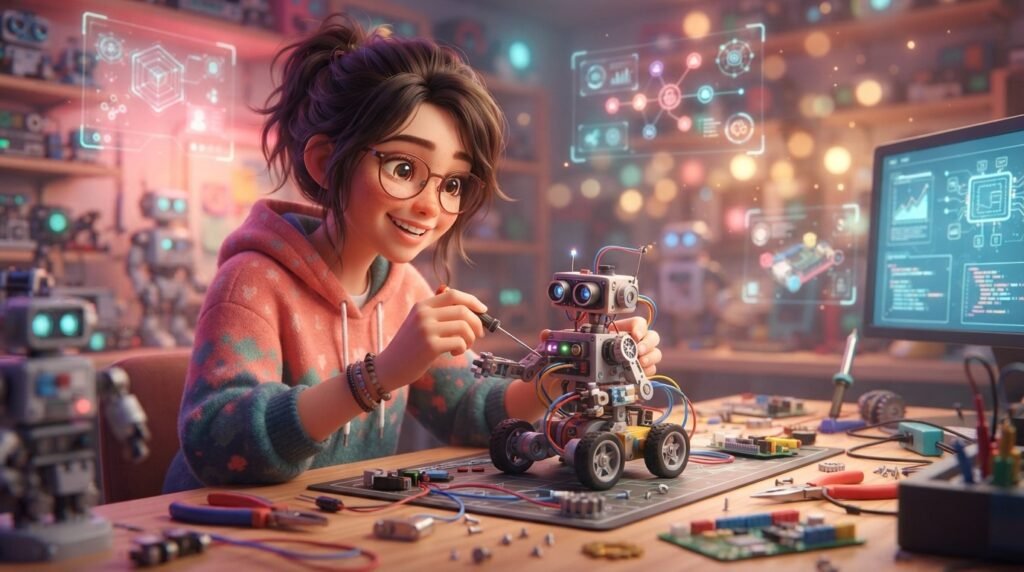
Learning robotics can be an exciting way for students to connect coding with real machines. Instead of only watching a robot move, you can build a simple system, program it, test what happens, and improve it. That makes robotics useful for learners who enjoy both technology and hands-on projects. You do not need to begin with advanced mathematics or complicated electronics. A beginner can start with simple motors, sensors, block-based coding, and small challenges. As your skills grow, you can move toward Python, microcontrollers, autonomous robots, and more advanced projects. This guide explains what learning robotics involves, what skills you need, how to start, common mistakes to avoid, and how to build a practical learning path.
What Is Learning Robotics?
Learning robotics means understanding how robots are designed, built, controlled, and programmed. A robot usually combines several parts that work together. Motors create movement, sensors collect information, a controller processes instructions, and software tells the system what to do.
For example, a simple robot might use a distance sensor to detect an object. The program can then tell the motors to stop or change direction. This basic idea introduces programming, electronics, mechanical design, and problem-solving at the same time.
Why Should Students Learn Robotics?
Robotics gives students a chance to turn ideas into working projects. Instead of solving only problems on paper, you can see the result of your code and change it when something does not work.
It can also develop several useful skills:
- Coding and logical thinking
- Problem-solving and debugging
- Basic electronics
- Mechanical design
- Creativity and experimentation
- Teamwork and communication
- Planning and testing
What Skills Do You Need to Start Learning Robotics?
You do not need to know everything before starting. In fact, learning robotics is often easier when you learn each skill while building small projects.
Start with basic programming concepts such as variables, conditions, loops, and functions. You should also become comfortable with simple mathematics, especially measurements, angles, distance, and basic calculations.
Next, learn a few electronics ideas. Understand what a circuit is, what a sensor does, and how motors receive instructions. You do not need to become an electronics expert immediately.
Finally, practice debugging. If your robot turns too early, moves too far, or ignores an obstacle, treat the problem as a clue. Check the code, connections, sensor readings, and physical design one at a time.
How to Start Learning Robotics as a Beginner
A simple learning path can keep you from feeling overwhelmed.

1. Learn Basic Coding
Start with a beginner-friendly programming environment. Block-based coding can be a good first step because you can focus on logic without worrying about typing every command correctly. Later, move to text-based programming such as Python or MicroPython when you are ready.
If you are also interested in artificial intelligence, you can build your programming foundation alongside a beginner-friendly AI roadmap. This can help you understand how coding connects with other technology fields.
2. Understand Motors and Sensors
Once you know basic programming, learn how a robot interacts with the physical world. A motor can create movement, while sensors can detect things such as distance, light, color, or motion.
Do not try to learn every sensor at once. Pick one and create a tiny project around it. For example, program a robot to stop when it detects an object.
3. Build a Small Project
Your first project does not need to look impressive. A robot that moves, detects an obstacle, and turns is already useful.
Write down what you want the robot to do first. Then test one behavior at a time.
4. Test and Improve
Robotics rarely works perfectly on the first attempt. Your robot may move unevenly or detect objects incorrectly.
Change one thing at a time and test again. Keep notes about what changed and what happened. This simple habit helps you understand cause and effect instead of randomly changing settings.
5. Move Toward Real Programming
After you become comfortable with basic robotics logic, explore text-based programming. Arduino’s education resources include beginner robotics courses and projects, while some current educational platforms support a path from block-based coding to MicroPython.
This stage can feel harder, but it gives you more control. You can also learn how programs communicate with sensors and motors.
What Can You Build While Learning Robotics?
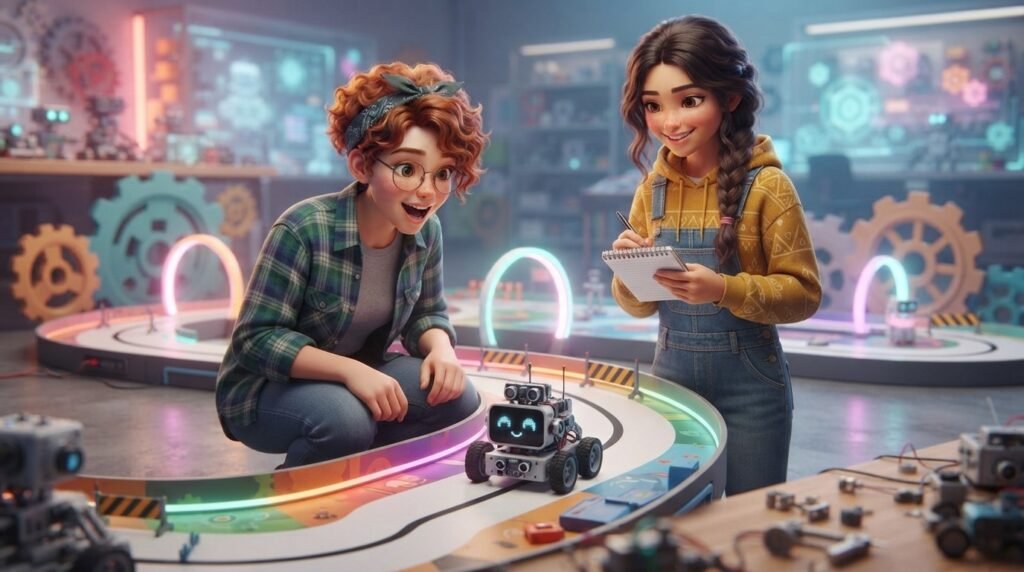
Projects give robotics learning a clear purpose. Start with something small and increase the difficulty gradually.
Beginner ideas include:
- Obstacle-avoiding robot
- Line-following robot
- Automatic light system
- Simple robotic arm
- Remote-controlled vehicle
- Sensor-based alarm
- Robot that sorts or moves objects
A line-following project can teach sensors, conditions, motor control, and testing. A robotic arm can introduce movement and mechanical design.
Once you are more confident, combine multiple skills. You might create a robot that detects an object, decides what to do, and moves it to another location.
Do You Need an Expensive Robotics Kit?
No. The right starting point depends on your age, experience, goals, and available equipment.
A classroom robotics kit can make starting easier because the parts, lessons, and software are designed to work together. You can also learn through simulations or smaller electronics projects.
Before buying anything, check what is included, whether the software works with your computer, and whether the kit matches your skill level. A complicated kit can make a beginner feel stuck when a simpler platform would provide a smoother start.
Official educational resources can also provide guided lessons. Arduino currently offers beginner robotics courses and K–12 learning options.
Learning Robotics With Coding
Coding is one of the most important parts of robotics because it gives the machine instructions. However, robotics coding is not just about writing commands. You are creating a system that reacts to information from the real world.
Suppose a sensor measures distance. Your program might say: if the object is close, stop; otherwise, keep moving. This simple rule introduces conditions and sensor-based decision-making.
As you progress, you can learn loops, functions, variables, timing, and more advanced control logic. Later, Python or MicroPython can help you explore more flexible projects.
You can also strengthen wider digital skills that can support future technology-focused jobs. Robotics gives you a practical way to apply them, especially when you explore the skills teenagers need for future jobs.
Common Mistakes Beginners Should Avoid
Many beginners make robotics harder than it needs to be.
First, do not start with a huge project. A small robot that performs one task teaches more than a complicated build you cannot debug.
Second, do not copy code without understanding it. If you use a tutorial, change one part and observe what happens. That turns copying into learning.
Third, avoid changing several things at once. If you change the code, wiring, and robot design together, you may not know which change fixed or caused the problem.
How to Keep Improving Your Robotics Skills
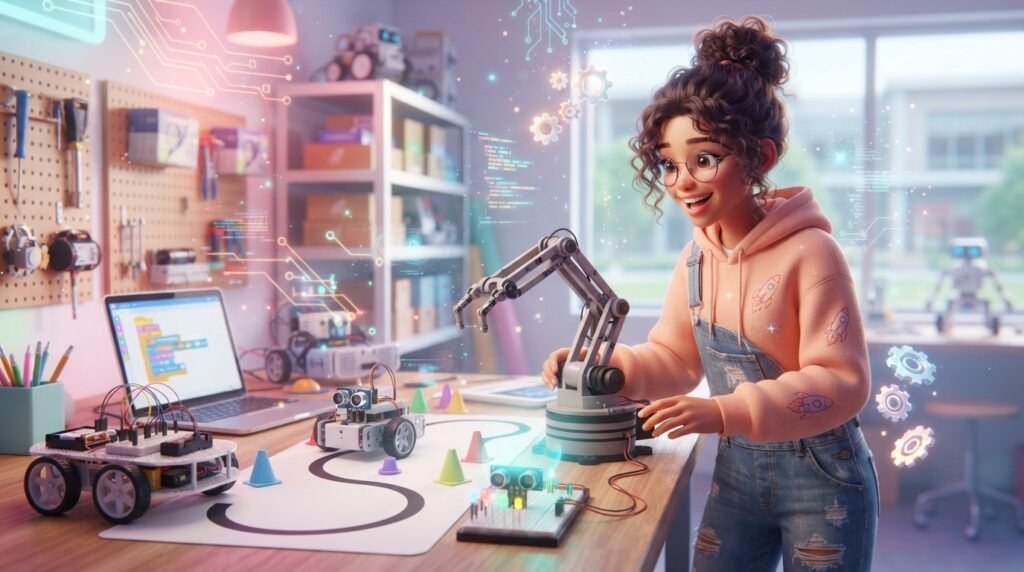
Set small goals instead of trying to master robotics in a few days. For example, spend one week learning motor control, another exploring sensors, and another building a small project.
Keep a project notebook or digital folder. Save code, record problems, and note what you learned. Over time, this becomes a portfolio showing your progress.
Most importantly, keep building. Each project should introduce one new idea while reusing skills you already understand.
Frequently Asked Questions (FAQ)
1. Is learning robotics difficult for beginners?
It can feel challenging at first because robotics combines coding, electronics, and physical building. However, starting with small projects makes the process much easier.
2. What programming language is best for robotics?
There is no single language for every learner or robot. Beginners can start with block-based coding and later explore Python, MicroPython, or platform-specific languages.
3. Can I learn robotics without a robotics kit?
Yes. You can learn programming, electronics, sensors, and control concepts through simulations and smaller projects. A kit can make hands-on learning more convenient, but it is not the only path.
4. What should I build first?
Try a simple project such as a moving robot, obstacle detector, or line follower. Choose a project that teaches one or two new concepts rather than many at once.
5. Is robotics useful for future careers?
Robotics can help you practice programming, engineering, problem-solving, testing, and teamwork. These skills can also connect with areas such as AI, automation, electronics, and software development.
6. How long does it take to learn robotics?
There is no fixed timeline. You can learn basic concepts in weeks, but becoming comfortable with more advanced robotics takes longer and depends on how regularly you practice.
Conclusion
Learning robotics becomes much easier when you treat it as a series of small experiments rather than one giant subject. Start with basic coding, learn how motors and sensors work, build simple projects, and test your ideas repeatedly. As your confidence grows, move into text-based programming and more complex robot behavior.
You do not need an expensive setup or advanced knowledge on day one. What matters most is consistent practice, curiosity, and a willingness to learn from mistakes. With the right learning path, robotics can become a practical way to explore coding, engineering, and creative problem-solving.