
Easy Python Project Ideas for Beginners
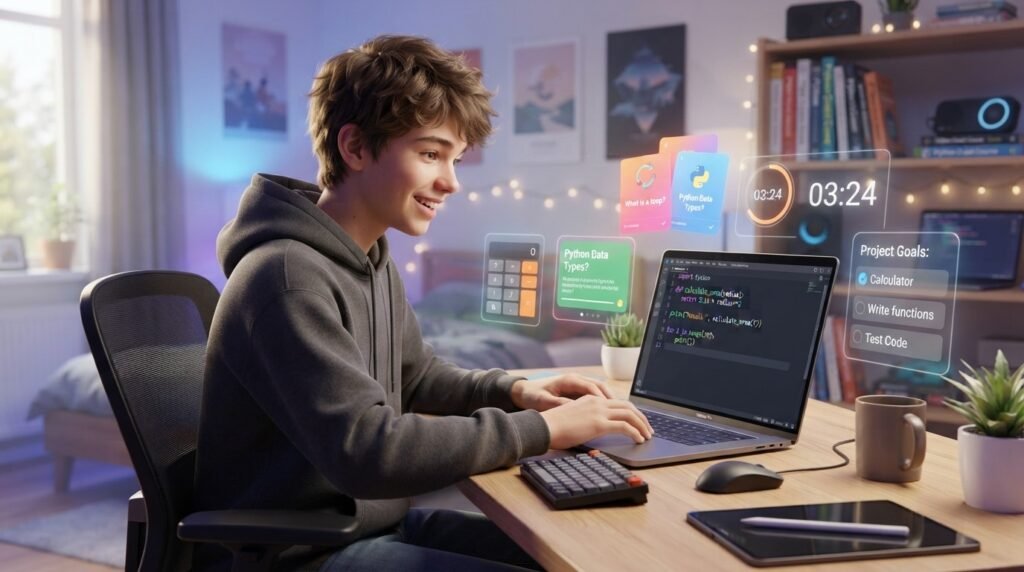
Starting Python can feel difficult when you only watch tutorials. An easy Python project gives you a better way to practice because you turn simple coding ideas into something useful. Beginners can start with a calculator, quiz, guessing game, study timer, or to-do list without knowing advanced programming. These projects help you understand variables, input, conditions, loops, functions, and problem-solving. You also learn an important lesson: coding becomes easier when you build, test, make mistakes, and improve. In this guide, you will find beginner-friendly Python project ideas, what each project teaches, how to choose the right challenge, and how to improve your programs as your skills grow.
Why Are Python Projects Useful for Beginners?
Reading about Python teaches you what commands mean, but projects show you how those commands work together. You have a clear goal, and when something fails, you can investigate the error and learn from it.
You do not need to understand every Python feature before starting. A small project can help you understand new concepts because you see why they are useful.
What Should You Learn First?
Before starting, understand variables, strings, numbers, input(), print(), conditions, loops, functions, and lists. You do not need to master them first; your project can help you learn them through practice.
If you are interested in how Python connects with AI, our guide on how to start learning AI with a beginner roadmap explains where programming skills can lead.
7 Easy Python Project Ideas
1. Simple Python Calculator
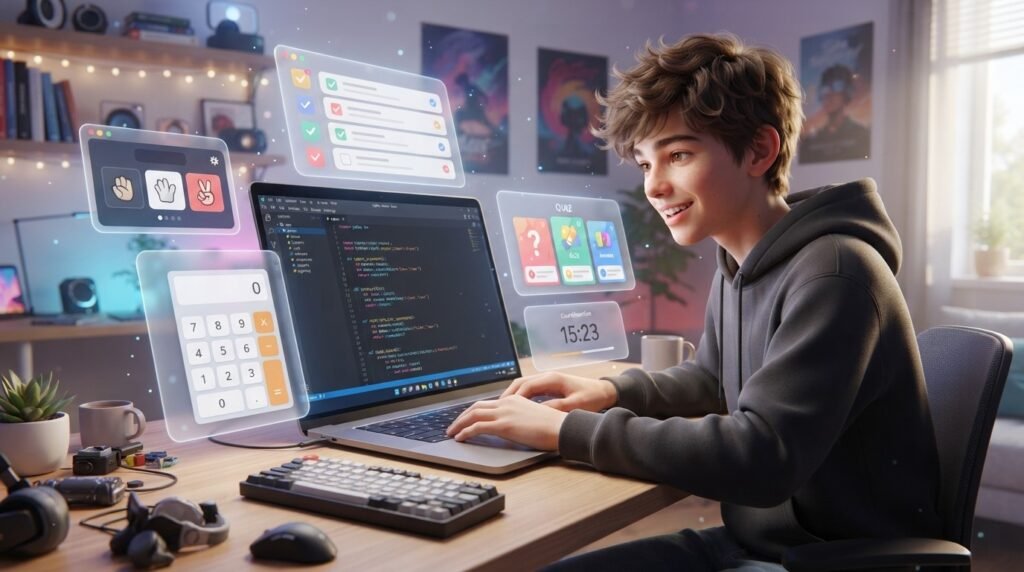
A calculator is a strong first project because the goal is easy to understand. The user enters two numbers, chooses an operation, and receives an answer.
Start with addition, subtraction, multiplication, and division. This gives you practice with variables, input, operators, and conditions.
Once it works, improve it. You could add percentage calculations, repeated calculations, or a menu for choosing operations. Our guide to Python calculator projects for beginners can provide another starting point.
2. Number Guessing Game
A number guessing game adds more interaction. The computer chooses a number, and the player tries to guess it.
The program can tell the player whether the guess is too high or too low. A loop allows the player to continue until the correct number is found.
This project teaches random numbers, user input, loops, and conditions. You can make it harder by limiting attempts or adding a score.
3. Quiz Game
A quiz game is useful for students because you can build it around almost any subject. Try science, mathematics, geography, history, or computer basics.
The program asks a question, receives an answer, and checks whether it is correct. You can increase the score when the answer is right.
Later, add more questions, difficulty levels, or random question selection. This makes the project more interesting and useful.
4. Study Timer
A study timer is a practical project that can become a tool you actually use. The basic version can ask how long you want to study and count down.
Then add short breaks or repeated sessions. You might display a message when a session finishes.
This project shows that Python can solve everyday problems, not just create games.
5. To-Do List
A simple to-do list helps you practice storing and managing information. The program can let users add tasks, view tasks, remove tasks, and exit.
A Python list can hold the tasks, while a loop keeps the program running until the user stops it.
Once the basic version works, add completed-task markers or save tasks to a file. Each improvement gives you a reason to learn another Python feature.
6. Rock Paper Scissors
Rock Paper Scissors combines several useful concepts. The player chooses rock, paper, or scissors, while the computer makes its own choice.
Your program compares both choices and decides whether the player wins, loses, or ties. Random selection can make the computer’s choice unpredictable.
Later, add a score counter or multiple rounds. This gives you more practice with conditions and loops.
7. Grade Calculator
A grade calculator is especially useful for students. The program can ask for marks from different subjects and calculate the total or average.
You can then use conditions to display a grade or message based on the result. For example, the program could show the total, average, and grade separately.
This project gives practice with numbers, calculations, input, and conditions while solving a problem.
How Do You Choose the Right Project?
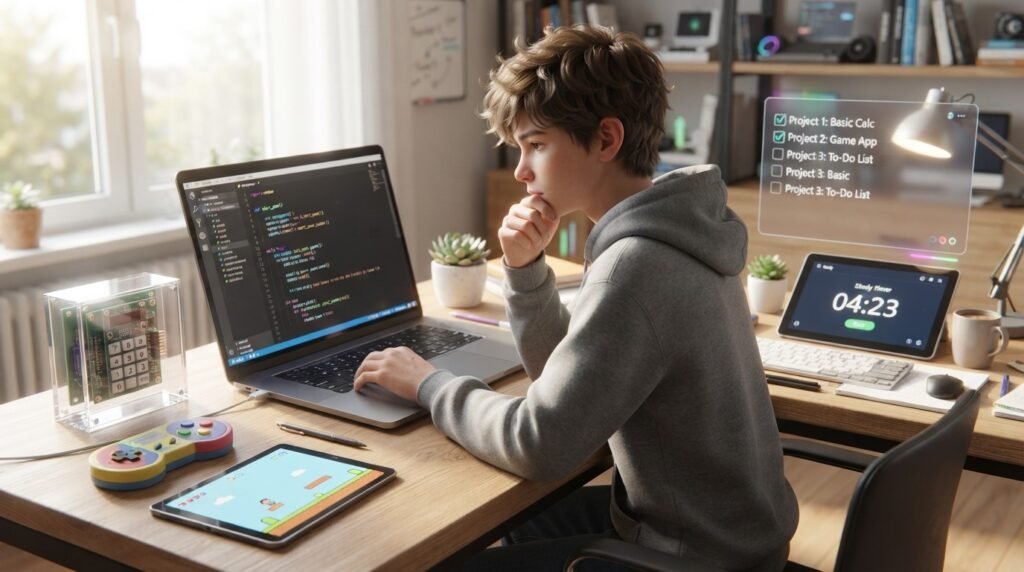
Choose a project that is slightly challenging but still understandable. If it is too easy, you may not learn much. If it is far too difficult, you may spend more time copying code than understanding it.
Think about your interests. Students who enjoy numbers might prefer a calculator or grade calculator. If you like games, try guessing games or Rock Paper Scissors. For something practical, choose a study timer or to-do list.
Use the same project more than once. Make a simple version, then improve it.
How Can You Improve Your Python Project?
Finishing the first version does not mean the project is finished. Improving an existing program is one of the best ways to practice.
Ask yourself:
- Can I make the program easier to use?
- Can I handle incorrect input?
- Can I organize repeated code into functions?
- Can I add a useful feature?
- Can I make the output clearer?
- Can I prevent common errors?
For example, a quiz might begin with five questions. Later, you can add random questions, difficulty levels, and a high-score system.
When you want more challenges, our collection of Python projects for beginners can give you additional ideas.
Common Beginner Mistakes
One common mistake is starting with a project that is too advanced. A complete social network or complicated AI system may sound exciting, but it can quickly become overwhelming.
Instead, divide a big idea into small tasks. Build one feature, test it, and then add the next.
Another mistake is copying code without understanding it. Examples can help, but read the code and change small parts to see what happens. Beginners also sometimes give up when an error appears. Errors are a normal part of programming. Read the message, check the line it mentions, and test your code step by step.
For official beginner resources, use the Python documentation tutorial. You can also check PEP 8 style guidance when improving code readability.
What Can You Build After These Projects?
Once you are comfortable with small Python programs, you can explore automation, web development, data analysis, desktop applications, game development, and artificial intelligence.
You do not have to learn everything at once. Strong basics make advanced topics easier because you already understand variables, conditions, loops, functions, and problem-solving.
What Can You Build After These Projects?

Once you are comfortable with small Python programs, you can explore automation, web development, data analysis, desktop applications, game development, and artificial intelligence.
You do not have to learn everything at once. Strong basics make advanced topics easier because you already understand variables, conditions, loops, functions, and problem-solving.
How Should Beginners Practice Python?
Regular practice is more useful than trying to finish a huge project in one day. Even a short coding session can help if you actively write and test code.
Set one small goal for each session. Today, you might create a calculator menu. Tomorrow, you could add error handling.
Also, change tutorials instead of following them exactly. If a tutorial creates a basic quiz, add your own questions or score system. That extra step makes you solve problems independently.
With practice, you will recognize common programming patterns and solve problems more independently.
Frequently Asked Questions (FAQ)
1. What is an easy Python project for beginners?
A calculator, quiz, number guessing game, study timer, or to-do list is a good starting point because each uses basic Python concepts.
2. Can I build Python projects without advanced skills?
Yes. Start with variables, input, conditions, and loops. Add advanced features only when you understand the basics.
3. Which Python project should I build first?
Choose something that matches your interests. A calculator is useful for basic operations, while a guessing game gives you practice with loops and conditions.
4. How do projects help me learn Python?
Projects let you apply concepts to a real task. They also give you practice with debugging, problem-solving, and organizing code.
5. Do I need a powerful computer?
Usually, no. Simple Python projects require little computing power, so beginners can generally work on an ordinary computer.
6. How can I make a beginner project harder?
Add features gradually. You can improve input handling, create functions, save information, add menus, or introduce new programming concepts.

Conclusion
An easy Python project can turn programming lessons into hands-on practice. Start with a calculator, guessing game, quiz, study timer, to-do list, or another small idea that interests you. Then improve it instead of immediately moving to something much harder.
Each project can teach you more than syntax. You learn how to break problems into steps, test ideas, find errors, and create useful programs. With regular practice, these small projects can become a strong foundation for bigger goals such as web development, automation, games, data, and AI.