
AI for Teens: 10 Smart Ways to Use AI

AI is no longer something only scientists and programmers use. For students, AI for teens can be a helpful learning partner for understanding difficult topics, brainstorming ideas, practicing skills, and exploring new interests. However, using AI well is about more than asking a chatbot to do everything for you. You also need to check information, protect your personal data, and think for yourself. When used responsibly, AI can make learning more interactive and help you become a better problem-solver. In this guide, we will explore 10 smart ways teenagers can use AI for school, creativity, coding, research, organization, and personal learning without becoming too dependent on it.
What Is AI and How Can Teens Use It?

Artificial intelligence, or AI, refers to computer systems that can perform tasks that normally require human-like abilities, such as understanding language, recognizing patterns, generating content, and solving problems.
For teenagers, AI tools can be useful for learning and creating. For example, you can ask an AI assistant to explain a science concept in simpler language, help you brainstorm ideas for a project, or give you practice questions before a test.
However, AI is not automatically correct. AI systems can sometimes produce information that sounds convincing but is actually wrong. OpenAI also advises users to critically check important information instead of assuming an AI response is always accurate. OpenAI guidance on checking AI answers
So, think of AI as a tool that supports your thinking, not a replacement for it.
10 Smart Ways to Use AI for Teens
1. Use AI as a Study Helper

One of the most useful applications of AI for teens is studying.
Instead of simply asking an AI tool for the answer to a homework question, ask it to explain the concept step by step. This can help you understand why an answer is correct.
For example, you could ask:
“Explain photosynthesis like I am a beginner, then give me three questions to test my understanding.”
You can also use AI to:
- Create practice questions
- Explain difficult vocabulary
- Summarize your own notes
- Make flashcards
- Create a revision plan
- Explain mistakes in practice questions
For more ideas about getting started with AI, check out this roadmap to learn AI.
Most importantly, try solving a problem yourself before asking AI for help. That way, AI becomes a tutor rather than a shortcut.
2. Brainstorm Ideas for School Projects
Sometimes the hardest part of a project is simply deciding what to create.
AI can help you generate ideas for presentations, science projects, websites, posters, stories, and other assignments. You can tell the AI what subject you are working on and ask for several possible directions.
For instance, instead of saying:
“Write my entire project.”
Try:
“Give me five project ideas about renewable energy that a student could complete with simple materials.”
You can then choose one idea and develop it yourself.
This approach is useful because brainstorming gives you options without handing over the entire creative process.
3. Improve Your Writing

AI can also act as a writing assistant.
You can use it to identify grammar mistakes, suggest clearer wording, organize ideas, or explain why a sentence is confusing. This is especially helpful when you are learning how to write essays, reports, emails, or presentations.
For example, you might ask:
“Check this paragraph for grammar mistakes and explain each correction.”
That is more useful for learning than simply asking AI to rewrite everything.
Also, always make sure your final work reflects your own understanding and follows your teacher’s rules about AI use.
4. Learn Coding With AI
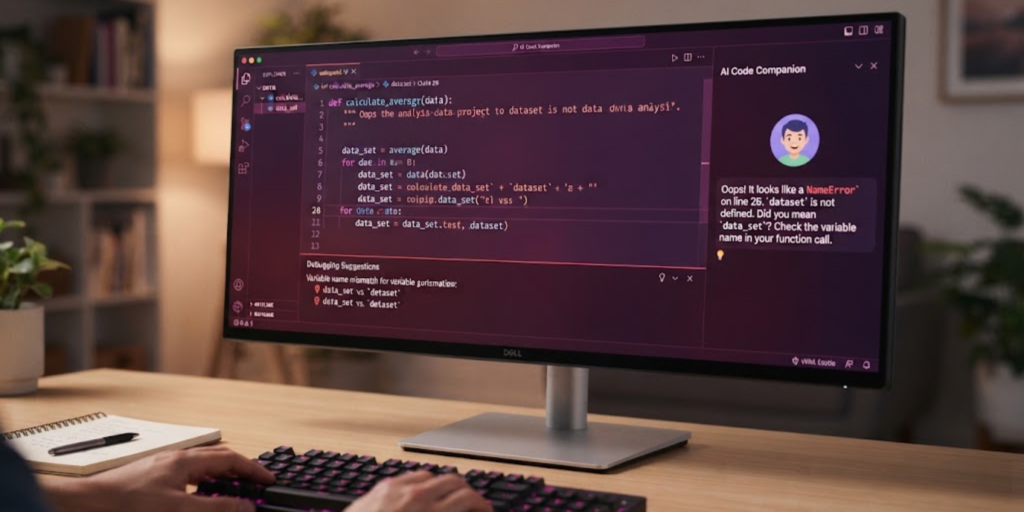
Interested in programming? AI can be a useful coding tutor.
You can ask it to explain programming concepts, help you understand an error, or create a small example that you can study. For example, a beginner learning Python could ask:
“Explain Python loops with a simple example and then give me a small practice task.”
If your code produces an error, paste the relevant error message and ask what it means. Then try fixing the problem yourself.
This method helps you learn why code works instead of simply copying code that you do not understand.
5. Practice a New Language
AI can make language practice more interactive.
You can use an AI tool to practice vocabulary, grammar, sentence building, or simple conversations. For example, you could ask it to act as a beginner-friendly conversation partner and correct your mistakes after each response.
You can also ask for:
- Vocabulary quizzes
- Translation practice
- Grammar exercises
- Short reading passages
- Writing corrections
- Daily practice questions
However, do not rely completely on AI translations. For important schoolwork, compare difficult translations with reliable language resources or your teacher’s guidance.
6. Turn Difficult Topics Into Simple Explanations
Sometimes a textbook explanation feels like it was written by a robot from another planet.
AI can help by explaining the same topic in simpler language.
For example, if you are learning about computer networks, you could ask:
“Explain computer networks using a simple real-life example for a beginner.”
You can then ask follow-up questions such as:
“Now explain it with a little more technical detail.”
This creates a learning path that starts simple and gradually becomes more advanced.
7. Use AI to Practice Before Exams
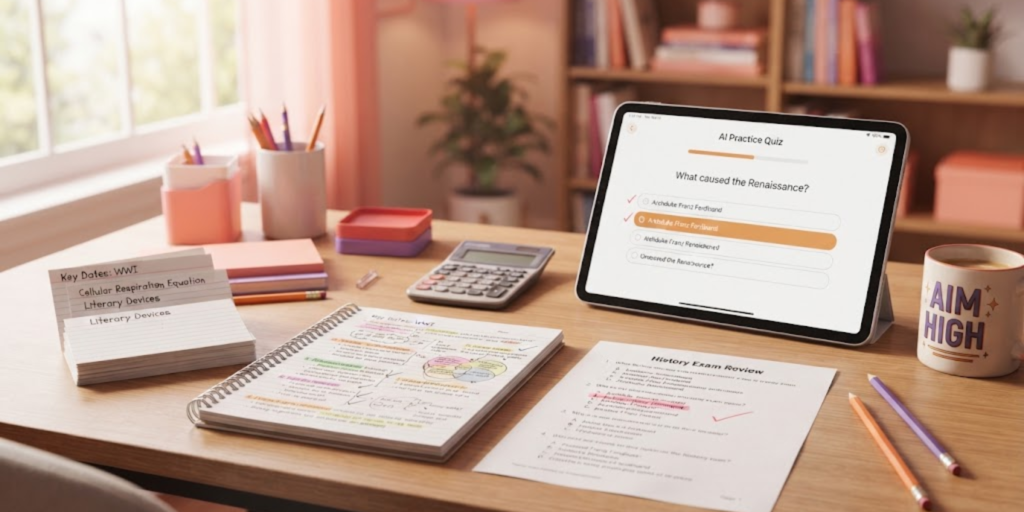
AI can help you prepare for tests without replacing your actual studying.
Ask it to create a mini quiz based on a topic you have already studied. After answering, you can review the questions you got wrong and focus your revision on those areas.
A useful prompt might be:
“Create 10 multiple-choice questions about basic computer hardware. Do not show the answers until I finish.”
Some AI learning tools are designed specifically to guide students through problems, ask questions, and check understanding instead of simply giving answers. OpenAI Study Mode information.
As a result, AI can become part of your revision routine while you remain actively involved in learning.
8. Create and Improve Creative Projects
AI can help teenagers explore creative interests such as storytelling, design, video planning, presentations, and digital art.
For example, if you want to create a short educational video, AI can help you brainstorm:
- Video topics
- Story ideas
- Scene concepts
- Short scripts
- Titles
- Questions for viewers
You should still make the creative decisions yourself. Think of AI as a brainstorming partner that gives you possibilities to choose from.
This can be especially useful when you have an idea but do not know how to turn it into a complete project.
9. Organize Your Time and Tasks
Students often have multiple assignments, tests, projects, and personal activities to manage.
AI can help turn a messy list into a simple plan. You could provide your tasks and deadlines and ask for a realistic study schedule.
For example:
“I have three chapters to revise, one assignment, and a quiz this week. Help me organize these tasks into a simple five-day study plan.”
You should then adjust the plan according to your actual school timetable and available time.
AI can also help break a large task into smaller steps. Instead of seeing “finish science project” as one huge job, you can divide it into research, outline, materials, writing, checking, and presentation practice.
10. Learn About AI Itself
Perhaps the smartest way to use AI is to learn how AI works.
You do not need to become an expert immediately. Start with basic concepts such as machine learning, large language models, prompts, training data, and AI limitations.
Try asking questions like:
“What is machine learning in simple words?”
Or:
“How does an AI chatbot generate an answer?”
Learning these basics can help you use AI more effectively and understand its limitations.
If AI interests you, you can gradually move from basic concepts toward coding, data, and machine learning.
Smart AI Habits Every Teen Should Follow

Using AI responsibly is just as important as knowing what AI can do.
Check Important Information
AI can make mistakes. Therefore, verify important facts using trustworthy sources, textbooks, teachers, or official websites.
Do not assume an answer is correct simply because it sounds confident.
Protect Personal Information
Avoid putting sensitive personal information into AI tools unless you understand how that service handles your data.
For example, do not casually share passwords, private messages, financial information, or unnecessary personal details.
Online safety matters even when you are using AI for school or creative projects. You can also learn more about safer internet habits in this guide to browsing the internet safely.
Follow Your School's AI Rules
Different schools and teachers may have different rules about AI.
Before using AI for an assignment, check what your teacher allows. Using AI to understand a difficult concept may be acceptable in one situation, while submitting AI-generated work as your own may break academic rules.
Do Not Become Too Dependent on AI
AI should help you build skills, not replace them.
If you always ask AI to write, solve, summarize, and decide everything for you, you may miss the opportunity to develop your own writing, research, problem-solving, and creative skills.
Common Mistakes Teens Should Avoid When Using AI
Even useful tools can become unhelpful when used incorrectly.
Avoid these common mistakes:
- Copying AI answers without understanding them
- Trusting every AI-generated fact
- Sharing private information
- Using AI without checking school rules
- Asking AI to complete every assignment
- Copying code without learning what it does
- Using AI-generated sources without verifying them
- Letting AI replace your own ideas
Instead, use AI to learn, practice, brainstorm, and improve.
For example, when ChatGPT gives you an explanation, ask a follow-up question. When it gives you code, test it and study each part. When it suggests an idea, add your own creativity.
Is AI Good for Teenagers?
AI can be very useful for teenagers when it is used thoughtfully.
It can make difficult topics easier to understand, provide practice opportunities, support creative projects, and help students explore new skills. However, its usefulness depends on how you use it.
The best approach is simple: use AI to become better at something, not to avoid learning it.
Frequently Asked Questions (FAQ)
1. What is the best use of AI for teens?
One of the best uses is learning support. Teens can use AI to explain difficult topics, create practice questions, brainstorm ideas, and improve their understanding.
2. Can teens use AI for homework?
AI can help explain concepts and guide learning, but students should follow their school’s AI rules. They should also avoid submitting AI-generated work as their own when it is not allowed.
3. Can AI help teenagers learn coding?
Yes. AI can explain programming concepts, help identify errors, provide simple examples, and create practice exercises. Students should understand and test the code rather than blindly copying it.
4. Is AI always accurate?
No. AI can produce incorrect or misleading information. Important facts should be checked against reliable sources, especially for school research.
5. How can teens use AI safely?
Avoid sharing unnecessary personal or sensitive information, check privacy settings, verify important information, and use trusted services responsibly.
6. Can AI help with exam preparation?
Yes. Teens can use AI to create quizzes, flashcards, revision questions, and explanations. It can also help identify topics that need more practice.
7. Will using AI stop me from learning?
Not necessarily. It depends on how you use it. If you use AI to understand, practice, and ask better questions, it can support learning. If you use it to do everything for you, you may miss important opportunities to develop your own skills.
Conclusion

AI can be a powerful learning tool for teenagers when it is used with curiosity and good judgment. The smartest approach to AI for teens is not to let AI do everything, but to use it as a helper for studying, brainstorming, coding, creativity, organization, and skill-building.
Most importantly, keep thinking for yourself. Check important information, protect your privacy, follow your school’s rules, and treat AI answers as something to review rather than automatically trust. With these habits, AI can become a useful part of your learning journey without replacing the skills that make you a strong student and problem-solver.